
G-Labs Video Downloader
Download videos, audio, thumbnails and subtitles from YouTube, TikTok, Facebook, Instagram and 1,800+ other sites - in one app, nothing else to install.
Free · no account · self-updating download engine · All releases
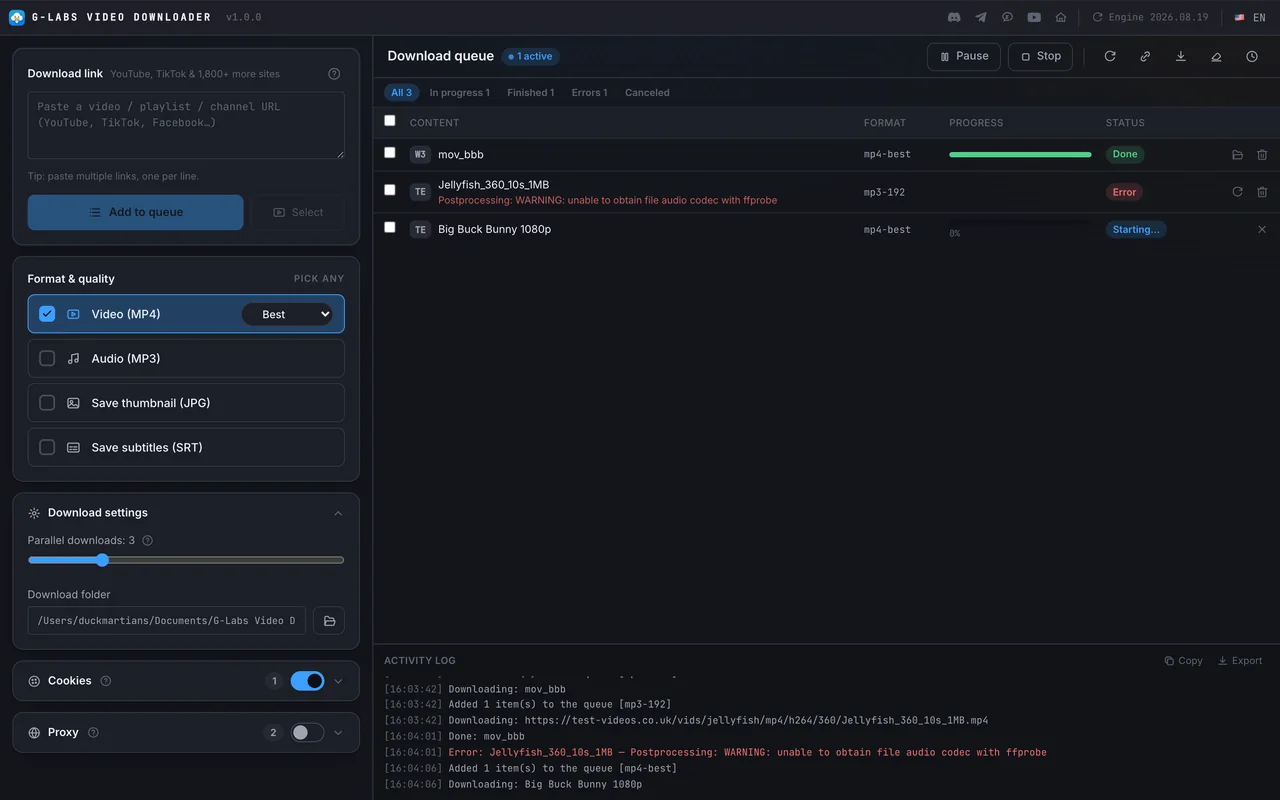
Three steps from link to file
-
01
Paste links
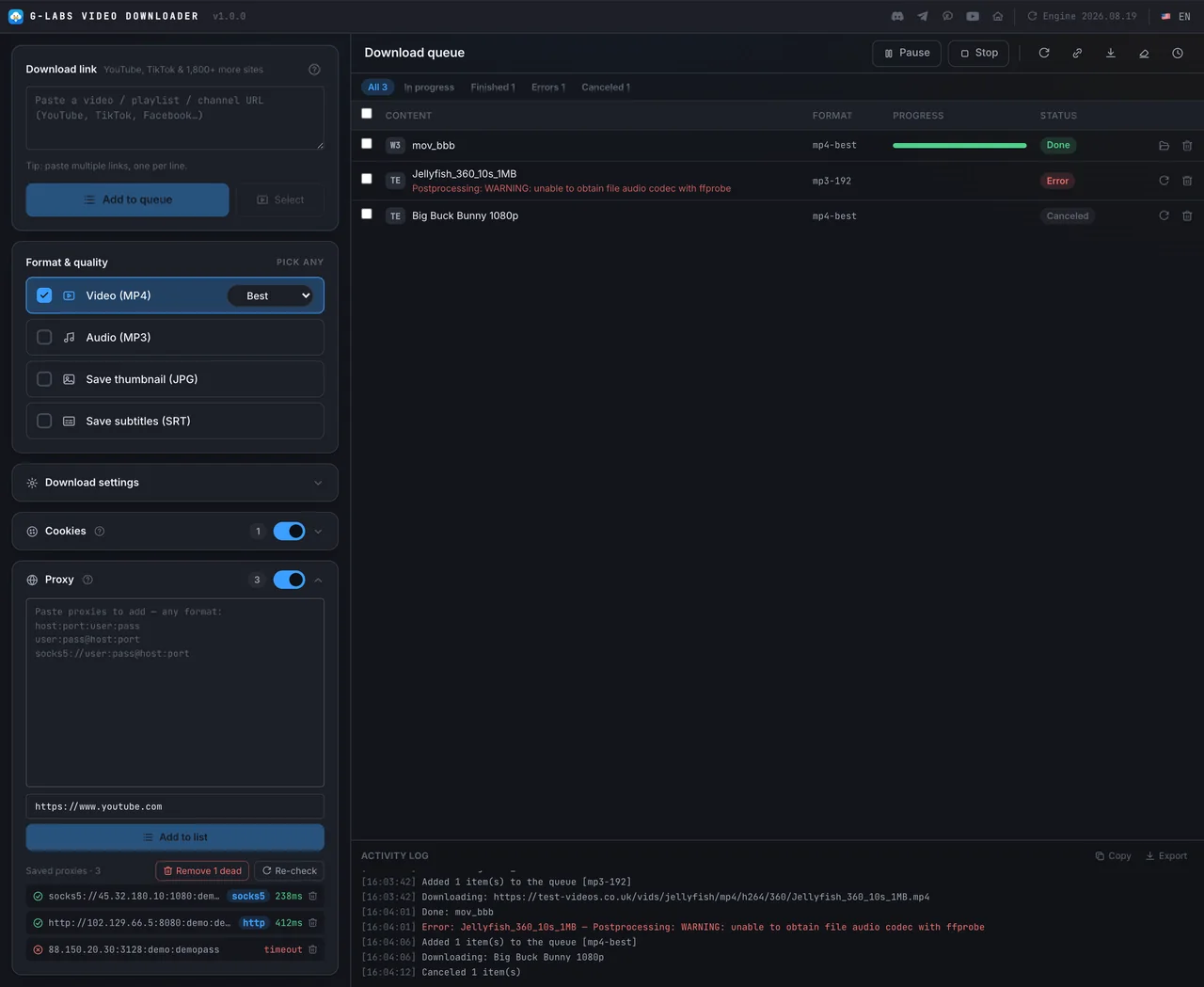
Single videos, playlists, whole channels or YouTube Shorts - paste many links, one per line.
-
02
Pick formats & add to the queue
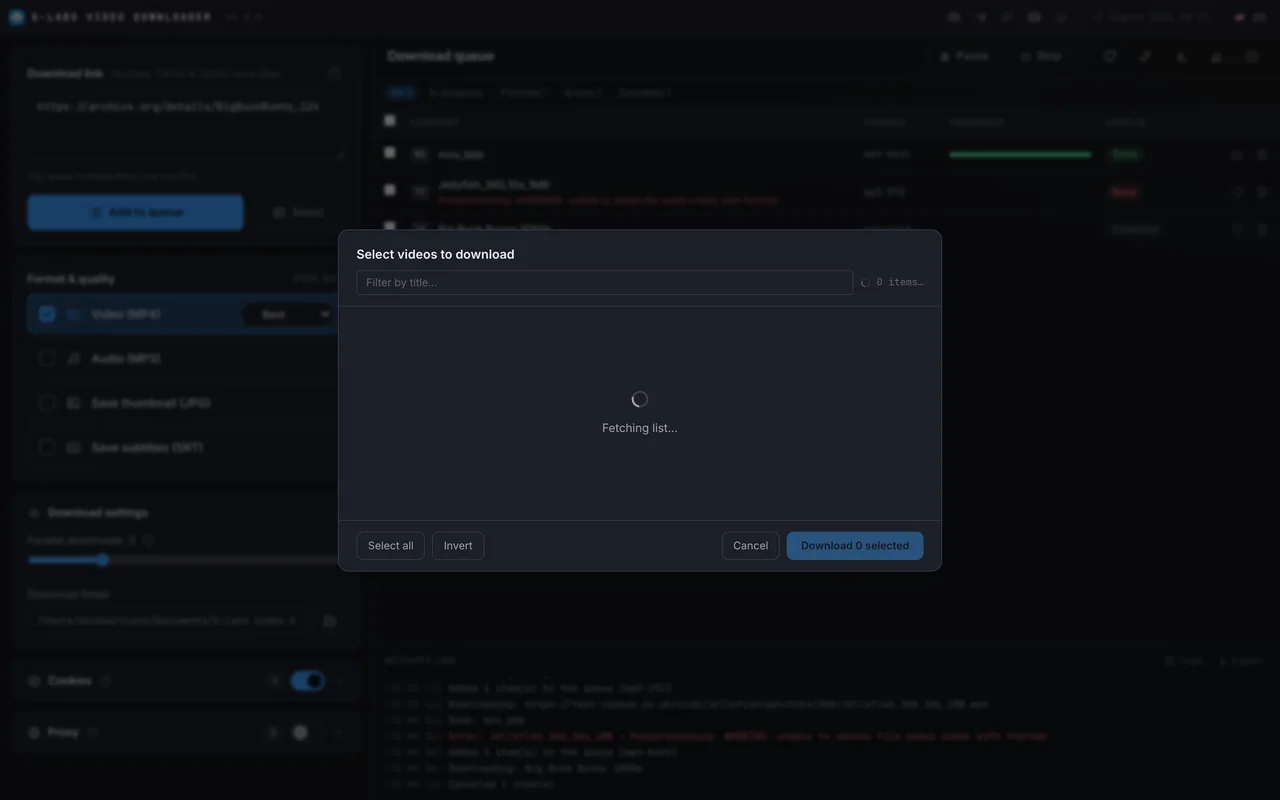
Tick MP4, MP3, thumbnail, subtitles (any combination); playlists and channels open a preview so you pick exactly which videos.
-
03
Press Start
Download with 1-10 parallel threads and watch progress, speed and time left; files land in
Documents/G-Labs Video Downloader.
- Sources
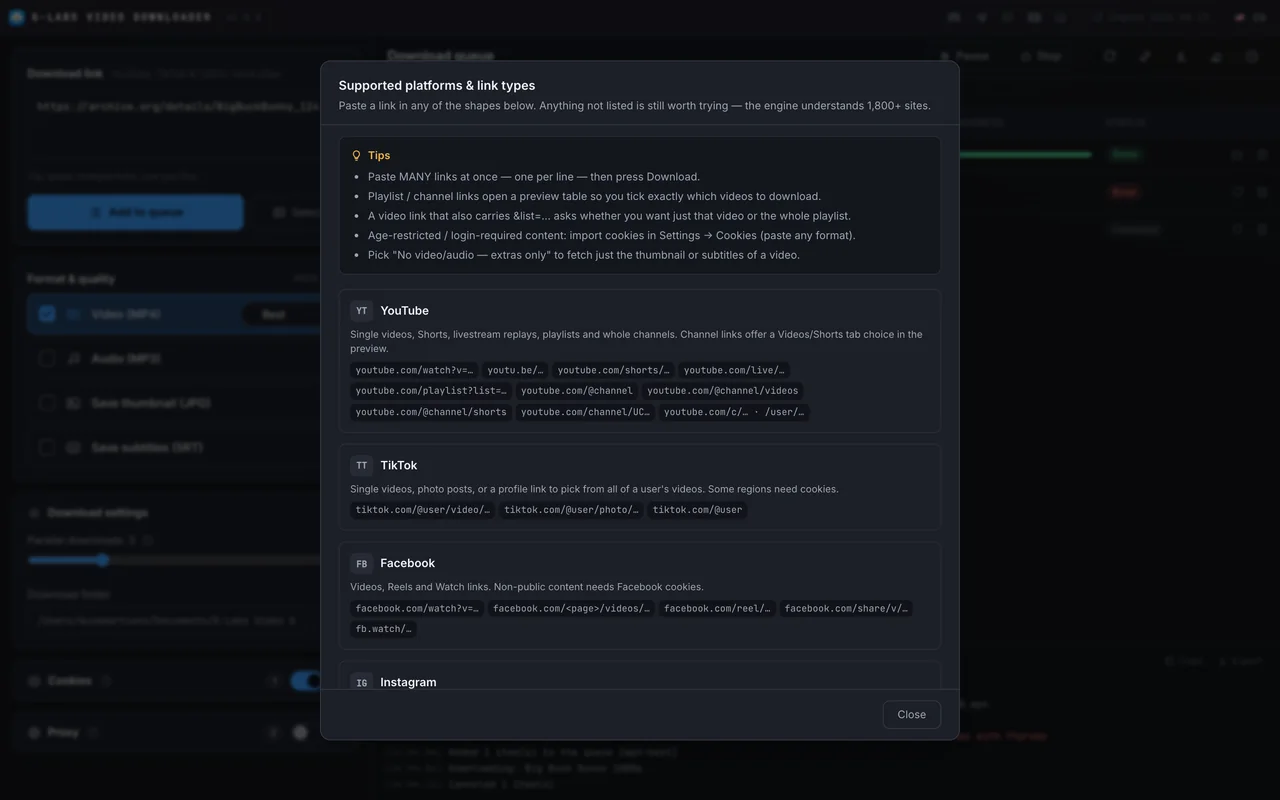
- YouTube, TikTok, Facebook, Instagram, X, Twitch, Vimeo, Reddit, SoundCloud, Bilibili… 1,800+ sites
- Formats
- MP4 · MP3 · JPG thumbnail · SRT subtitles
- Operating system
- Windows x64 · macOS (Apple Silicon & Intel)
- Your data
- Settings, history, cookies and proxies stay on your computer
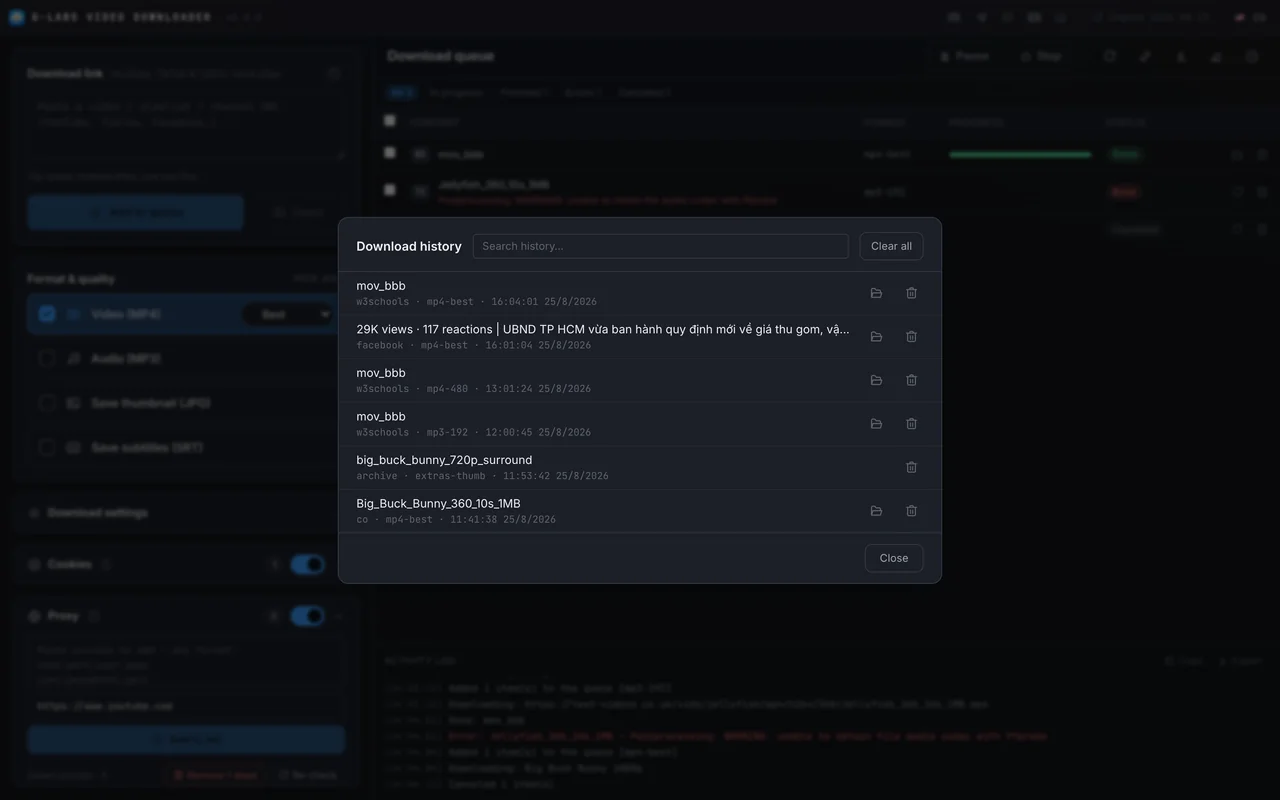
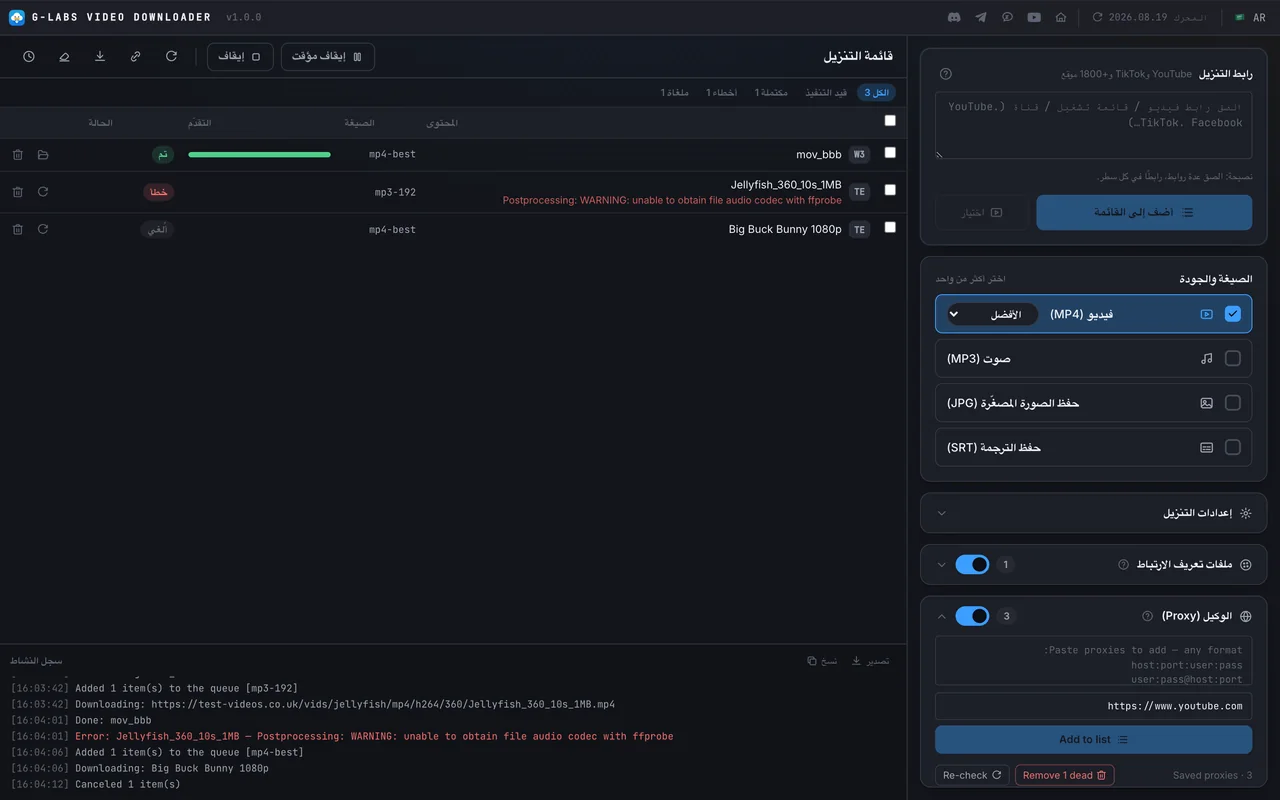
Screenshots from the running app
The real interface, no mockups - swipe through each part.
Free - download and go
No account, no license key, no locked features. The download engine (yt-dlp) and FFmpeg are bundled; the engine checks for a new version every 24 hours to keep up with site changes.
- Playlists, whole channels, Shorts
- Cookies & proxies
- No Python, yt-dlp or FFmpeg to install
- The app checks for and installs new versions from GitHub
Requirements & details
What to know before you install.
- Operating system
- Windows 64-bit (x64) · macOS Apple Silicon · macOS Intel
- Bundled
- yt-dlp, FFmpeg, ffprobe - nothing else to install
- Network
- Internet connection required to download
- Folders
- Videos go to
Documents/G-Labs Video Downloaderby default; settings and history live in%APPDATA%\G-Labs Video Downloader(Windows) or~/Library/Application Support/G-Labs Video Downloader(macOS) - Languages
- English, Tiếng Việt, 简体中文, Español, Русский, العربية
- Version
- See the latest release on GitHub · the app updates itself
- Install note
- The macOS build is unsigned: the first time, right-click the app → Open, or run
xattr -dr com.apple.quarantine "/Applications/G-Labs Video Downloader.app".
Frequently asked questions
Is it really free?
Yes. The app is free, with no paid plan and no account.
Do I need to install yt-dlp or FFmpeg?
No. Both ship inside the app; the download engine updates itself every 24 hours, and there is a manual update button too.
Can it download whole playlists or channels?
Yes. Paste a playlist or channel link and a preview opens so you tick exactly the videos you want; YouTube channels let you choose the Videos or Shorts tab.
What about age-restricted or login-only videos?
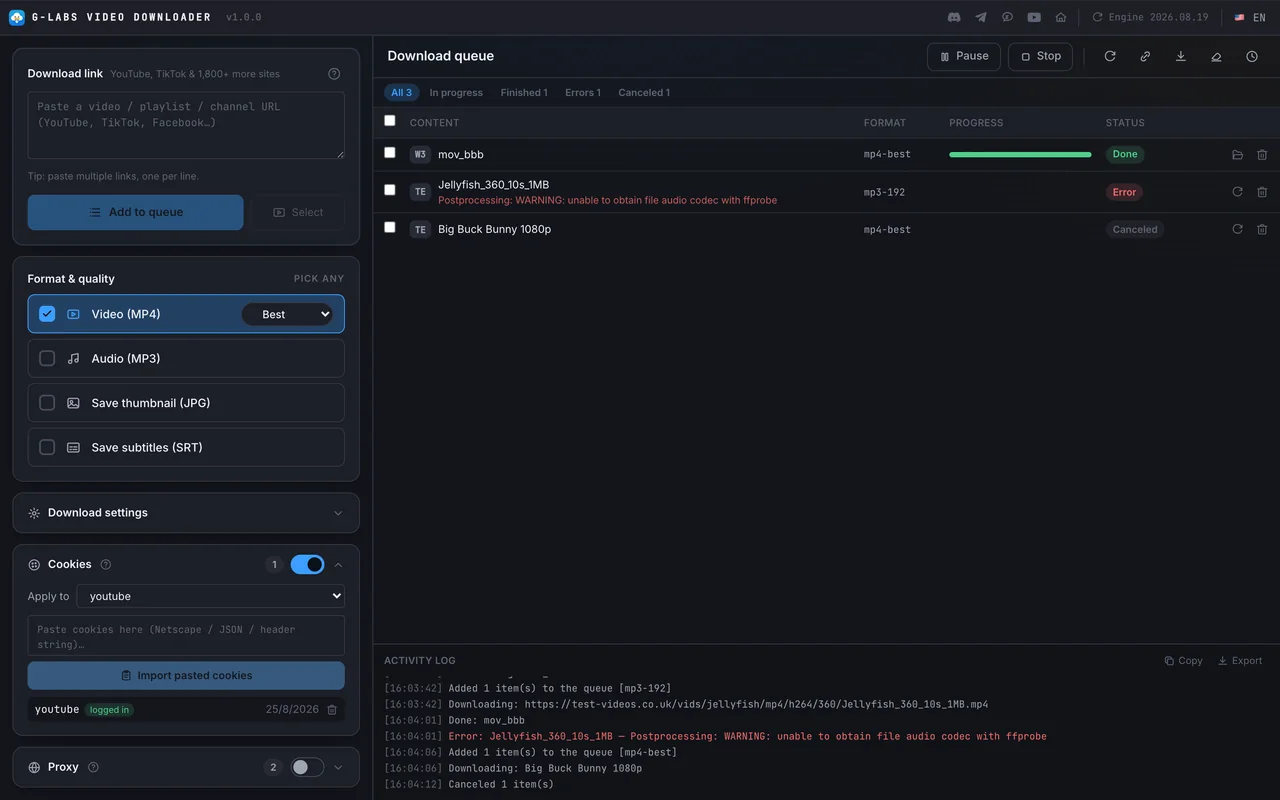
Add cookies for that platform in the Cookies section. For YouTube: open an incognito window, sign in, export the cookies right away (for example with Cookie Exporter) and close the window, so the cookies are not rotated and keep working longer. A hand-copied document.cookie string will not work, because the login cookies are HttpOnly.
Will it download duplicates?
No - the app remembers its history and skips videos already downloaded in each format; one click downloads them again if you want.
Where is my data stored?
Settings, history, cookies and proxies live in your user data folder on your computer. The app only connects to the sites you download from, GitHub (update checks) and YouTube when you test proxies. See our Privacy Policy.
Does it run on Intel Macs?
Yes, from version 1.0.2. Download the …-intel.dmg file; Apple-chip Macs (M1 or later) take …-arm64.dmg.
Which videos am I allowed to download?
Only content you own, have rights to, or are permitted to download, in line with each platform's terms. You are responsible for what you download and how you use it. See our Terms of Use.
Still have a question? Contact support