 Auto VibesChrome extension
Batch AI images and videos on Vibes AI
Turn Vibes AI into a batch image and video studio - paste prompts, press Start, and every result lands on your computer.
Lite plan or higher required to run · generates with your own Vibes AI account
Three steps, right inside your browser
-
01
Sign in to Vibes AI
Sign in to your own Vibes AI account (Facebook / Instagram) on vibes.ai in Chrome. The status box in the top bar shows your account name once connected.
-
02
Open the control panel
Click the Auto Vibes toolbar icon (or the floating button on vibes.ai) and sign in with Google to load your plan.
-
03
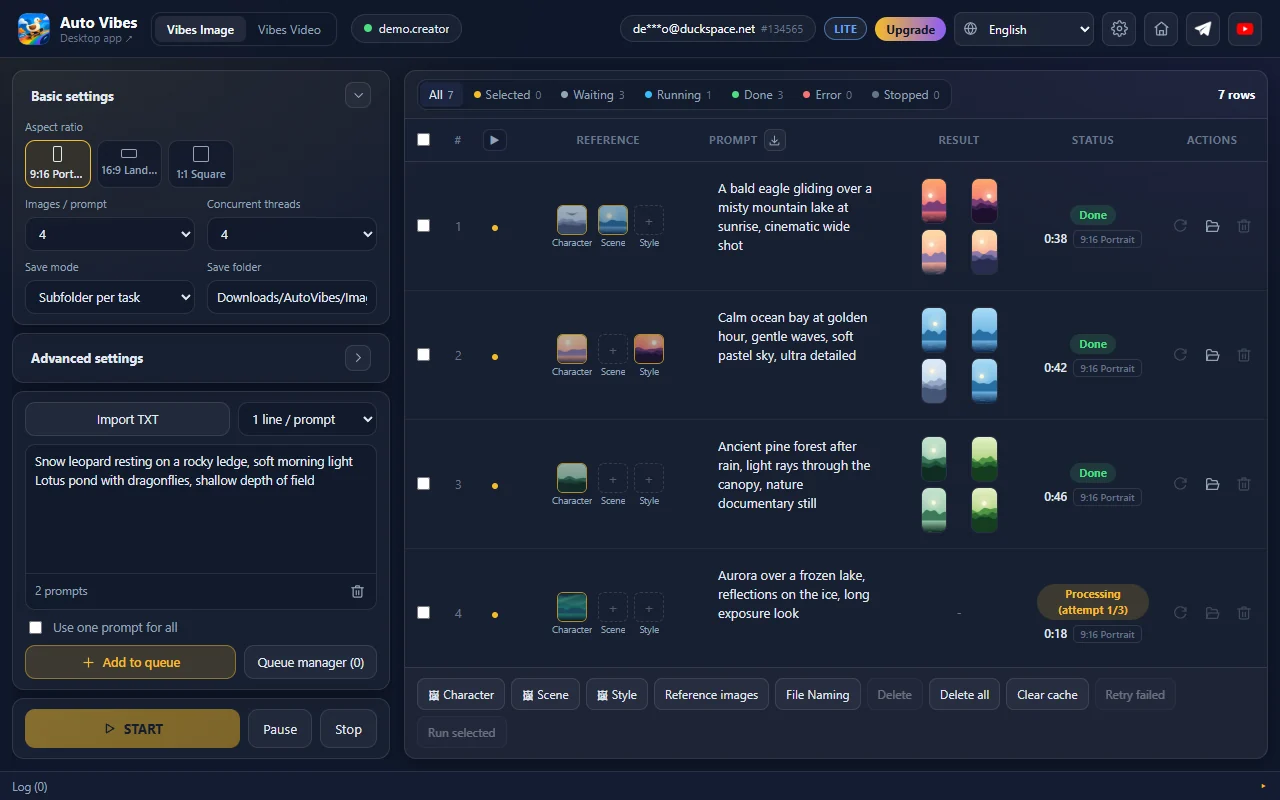
Paste prompts & press Start
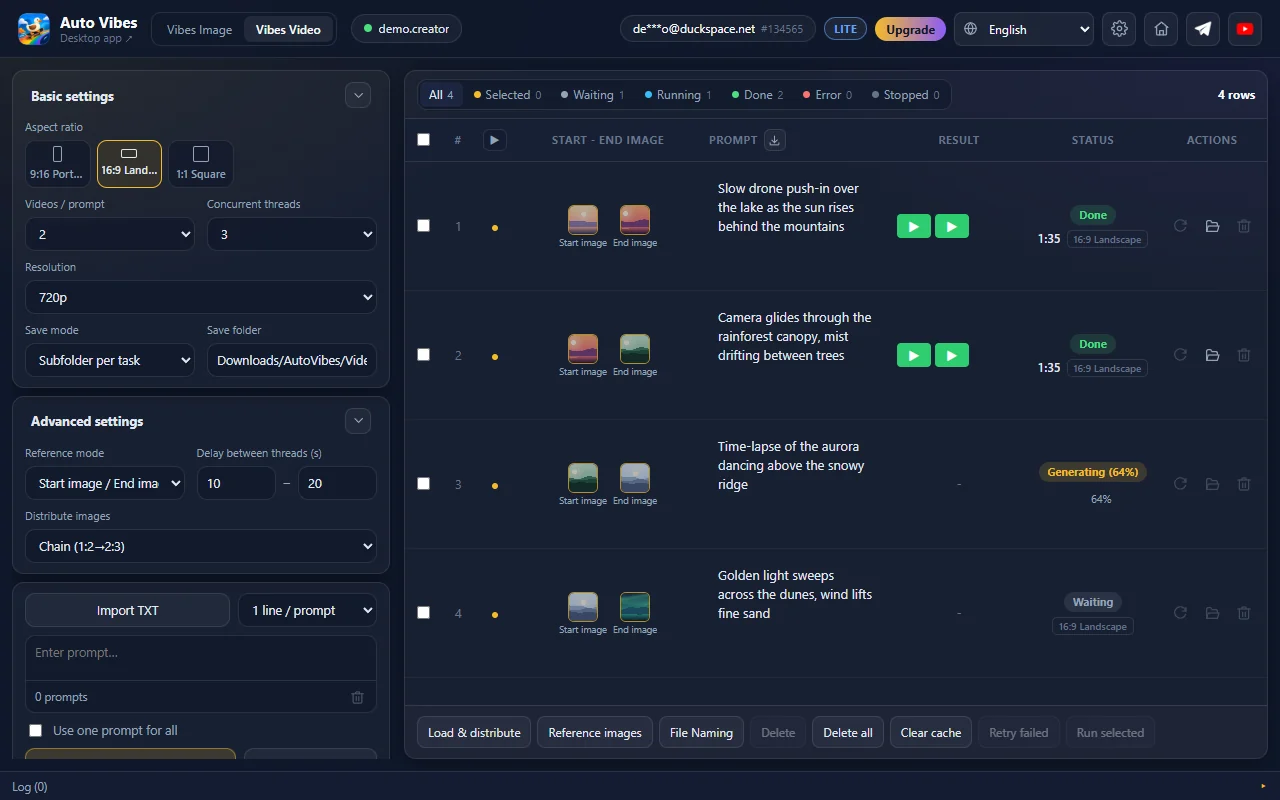
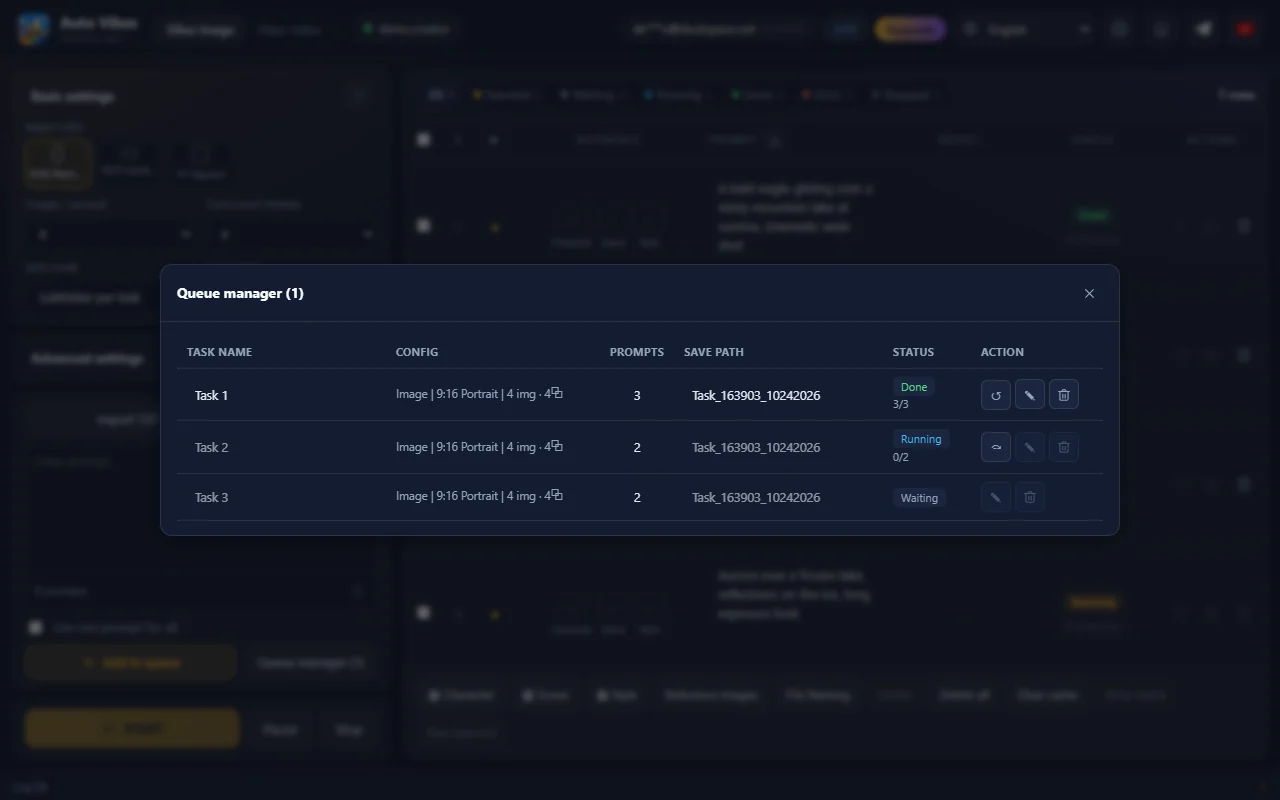
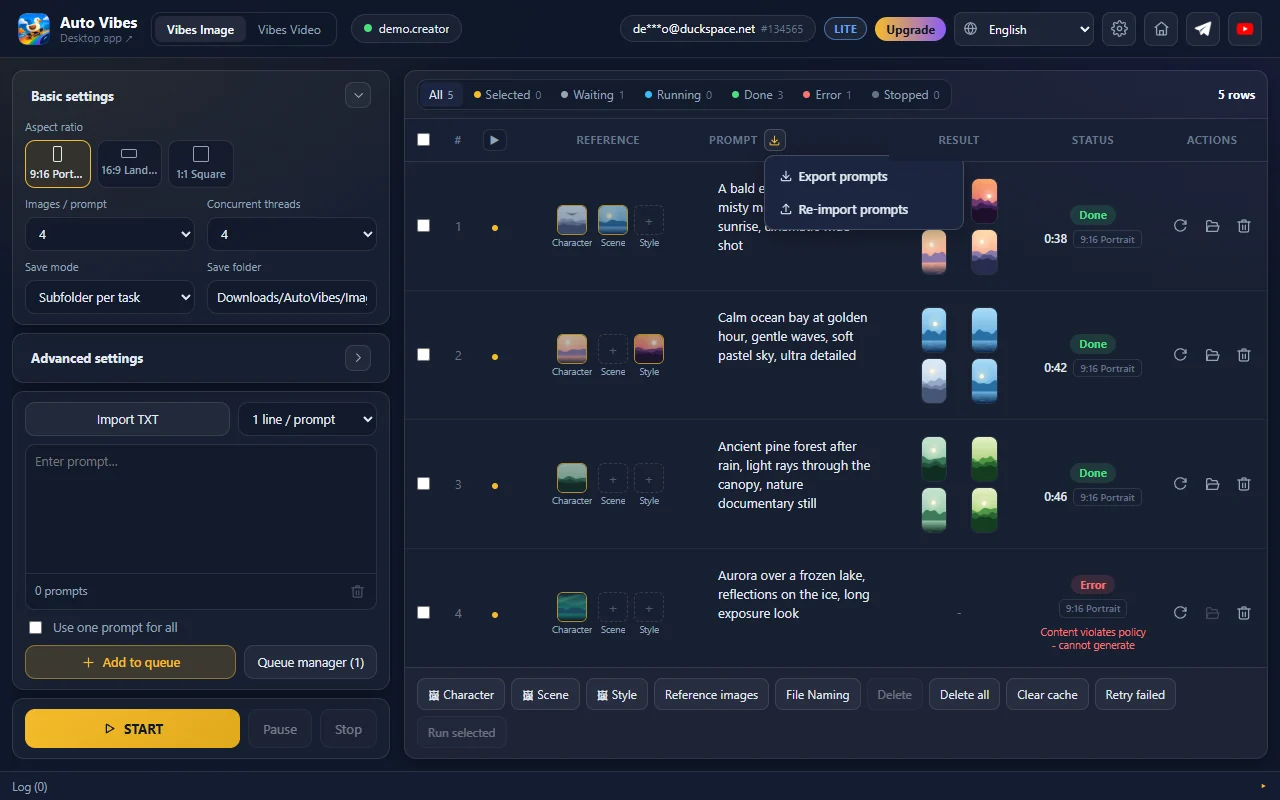
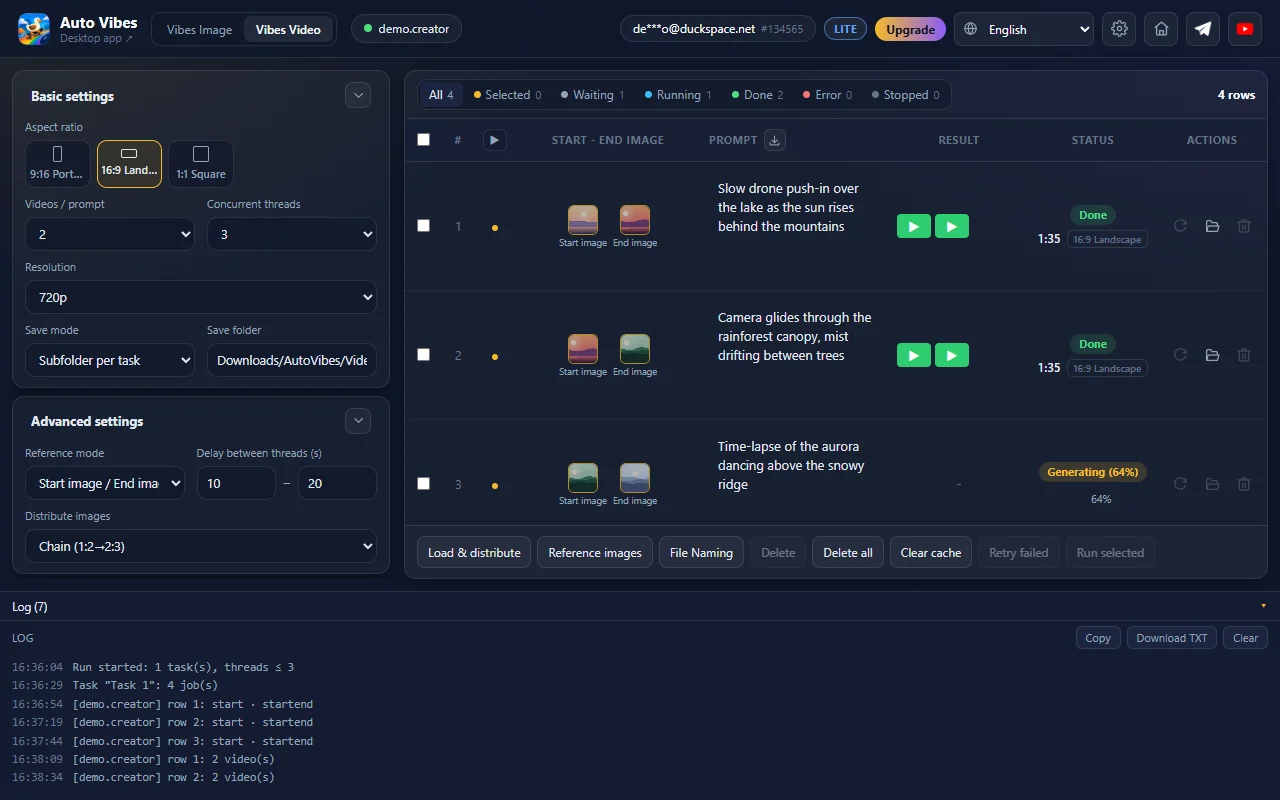
Pick Vibes Image or Vibes Video, paste prompts, set aspect ratio, count and resolution, then Add to queue and press Start. Results go to Downloads, task by task.
- Works with
- Vibes AI (vibes.ai) - images & video
- Platform
- Google Chrome extension
- Results
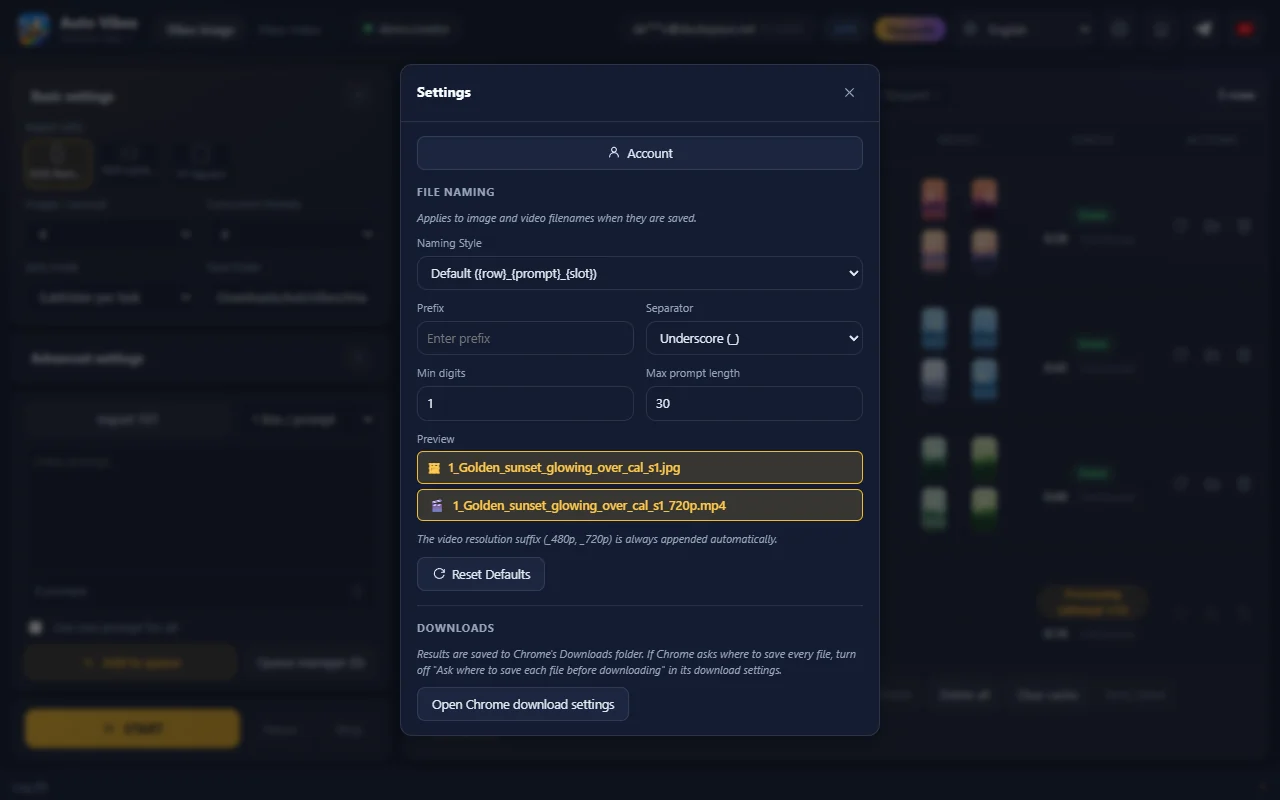
- Your Downloads folder, one folder per task
- License
- 1 / 6 / 12 months, one account for every app
Screenshots from the running extension
Real interface, sample data. Swipe through each screen.
Pricing
The free Basic plan cannot run generation on Vibes AI - you need Lite or higher. Plans pay for the automation tool only; how much you can generate depends on your Vibes AI account. No auto-renewal.
Lite
Enough for batch runs on Vibes.
- Image & video generation on Vibes AI
- 10 threads, unlimited prompts, 10 tasks
- 4 images / 4 videos per prompt
- Every reference mode, auto retry
- Extension only (no desktop app)
Plus
Adds the G-Labs Studio desktop app.
- Everything in Lite
- Also G-Labs Studio Plus: Google Flow, Grok, GPT Image 2, proxy, workflow, video editing
Max
No queue limit.
- Everything in Plus
- Unlimited queue, up to 1000 threads
- G-Labs Studio Max, including the Webhook API server
Pay by PayPal, USDT/Binance, or VietQR bank transfer (Vietnamese banks only). 6 months cost the same as 5, a year the same as 10. Upgrading Plus → Max mid-term only charges the difference for the days left. Refund policy.
Requirements & details
What to know before you install.
- Requires
- Google Chrome
- Accounts
- A Vibes AI account (Facebook / Instagram) signed in on vibes.ai + Google sign-in to load your plan
- Permissions
- Storage, downloads, Google sign-in; only accesses vibes.ai, the license server and googleapis.com (to read your email)
- Reference images
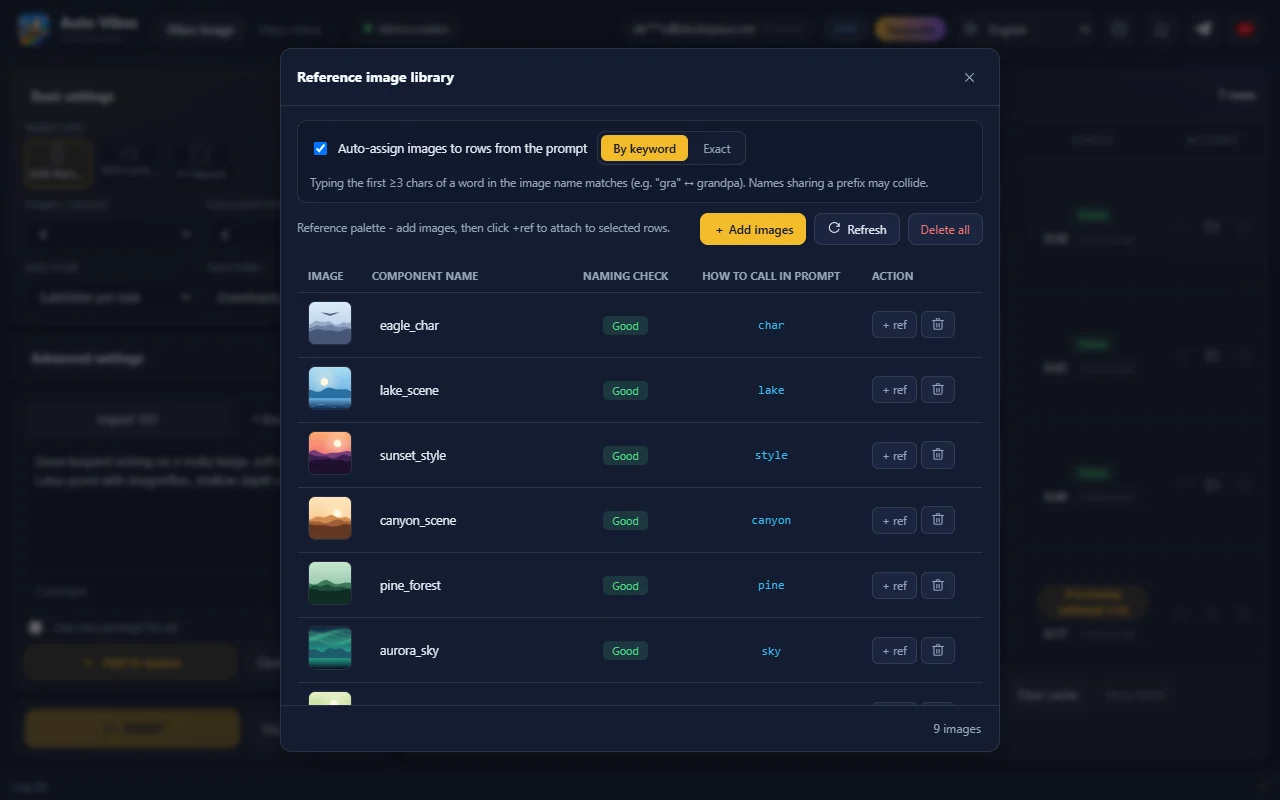
- Images over 3.8 MB are shrunk automatically before upload
- Languages
- 11 languages, including English and Vietnamese
- Version
- See the latest version on the Chrome Web Store · Chrome updates it automatically
Frequently asked questions
Can I use it for free?
No. The Basic plan cannot run generation on Vibes AI; you need Lite or higher.
Which accounts do I need?
A Vibes AI account (Facebook / Instagram) signed in on vibes.ai in the same browser, and a Google account to identify your license plan.
Does a plan mean unlimited generation?
No. Images and videos are made by your own Vibes AI account, within its limits. Your plan only sets threads, prompts, tasks and which modes are unlocked.
What video resolution?
480p or 720p, up to 4 videos per prompt.
Does closing the control panel stop the batch?
No. The batch runs inside the vibes.ai tab, so it keeps going. Prompts, queue and reference images are saved and restored when you reopen the panel. Don’t close the vibes.ai tab while it runs.
Where are results saved?
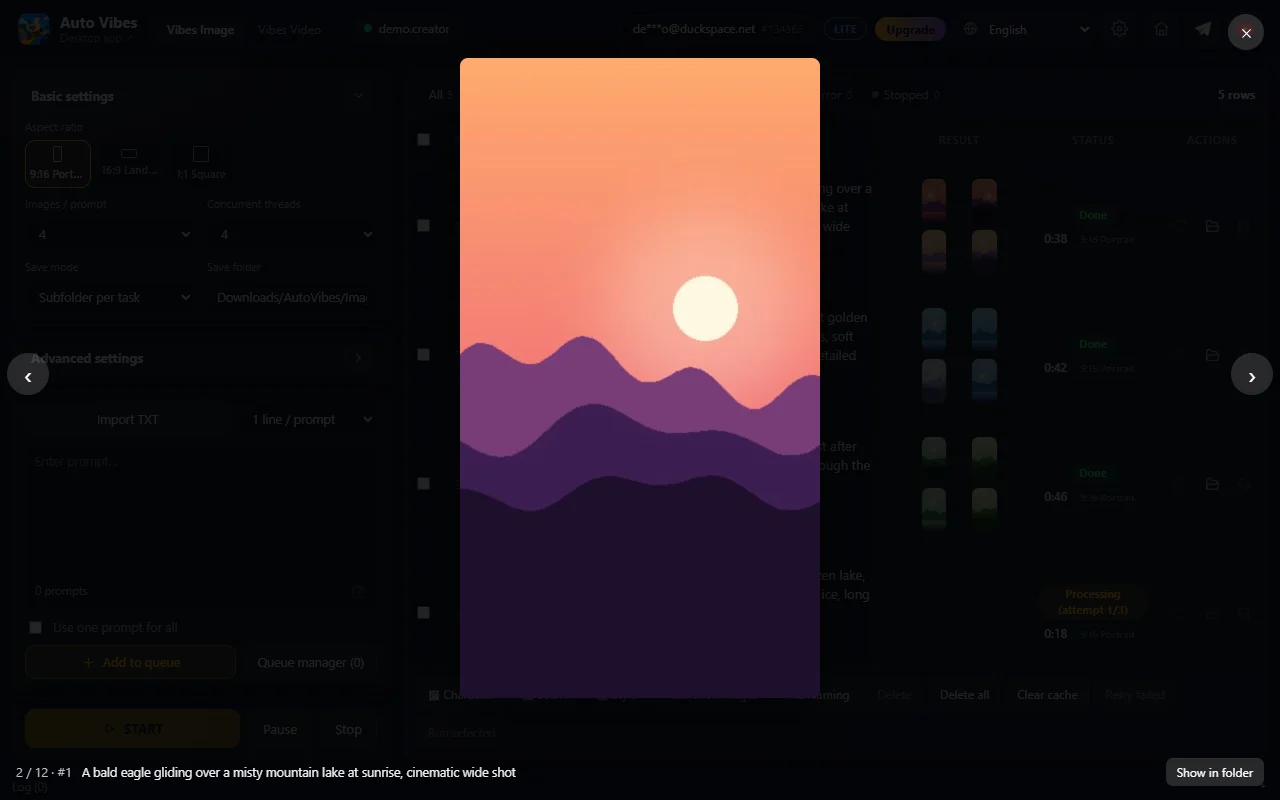
In Chrome’s Downloads folder - directly or one subfolder per task. Click an image to view it large, press ▶ to open a video, or use the folder button to open where it was saved.
Do I have to start over to fix a prompt?
No. Click Export prompts, edit the file, then Re-import prompts: only rows whose prompt changed go back to waiting to be regenerated; unchanged rows are left alone.
Where does my data go?
Prompts, images, videos, queue, library and settings stay in your browser; generation goes straight from your own vibes.ai session. The license server only receives your Google email, a sign-in token (used transiently) and a random install ID. See the Privacy Policy.
What is Auto Meta?
The old name and version of this same extension (images only, on meta.ai). The current version is Auto Vibes, under the same Chrome Web Store listing.
How do I pay?
Inside the extension (Upgrade in the top bar): PayPal for international payments, USDT/Binance, or VietQR for Vietnamese banks. The plan activates on the account you signed in with; press Refresh status after 1-3 minutes.
Already on G-Labs Studio Plus/Max?
Sign in with the same Google account and Auto Vibes works - Plus and Max cover both the desktop app and the extension.
What happens when my plan ends?
Plans never auto-renew. When one ends the extension returns to Basic (no generation); your data in the browser stays as it is.
Can I get a refund?
Yes, within the first 24 hours after payment. Details in the Refund Policy.
Still have a question? Contact support