 G-Labs StudioDesktop app · Windows & macOS
One app, every AI tool you need
Google Flow, Vids, Pics, GPT Image, Meta Vibes, Meta Muse, Grok and a full toolkit: characters, workflows, video editing, logo removal, upscaling. One app, one plan, running in bulk on your own accounts.
Free Basic plan · same installer as the paid plans · All releases
Three steps, everything runs on your computer
-
01
Sign in & connect accounts
Sign in with Google to activate your plan, then add your Google (Flow, Vids, Pics), ChatGPT, Meta Vibes, Meta Muse and Grok accounts in Settings.
-
02
Paste your prompt list
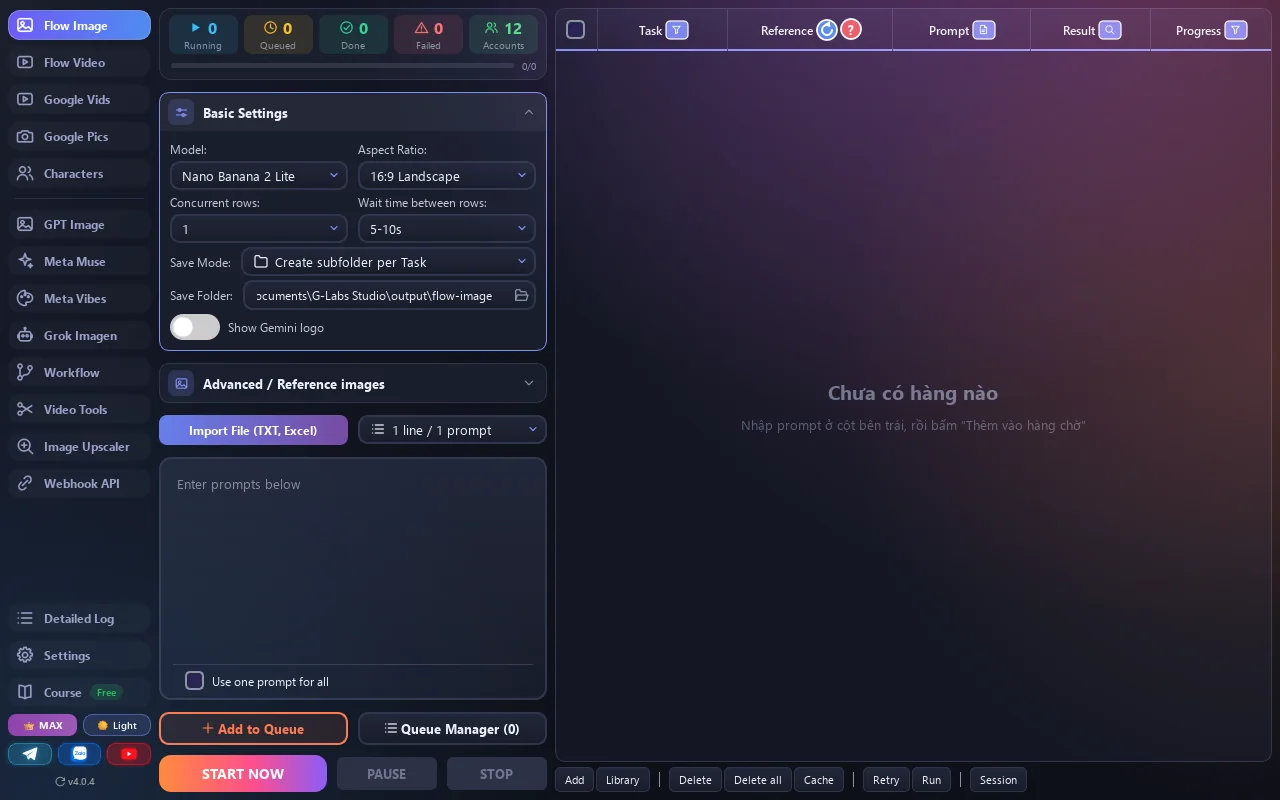
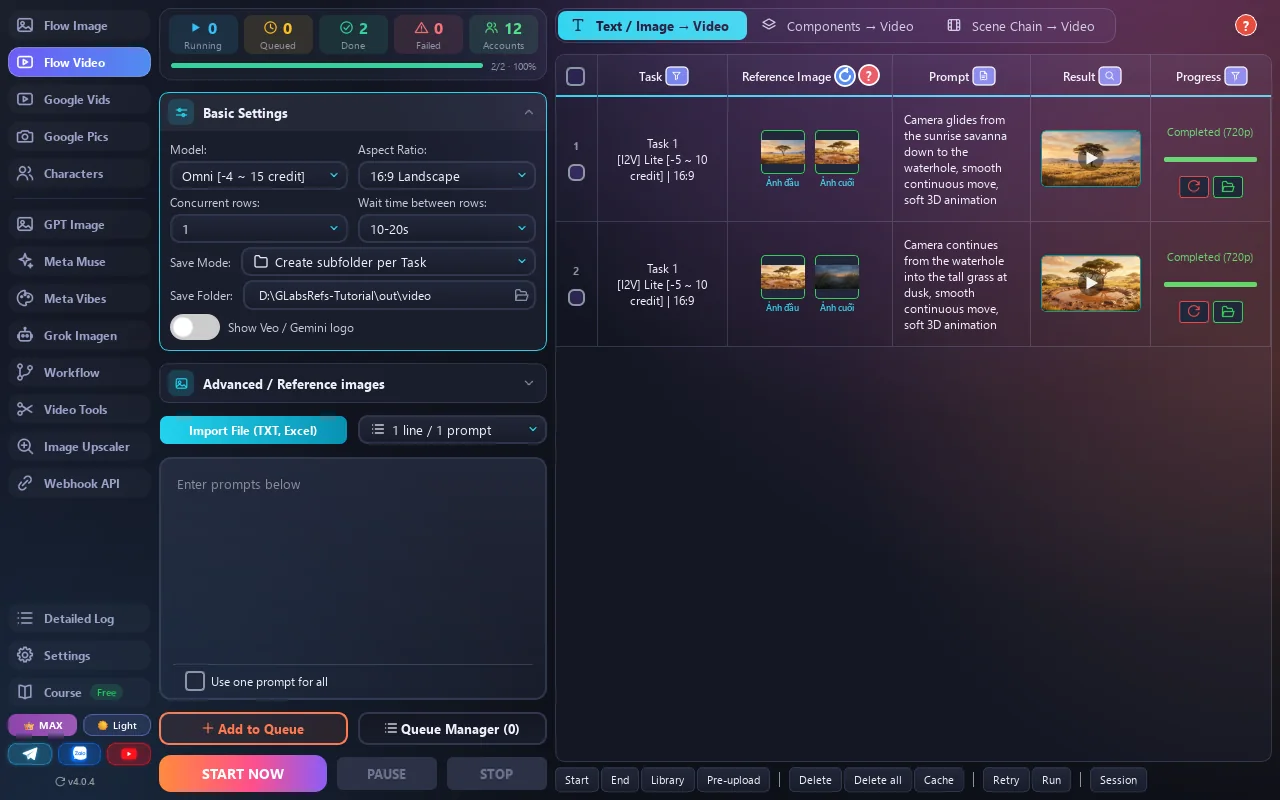
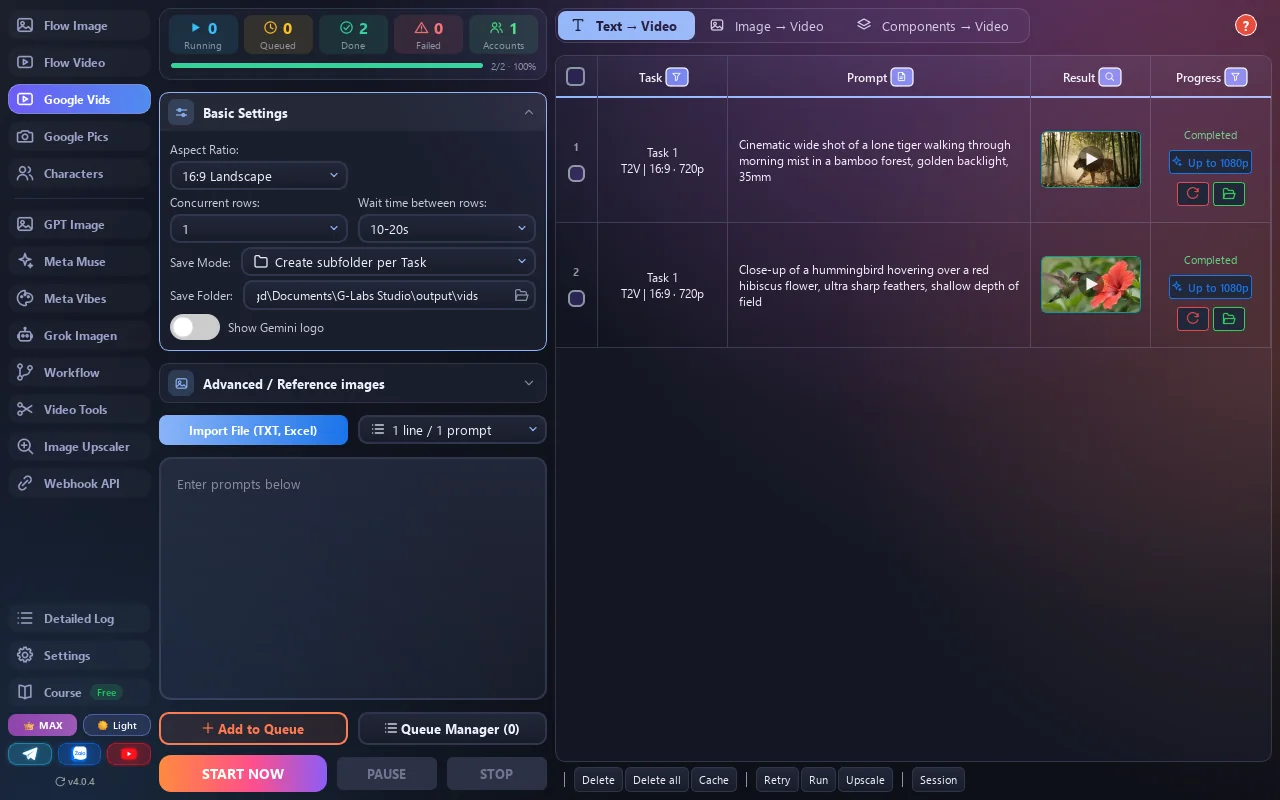
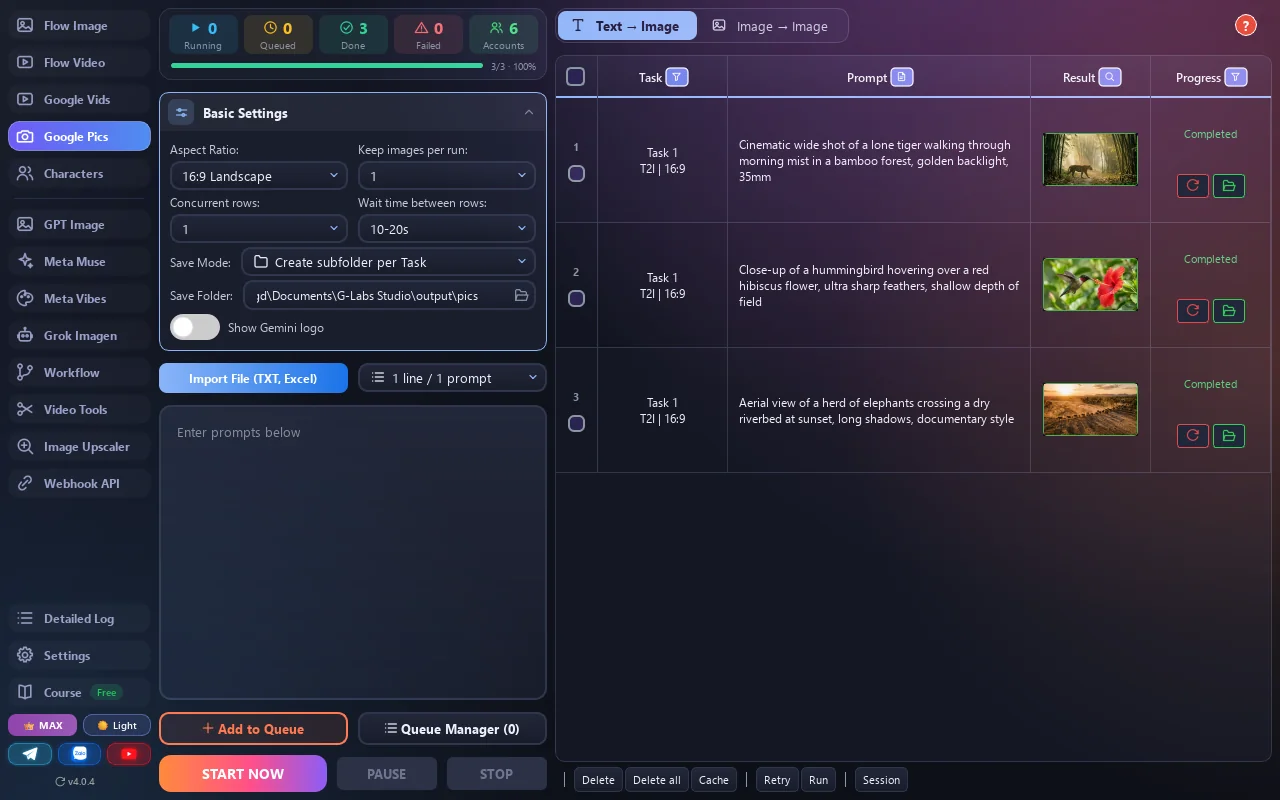
Pick a page (Flow Image, Flow Video, Google Vids, Google Pics…), paste prompts or import .txt / Excel, choose the model and aspect ratio.
-
03
Hit run and walk away
The app runs many threads in parallel, retries failed rows automatically and saves every result to Documents/G-Labs Studio.
- Works with
- Google Flow · Vids · Pics · GPT Image · Meta Vibes · Meta Muse · Grok
- Operating system
- Windows 10/11 · macOS (M-series & Intel)
- Your data
- Prompts, images and videos stay on your computer
- License
- 1 / 6 / 12 months, no auto-renewal
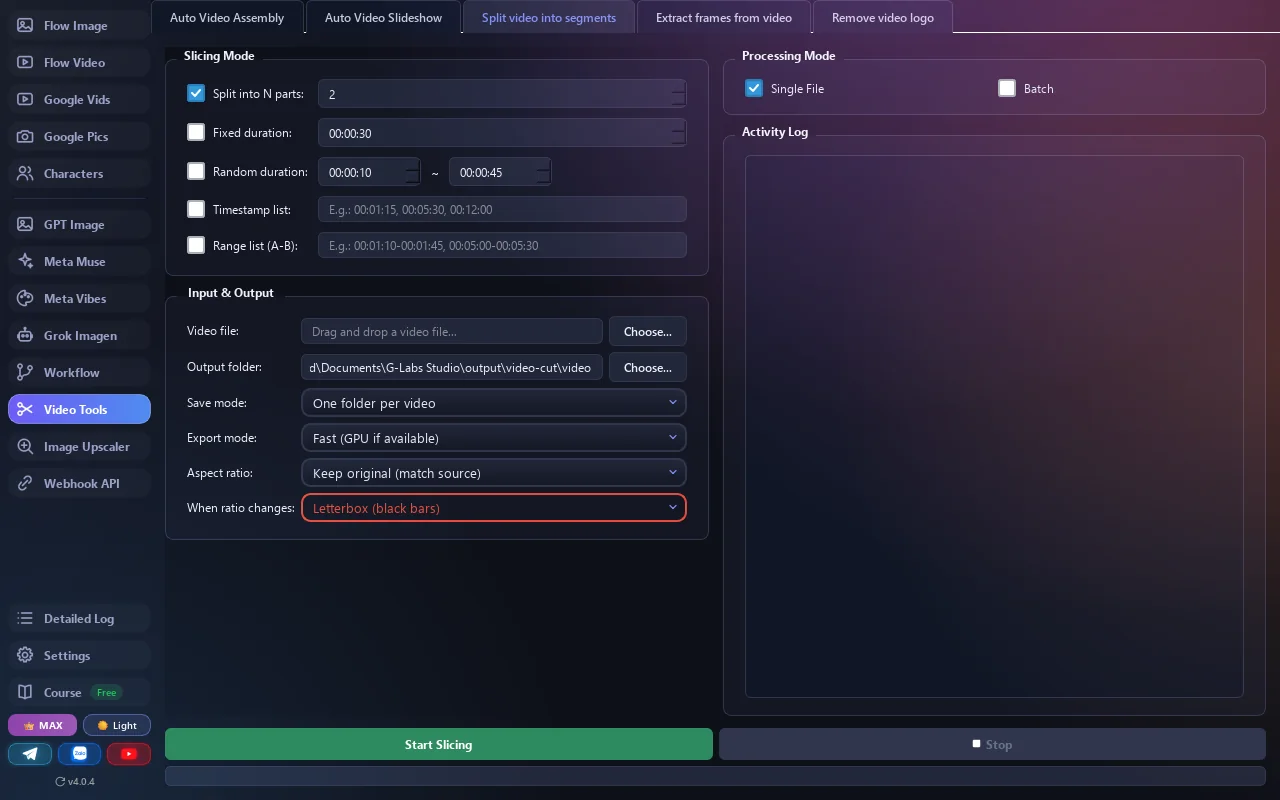
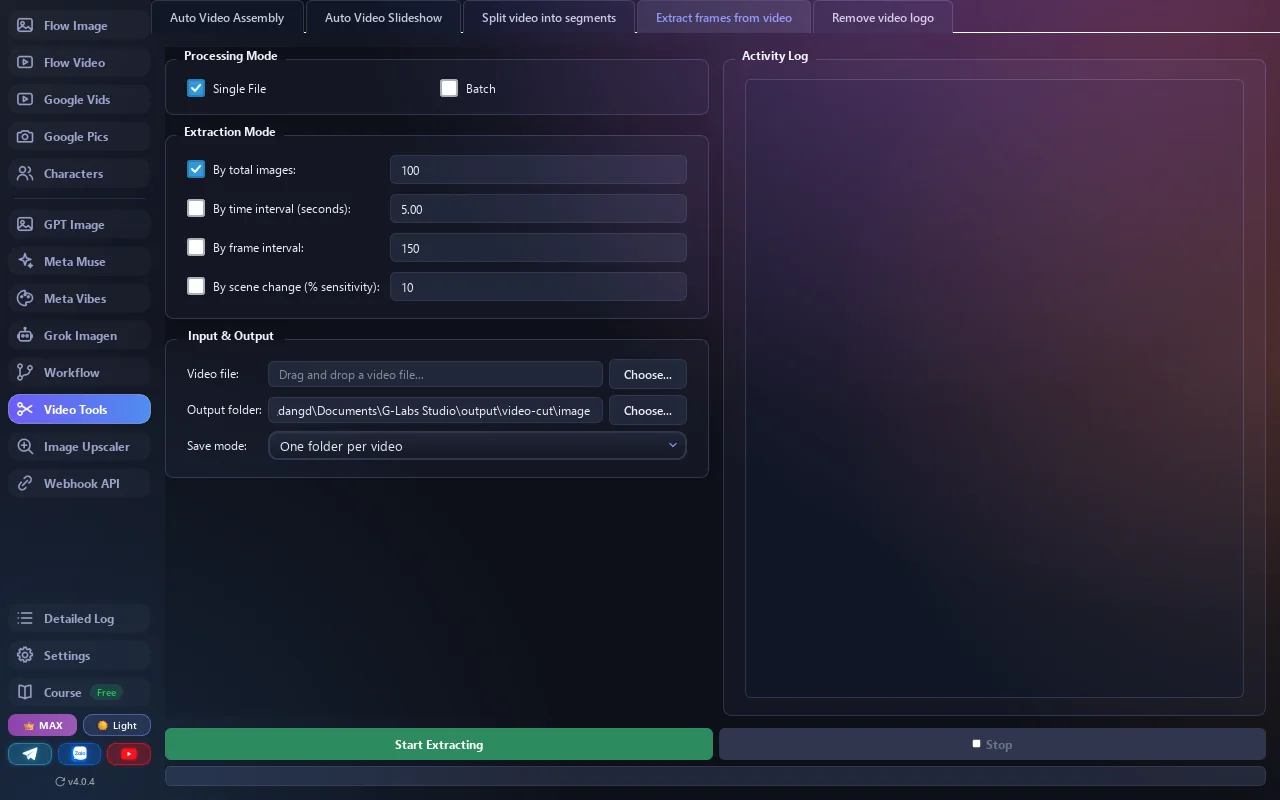
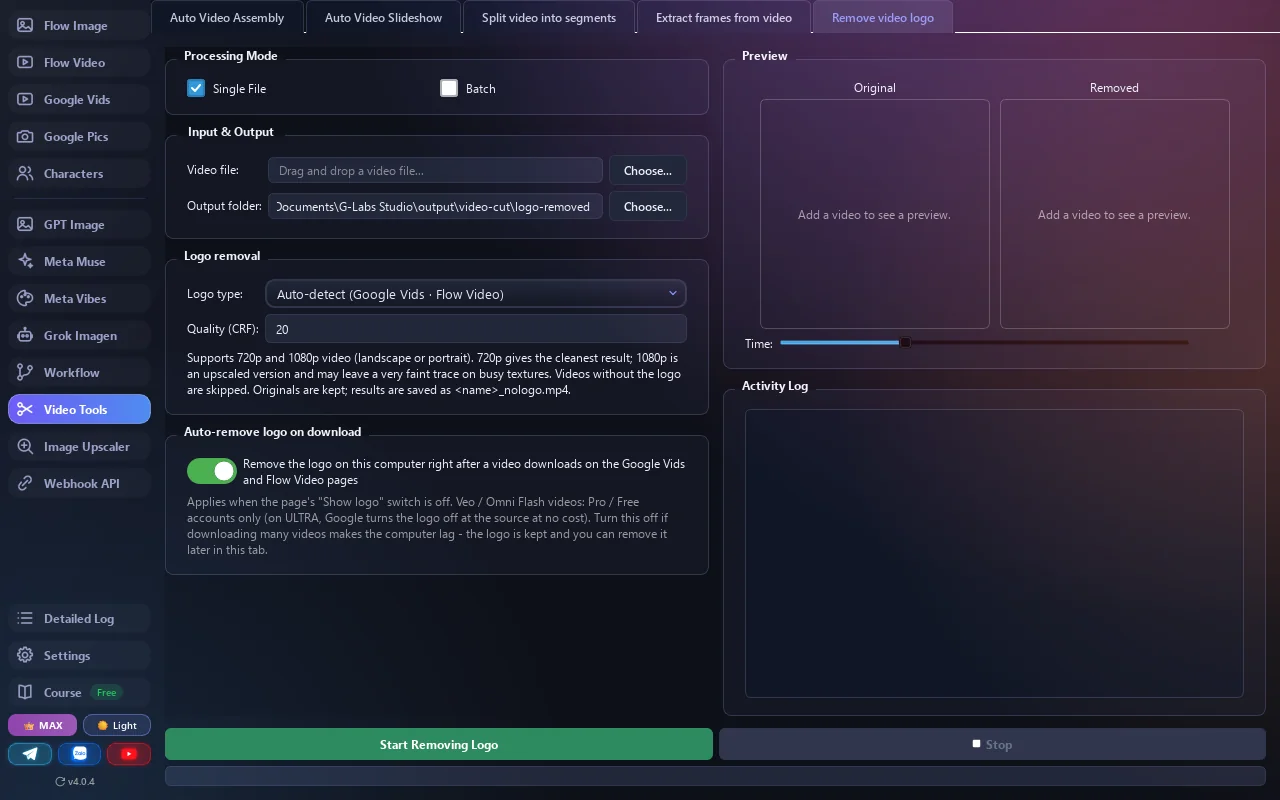
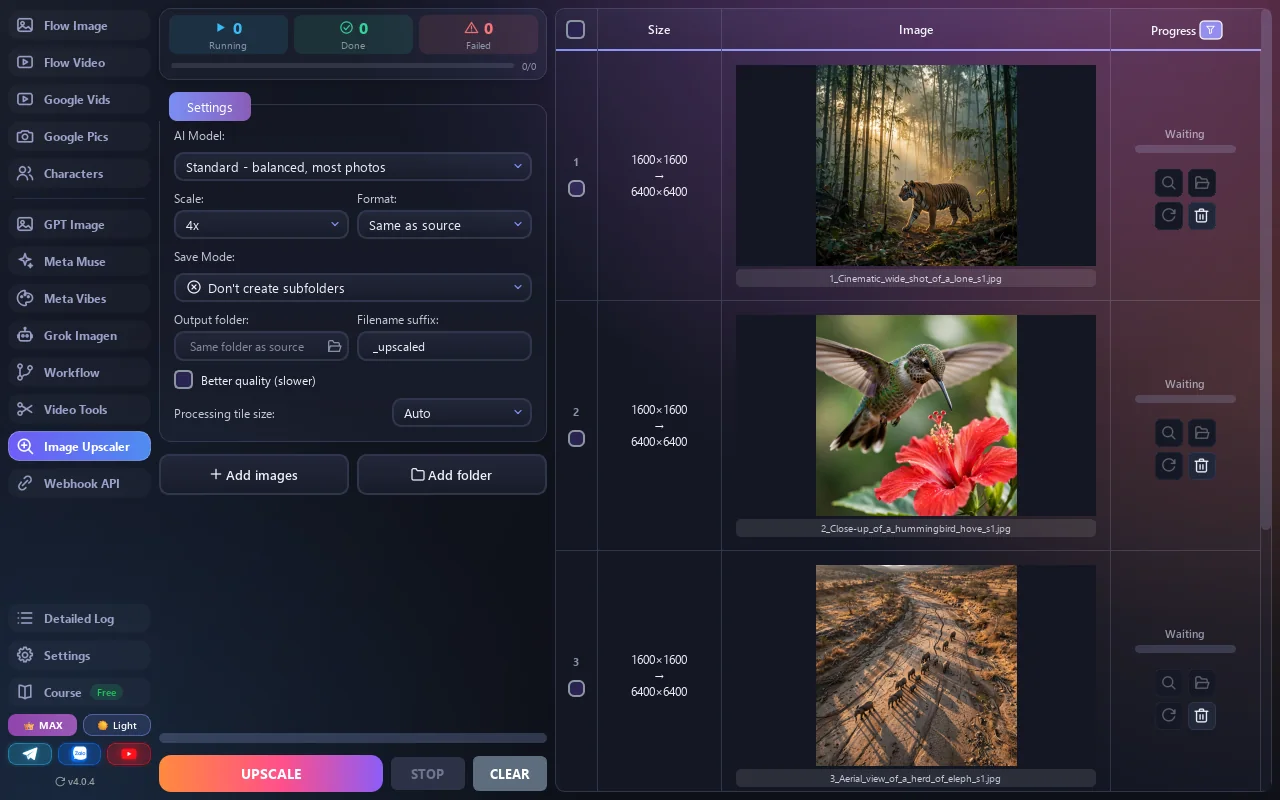
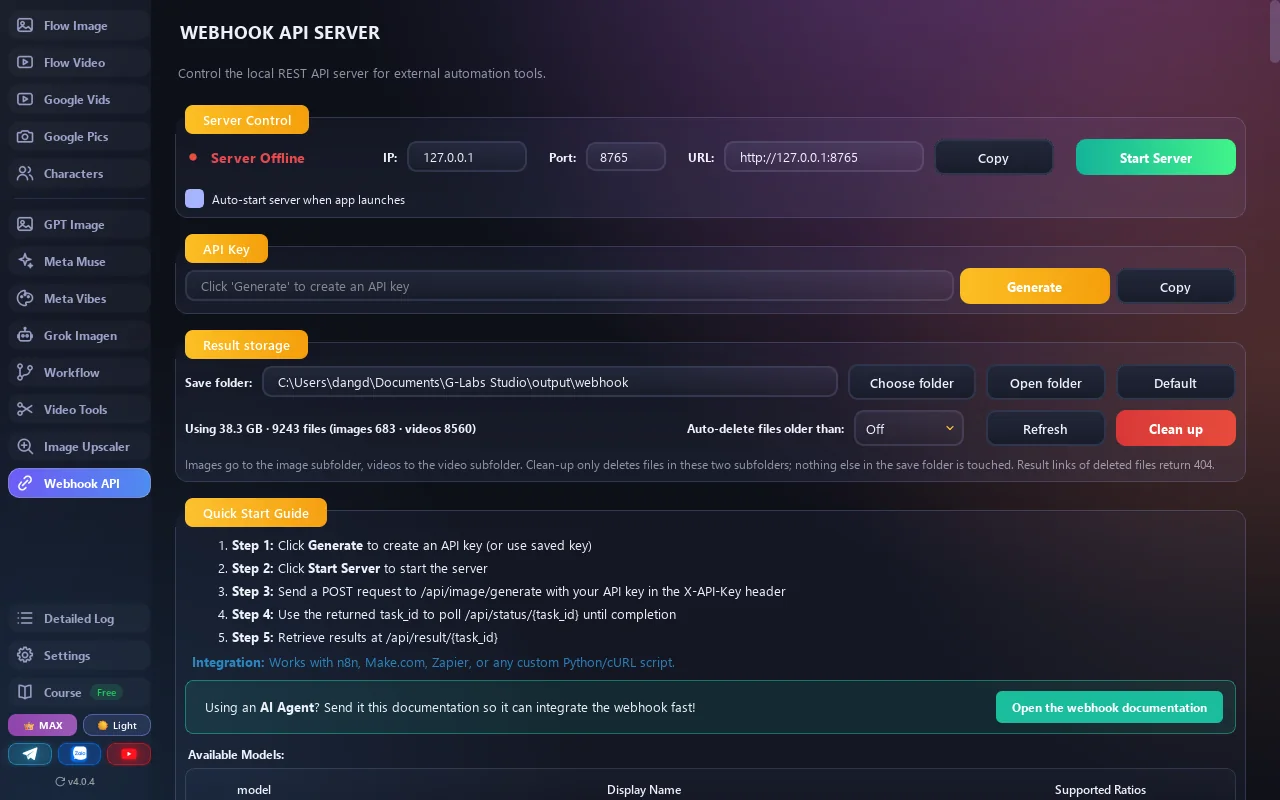
Screenshots from the running app
No mockups. 17 tools in one app - swipe through them.
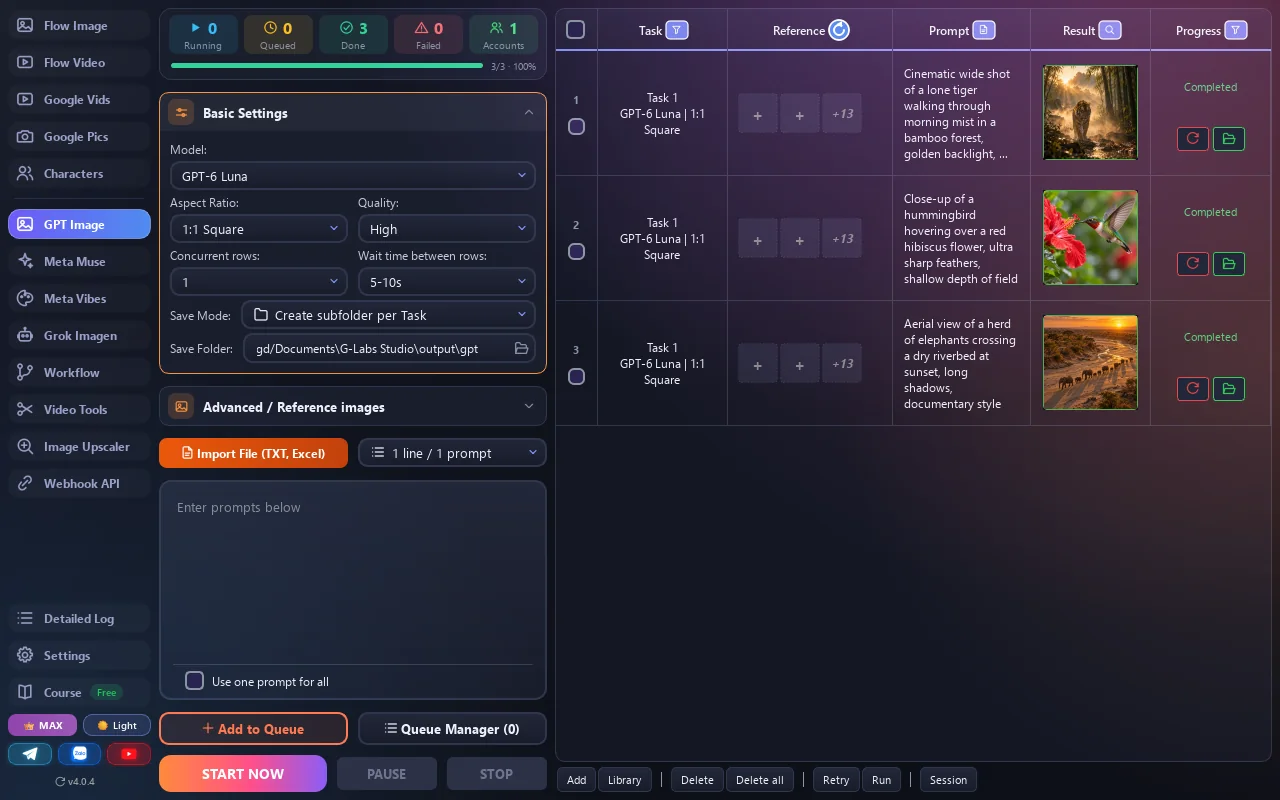
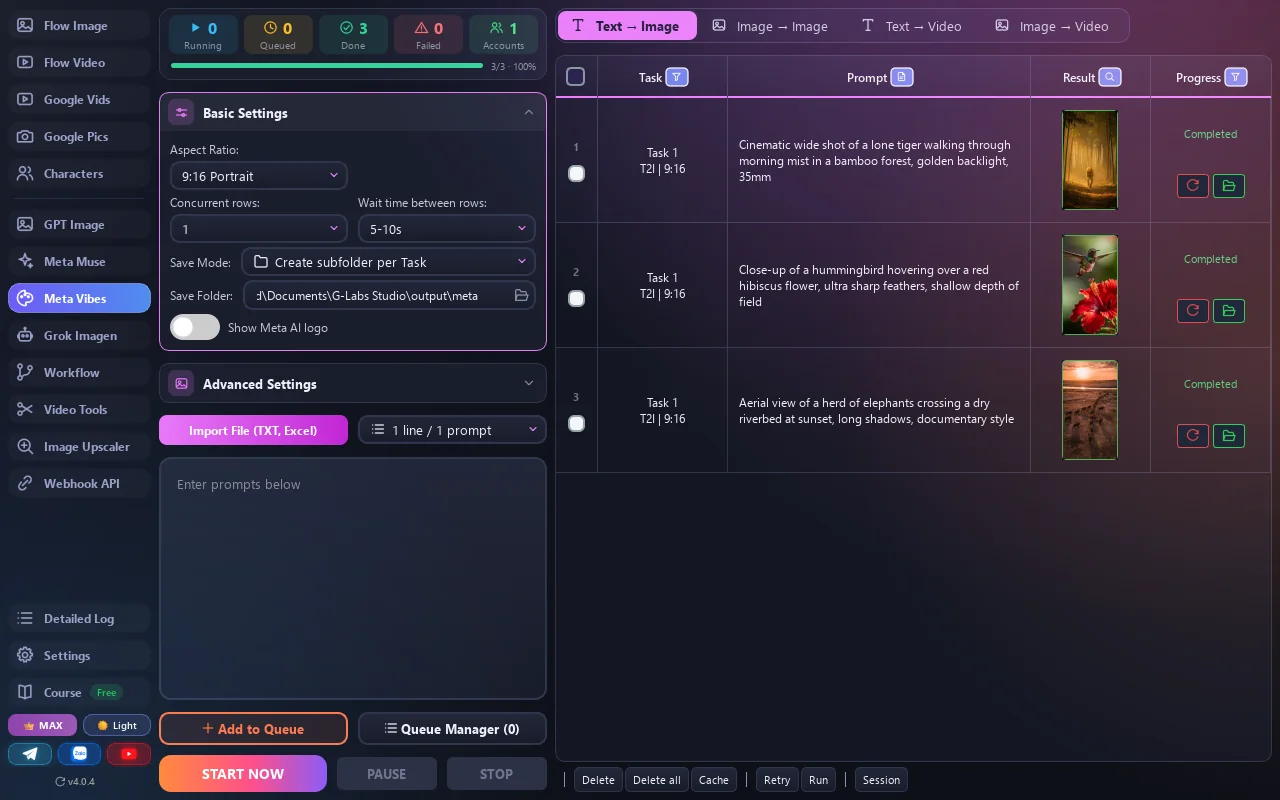
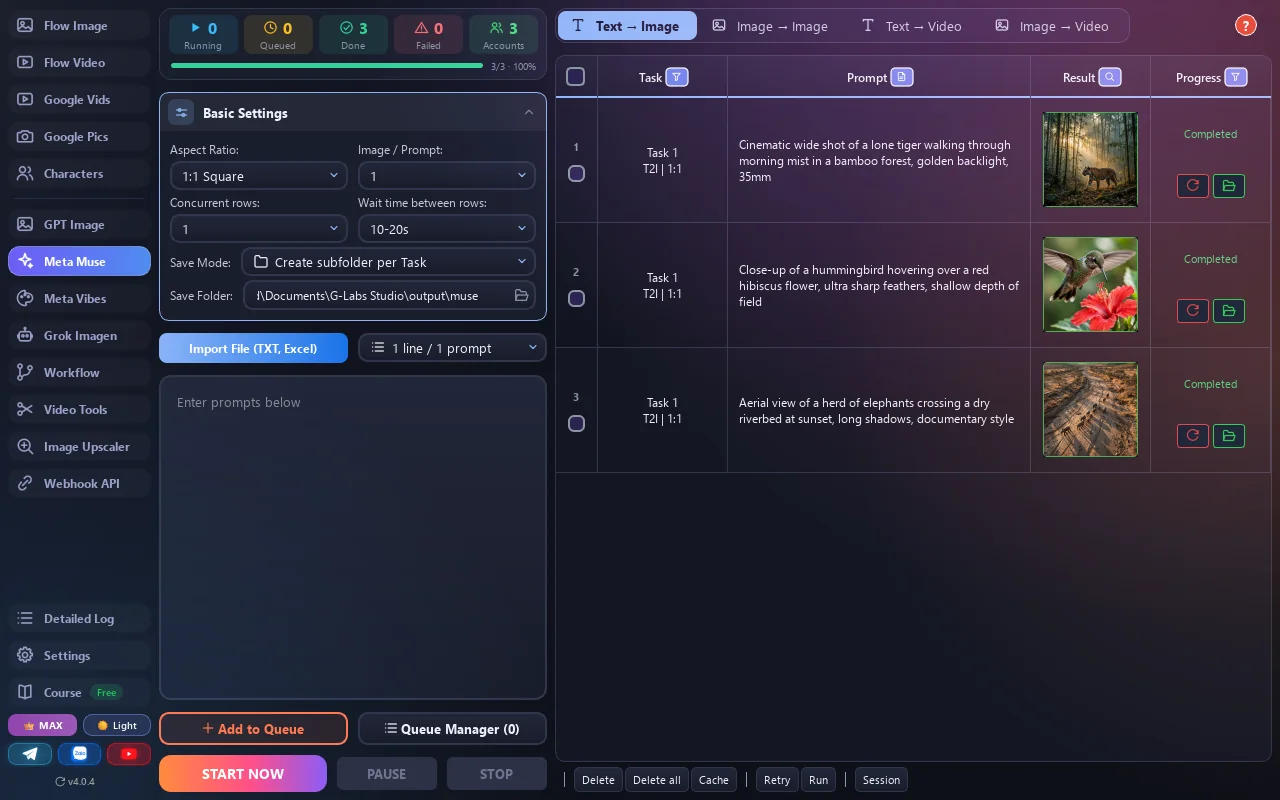
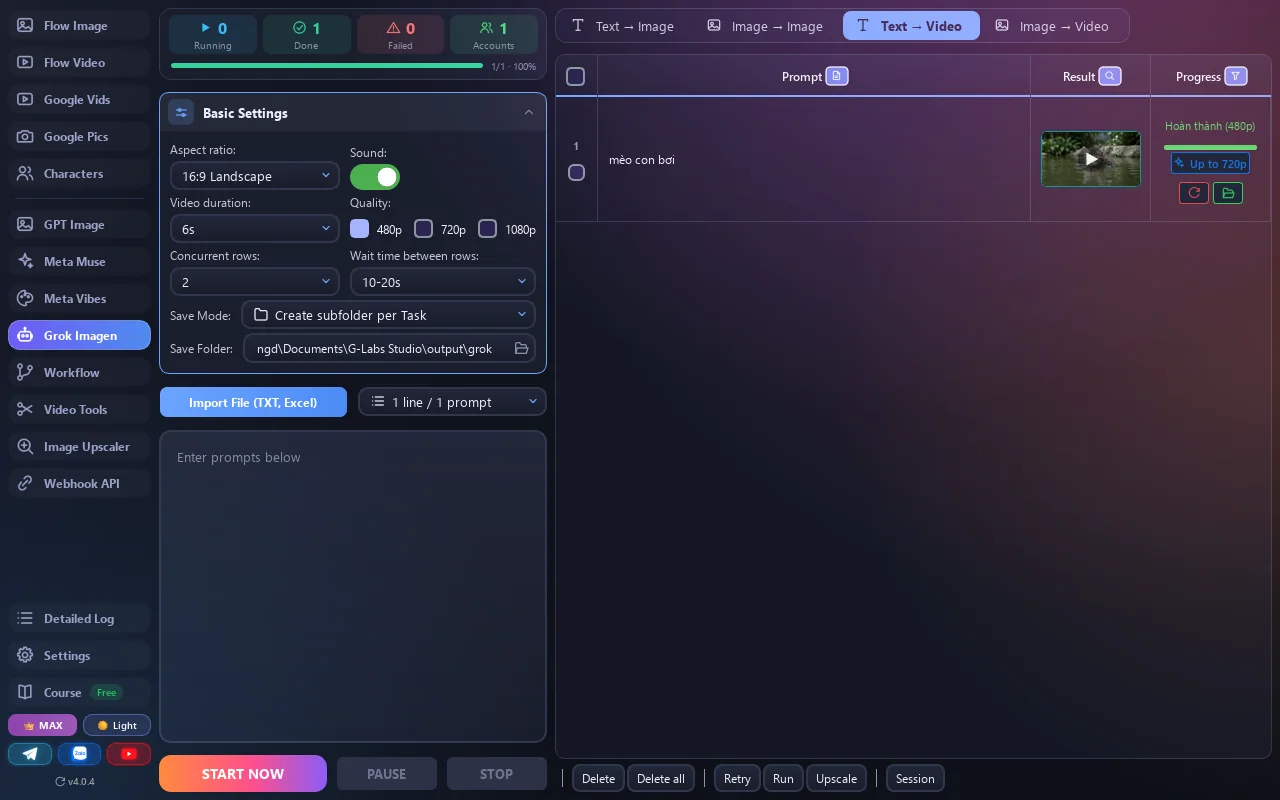
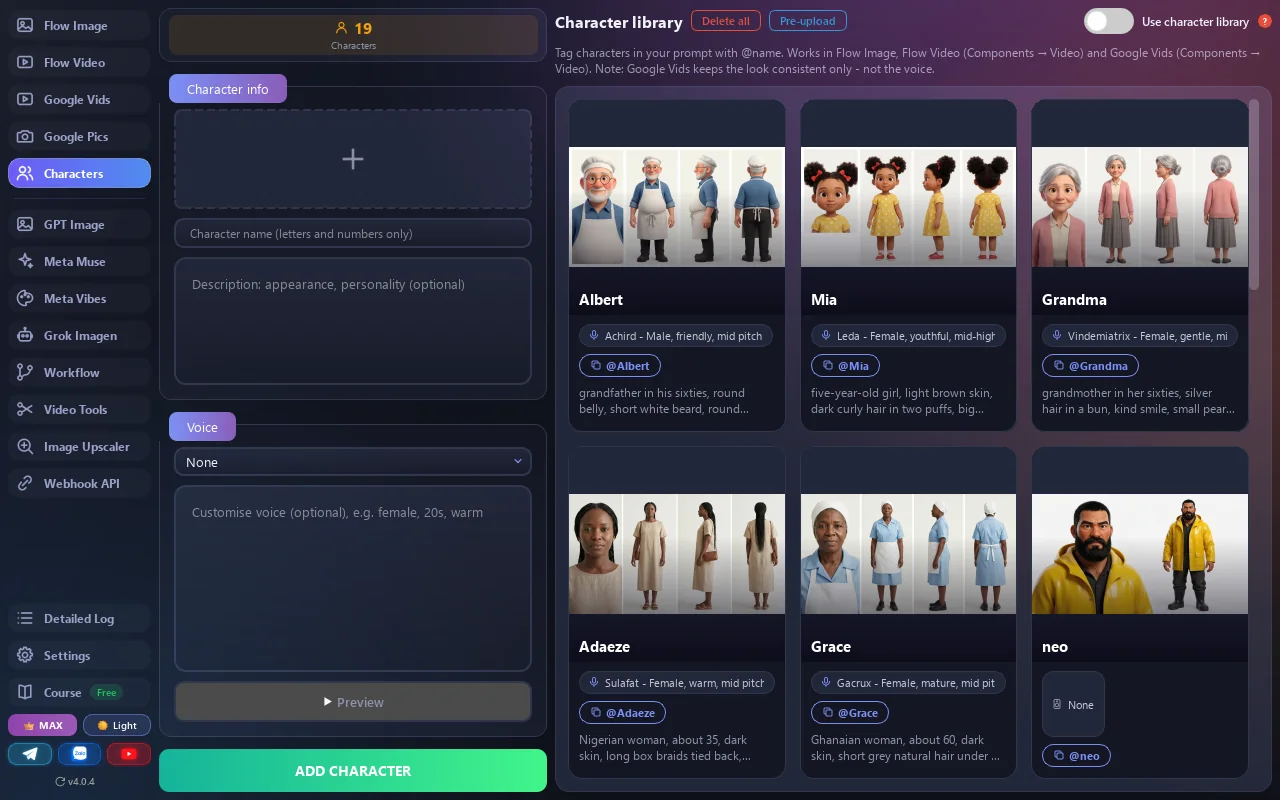
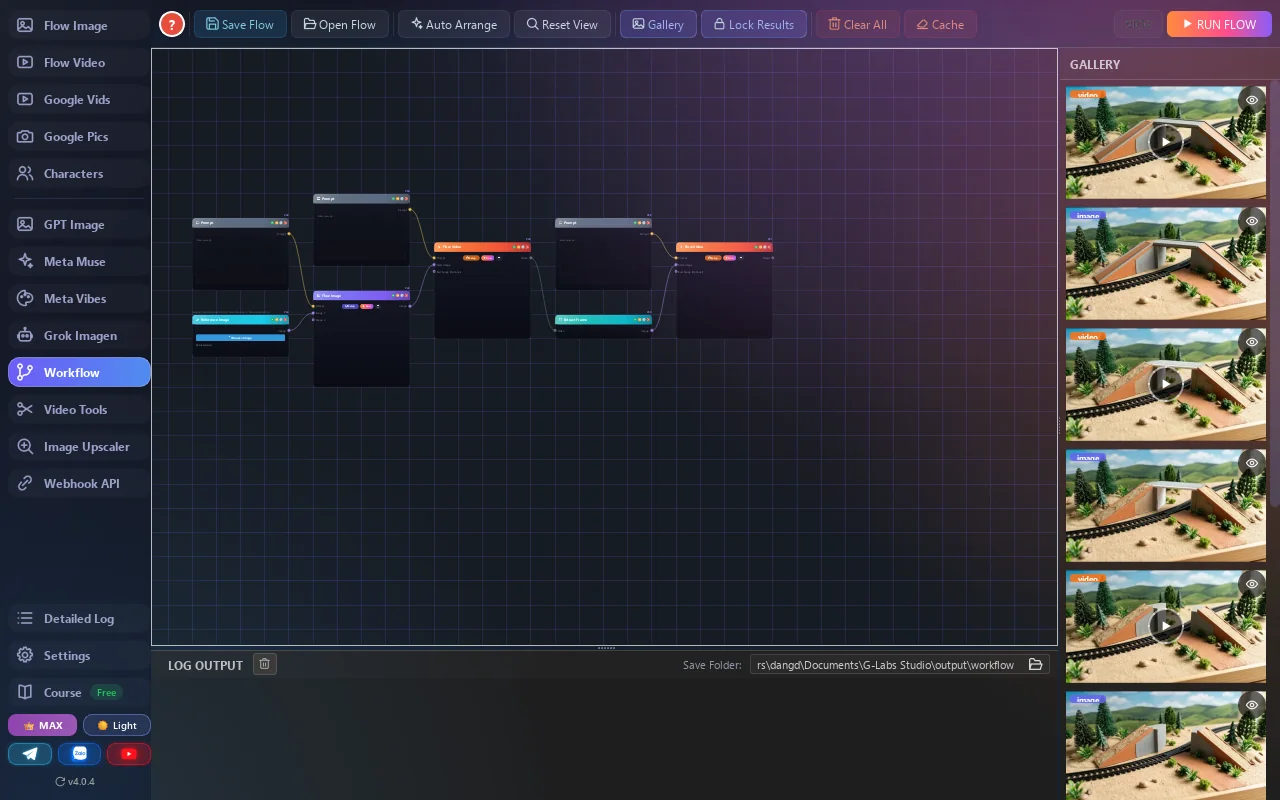
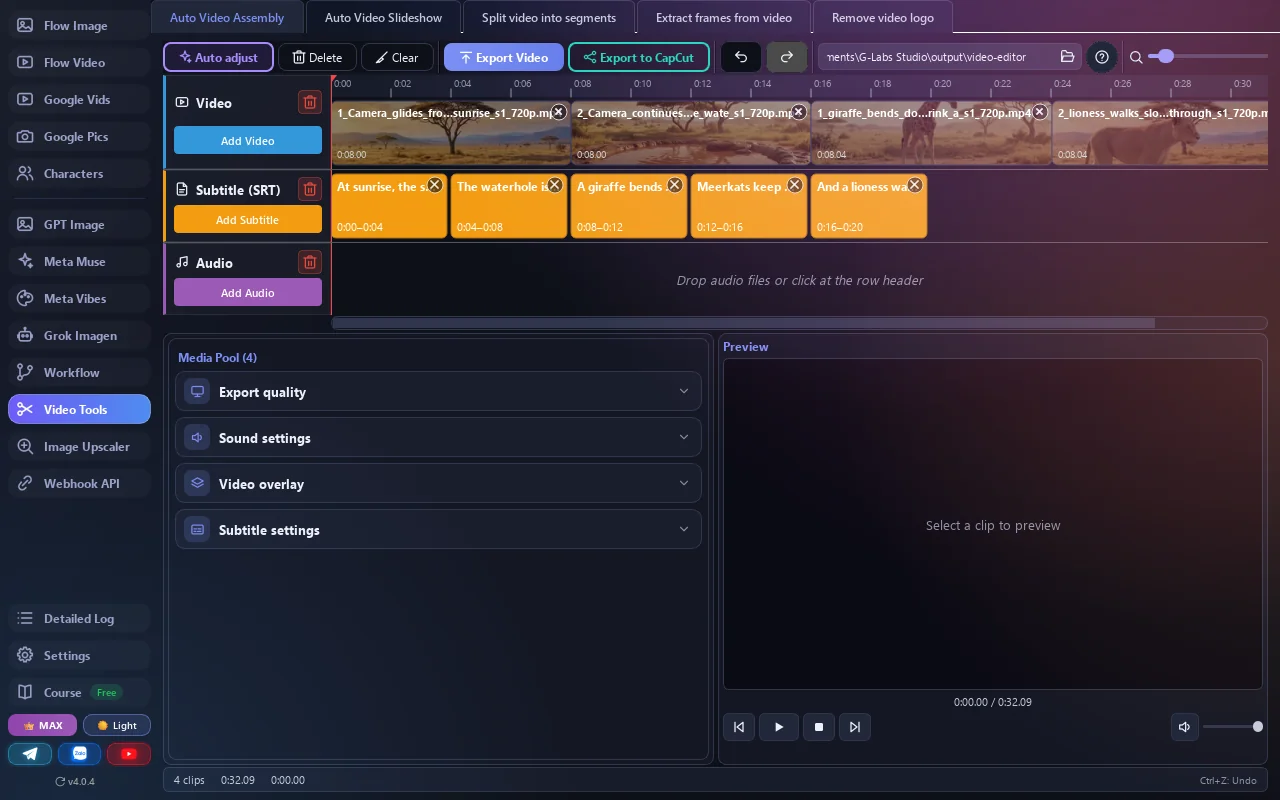
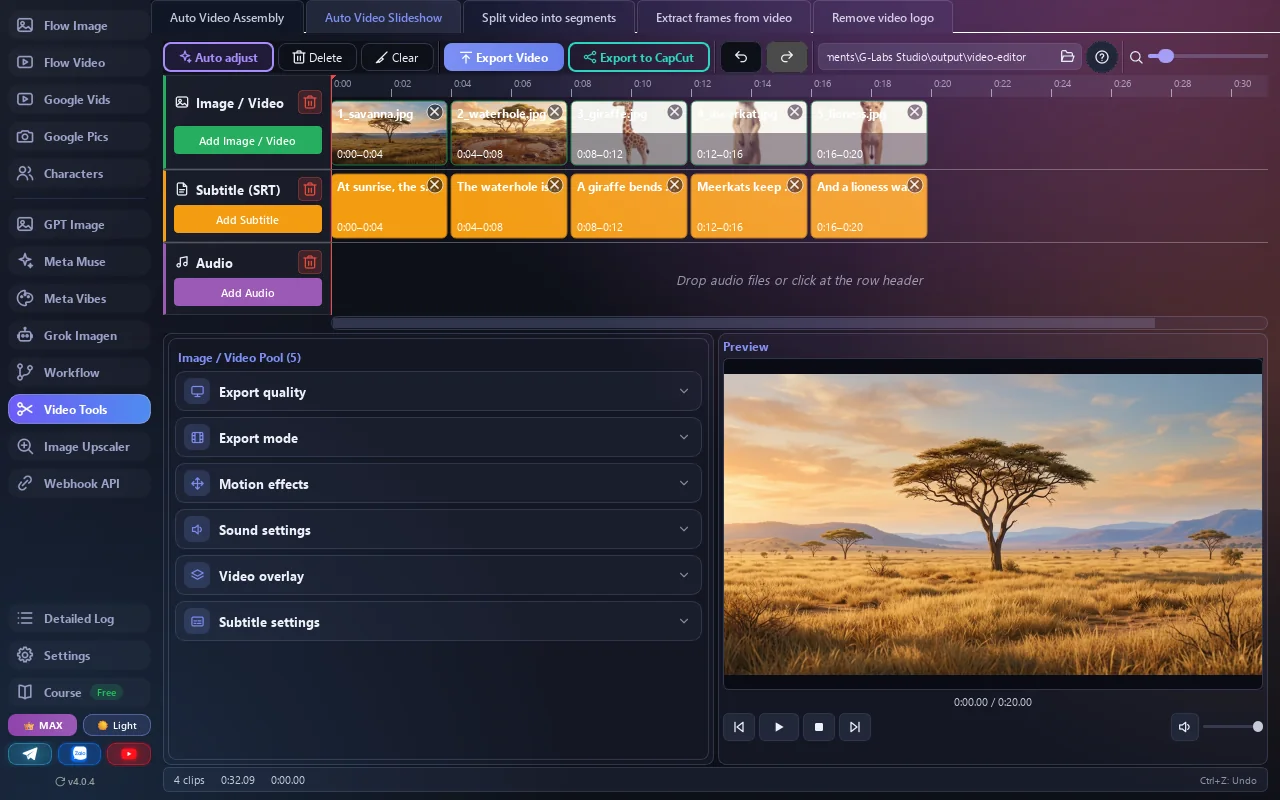
Pricing
A single Plus plan unlocks every image and video platform in the app, with no separate fees per tool; Max adds the Webhook API. Licenses are time-based, stack and never auto-renew; when a plan ends, the app returns to Basic.
Basic
Try it on your own computer first.
No card needed
Download free- 1 thread, up to 5 prompts
- Basic Flow Image and Flow Video
- Same installer as the paid plans
Plus
For daily batch work.
- 10 parallel threads, unlimited prompts
- Every generator: Google Vids, Pics, GPT Image, Meta Vibes, Meta Muse, Grok
- 2K/4K upscale, Workflow, video editing
- Includes G-Labs Voiceover
Max
Everything unlocked, the most threads.
- Everything in Plus
- Practically unlimited threads
- Webhook API for automation
- Includes G-Labs Story Machine
Each account runs on one computer at a time; for more computers, buy a Team plan by seat (up to 30). Pay by VietQR bank transfer, PayPal or USDT. Upgrading from Plus to Max mid-term only costs the difference. Refund policy.
Requirements & details
What to know before you install.
- Operating system
- Windows 10/11 64-bit · macOS Apple Silicon · macOS Intel
- Requires
- Google Chrome
- Network & accounts
- Internet connection. Your account (Google sign-in) plus your own account for each service you use.
- Languages
- 15 languages, including English and Vietnamese
- Version
- See the latest release on GitHub · the app updates itself
- Install note
- The app is not code-signed yet: on Windows click More info → Run anyway; on macOS right-click → Open the first time.
Frequently asked questions
Can I use it for free?
Yes - the Basic plan gives you 1 thread, up to 5 prompts and basic Flow Image/Video. Batch runs and Google Vids, Pics, GPT Image, Meta Vibes, Meta Muse and Grok need Plus or Max.
Does the app generate images and videos itself?
No. G-Labs Studio runs no AI models; it automates actions on the Google, ChatGPT, Meta and Grok accounts you sign in with. Their quotas and credits still apply as usual.
How many computers per account?
One computer at a time - signing in on a new one signs the old one out. For several computers at once, buy a Team plan by seat.
Which Mac version should I download?
Open the Apple menu → About This Mac: "Chip Apple M…" means Apple Silicon, "Processor Intel" means Intel.
Grok won’t run?
Install the Auth Helper extension (Settings → Grok) and sign in to grok.com in Chrome.
Where does my data go?
Prompts, images, videos and settings stay on your computer. The license server only receives your email, a device ID and your plan. See the Privacy Policy.
Where are results saved?
By default in Documents/G-Labs Studio/output - one folder per page and one subfolder per run; change it in each page’s Save folder field.
How do I pay, and where?
Inside the app (Settings → License) by VietQR bank transfer, PayPal or USDT. The plan activates on the Google account you signed in with.
What happens when my plan ends?
Plans never auto-renew. When one ends the app returns to Basic; your data and results stay on your computer. Renew any time - time stacks.
Can I upgrade from Plus to Max?
Yes. A mid-term upgrade only costs the difference, based on the days left on your current plan.
Do plans include other apps?
Yes: every paid plan includes G-Labs Voiceover, and Max also includes G-Labs Story Machine - just sign in with the same account.
Can I get a refund?
Yes, within the first 24 hours after payment if the license hasn’t been used much - try the free Basic plan first. Details in the Refund Policy.
Still have a question? Contact support · User guide