 G-Labs Voice StudioDesktop app · Windows & macOS
AI voice running on your own computer
Voice cloning, text to speech, multi-voice dialogue and subtitle transcription with AI running on your own computer - your audio never goes to a server.
Free trial available · downloads from Google Drive · Mac requires Apple Silicon
Three steps, everything runs on your computer
-
01
Sign in & download the model
Sign in with Google to check your license, then download the voice model once in the Model Manager tab; speech recognition models download only when you need them.
-
02
Paste text or a script
Pick the Voice Clone, Read Text or Group Dialogue tab; paste text or import a .txt / .srt file, then choose a voice and language.
-
03
Preview & export
Listen line by line, adjust the speed, download single lines or export one merged file with an .srt subtitle file.
- Features
- Voice cloning · Text to speech · Dialogue · Subtitles & translation
- Operating system
- Windows 10/11 64-bit · macOS Apple Silicon
- Processing
- On your computer - NVIDIA RTX 2060 or newer, or a Mac M1 or newer
- License
- 1 / 6 / 12 months, separate Studio plan
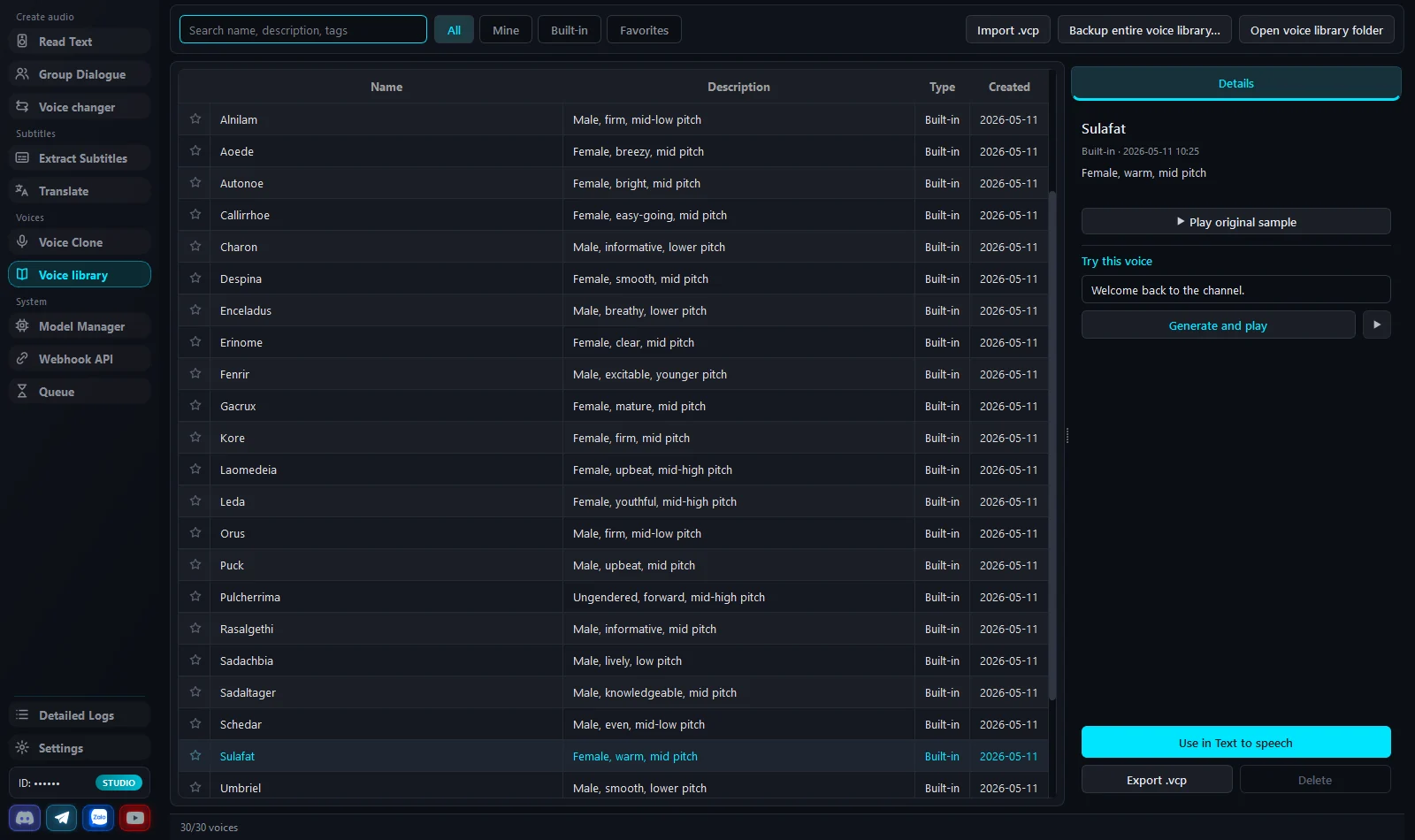
Screenshots from the running app
Not mockups. One tab per job - swipe through them.
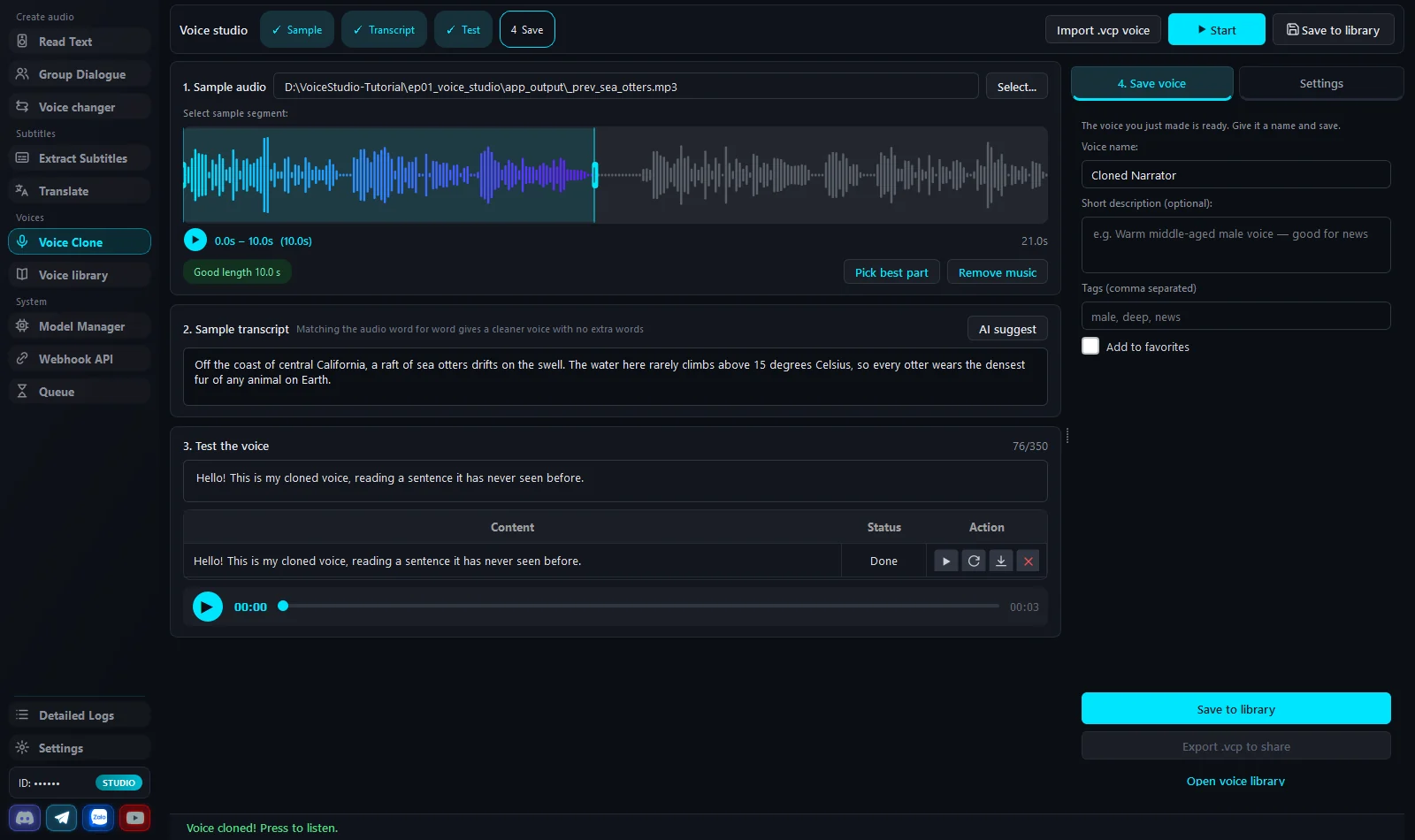
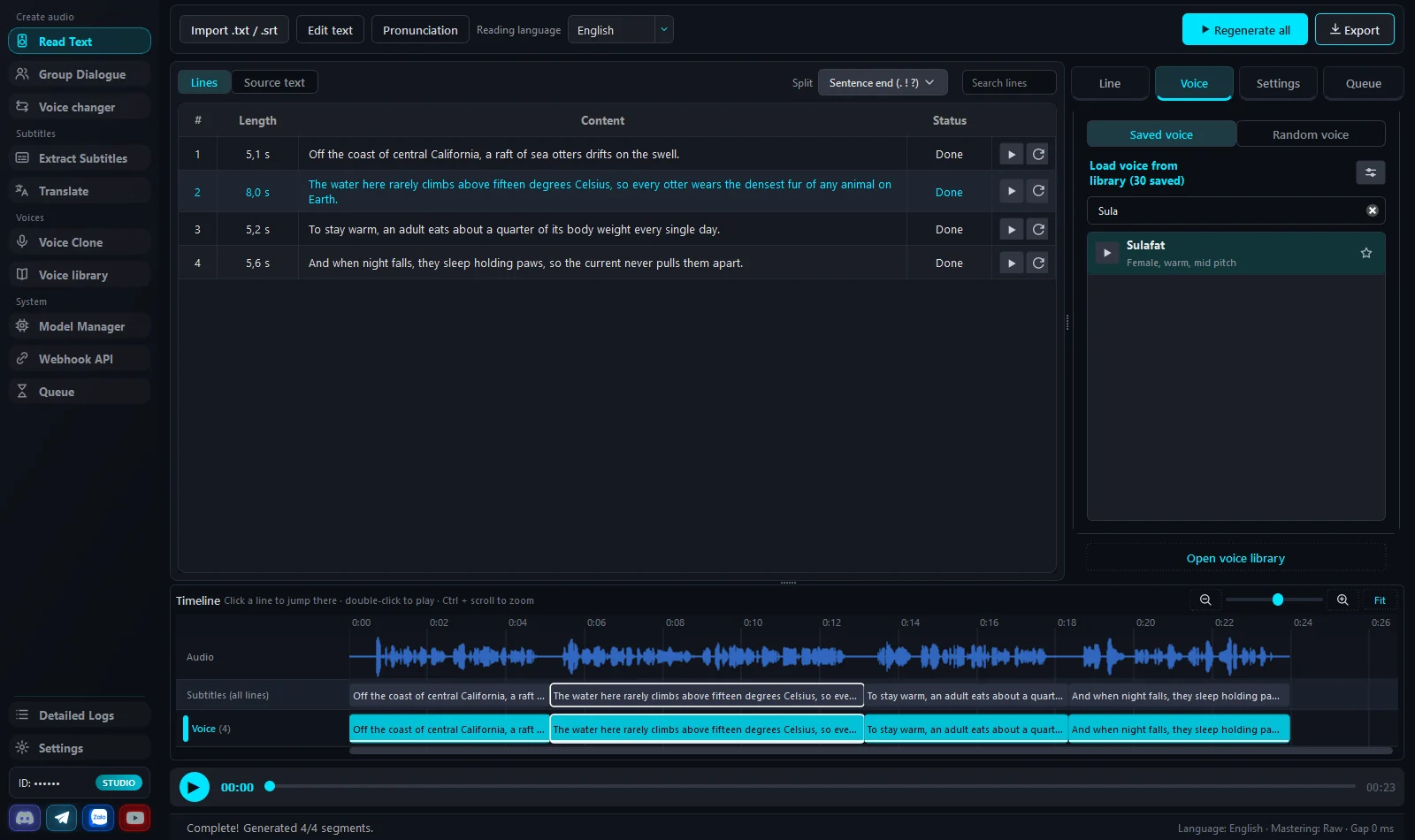
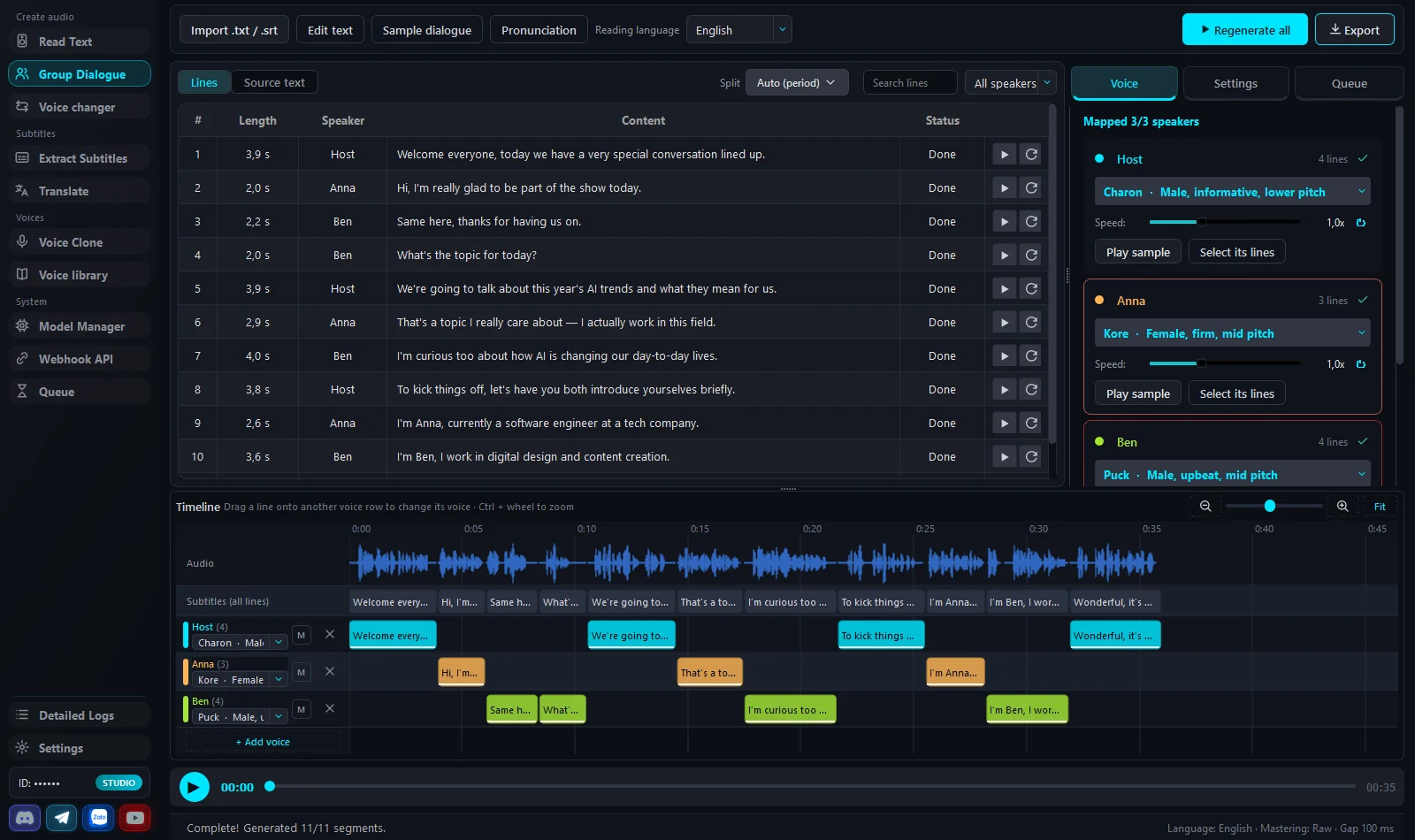
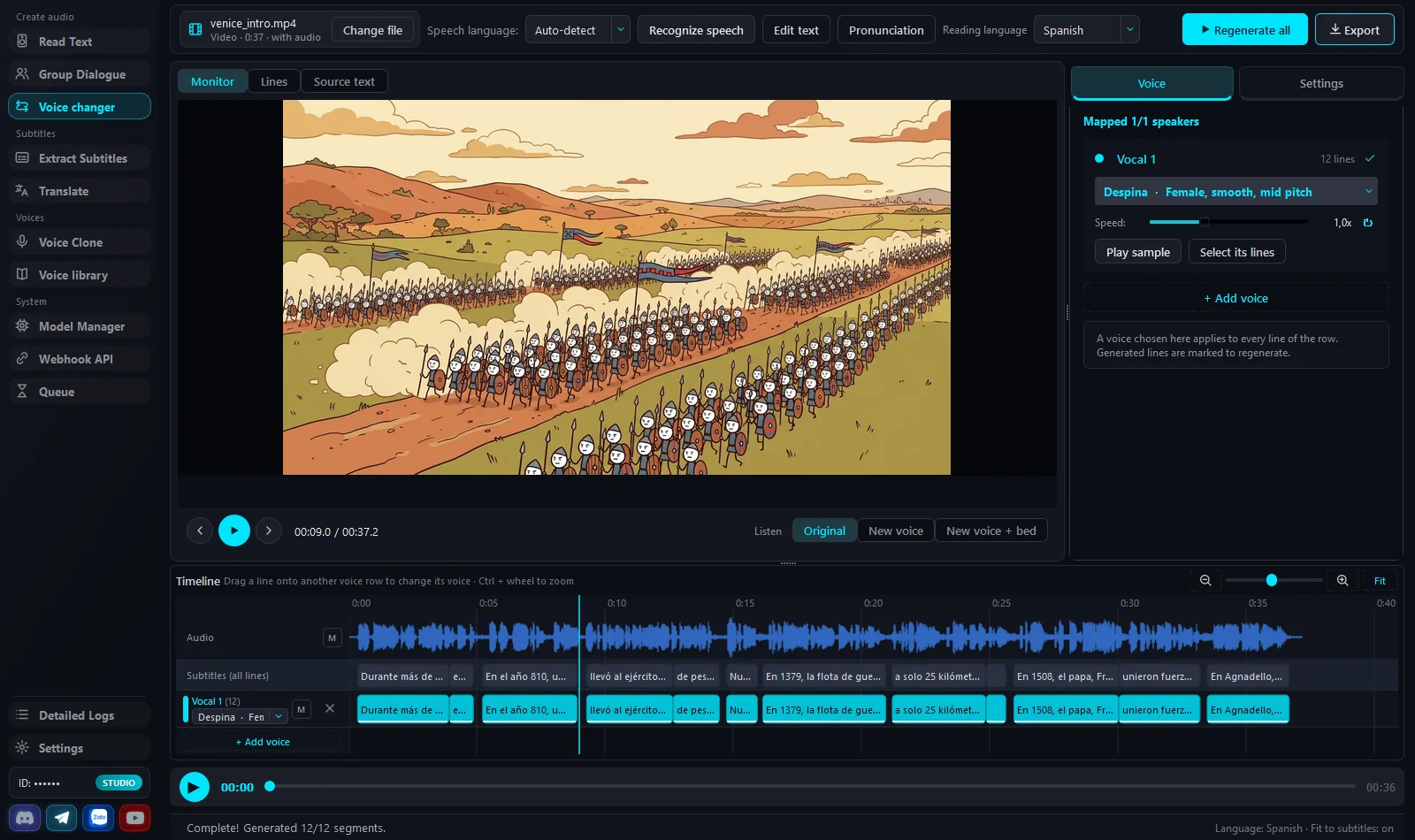
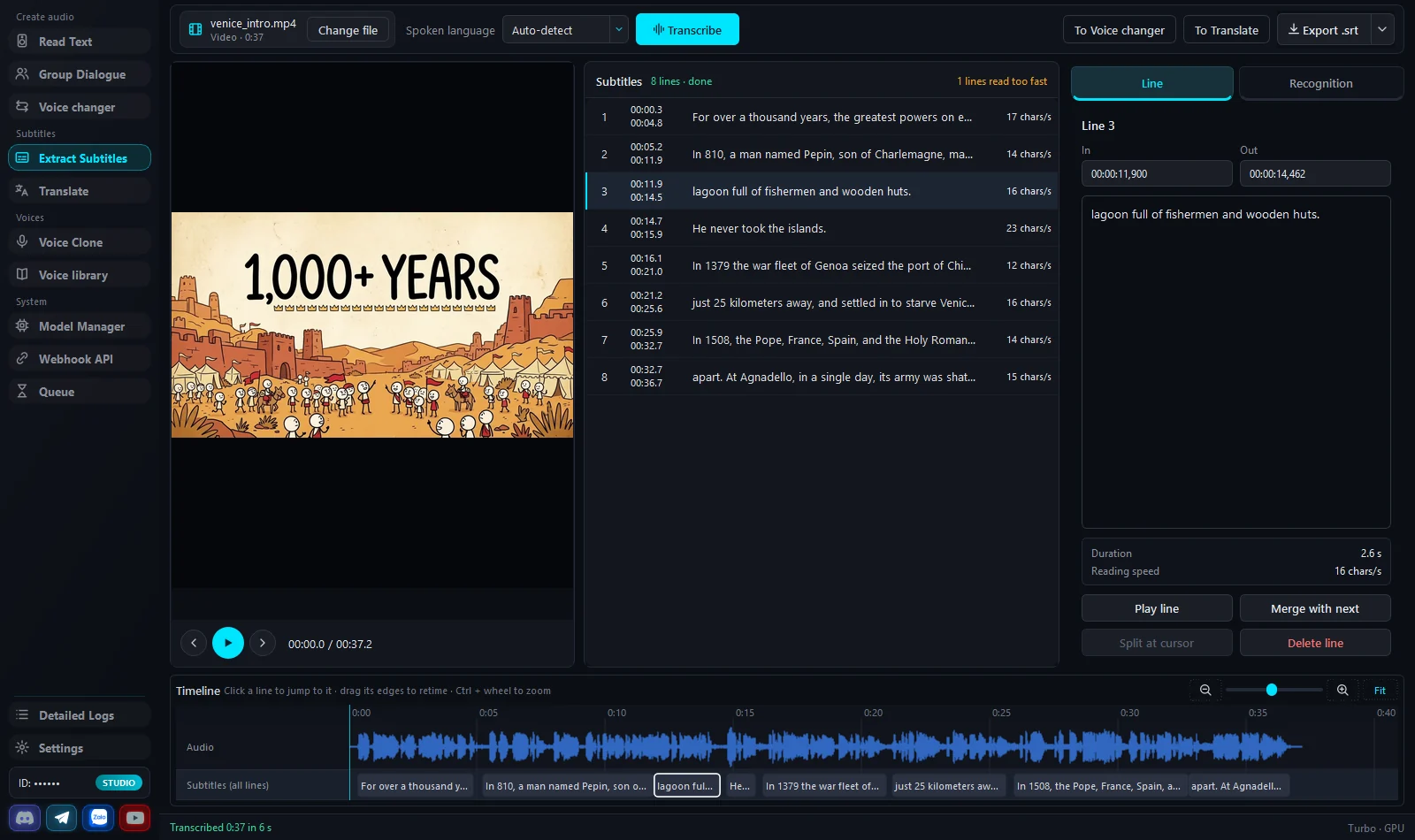
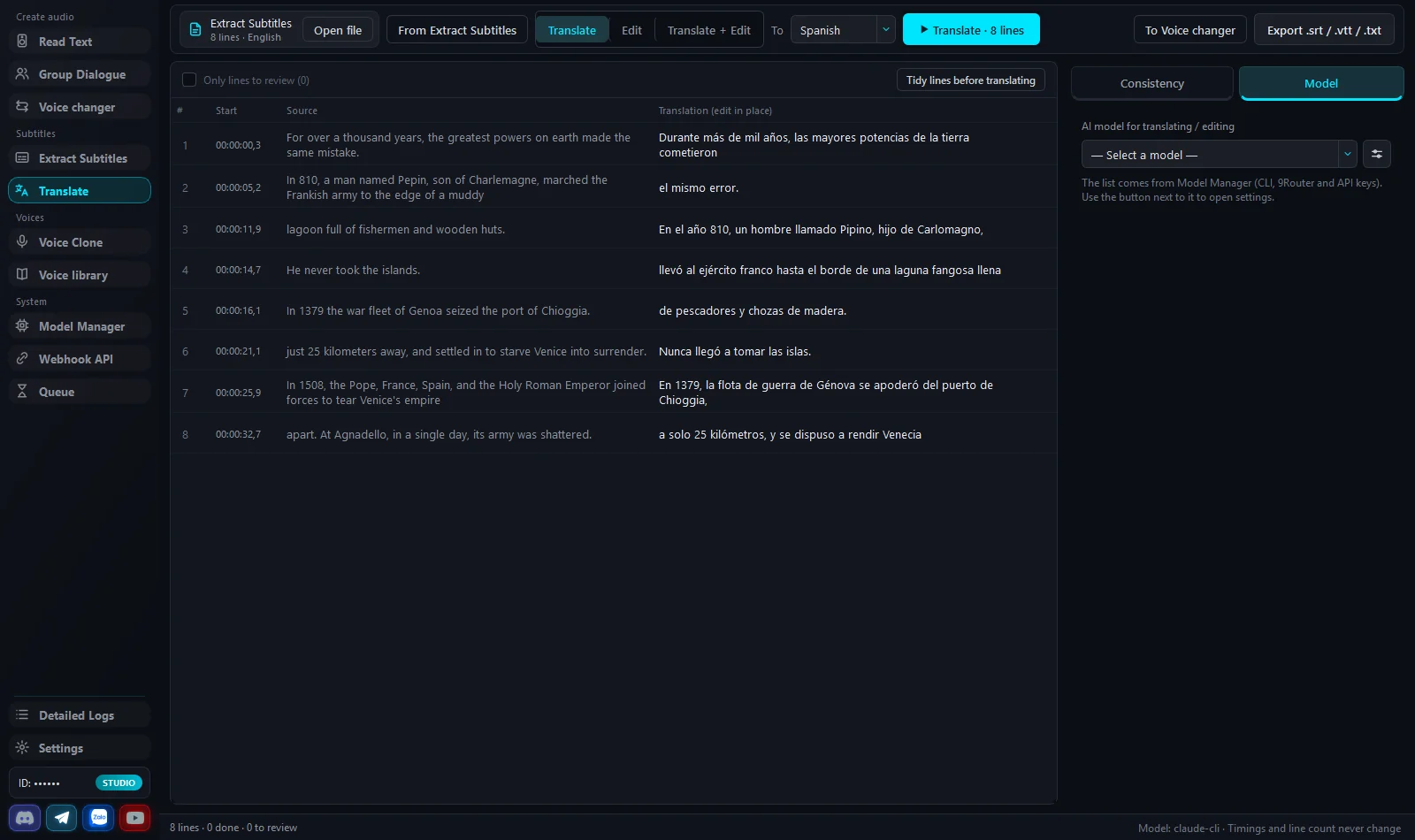
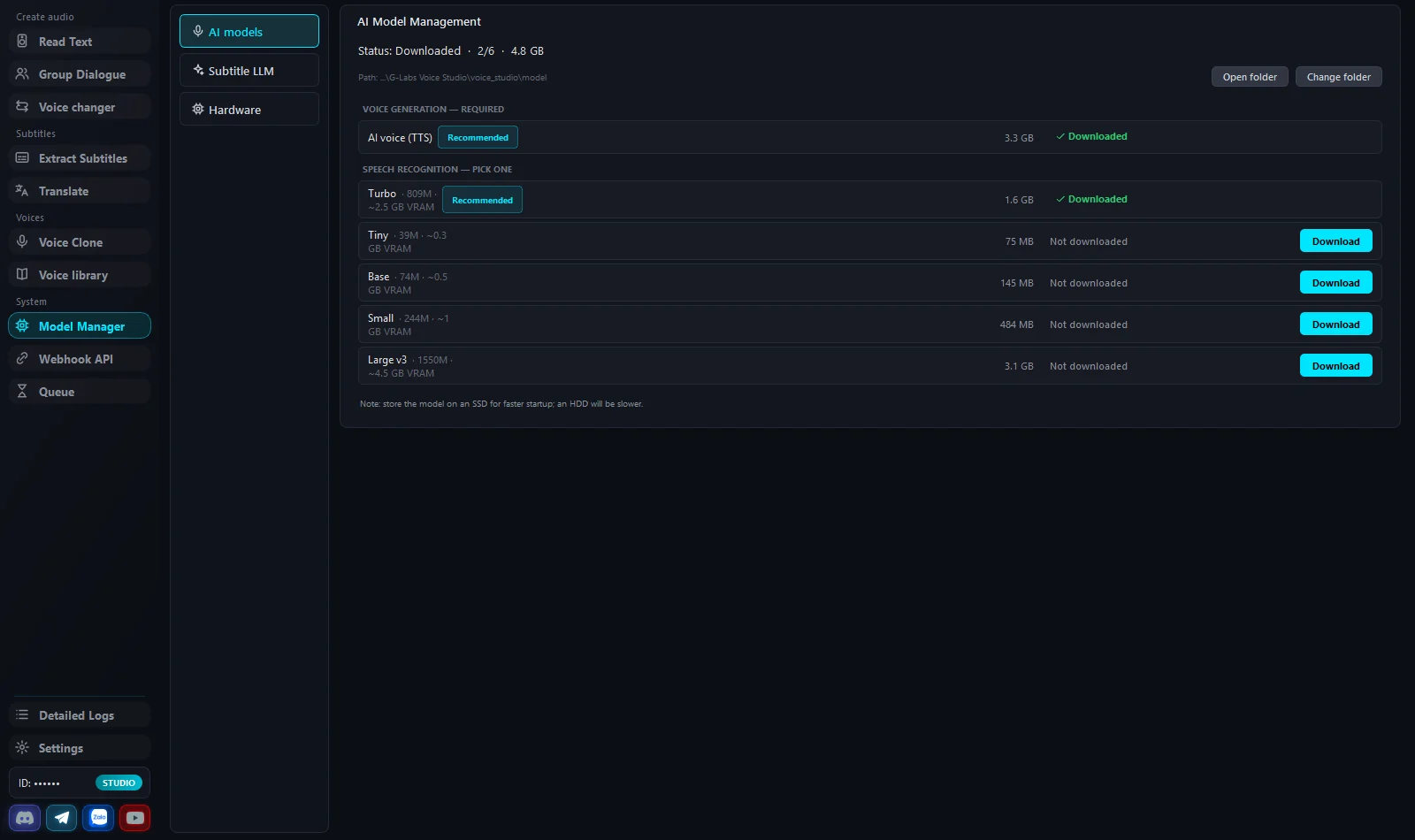
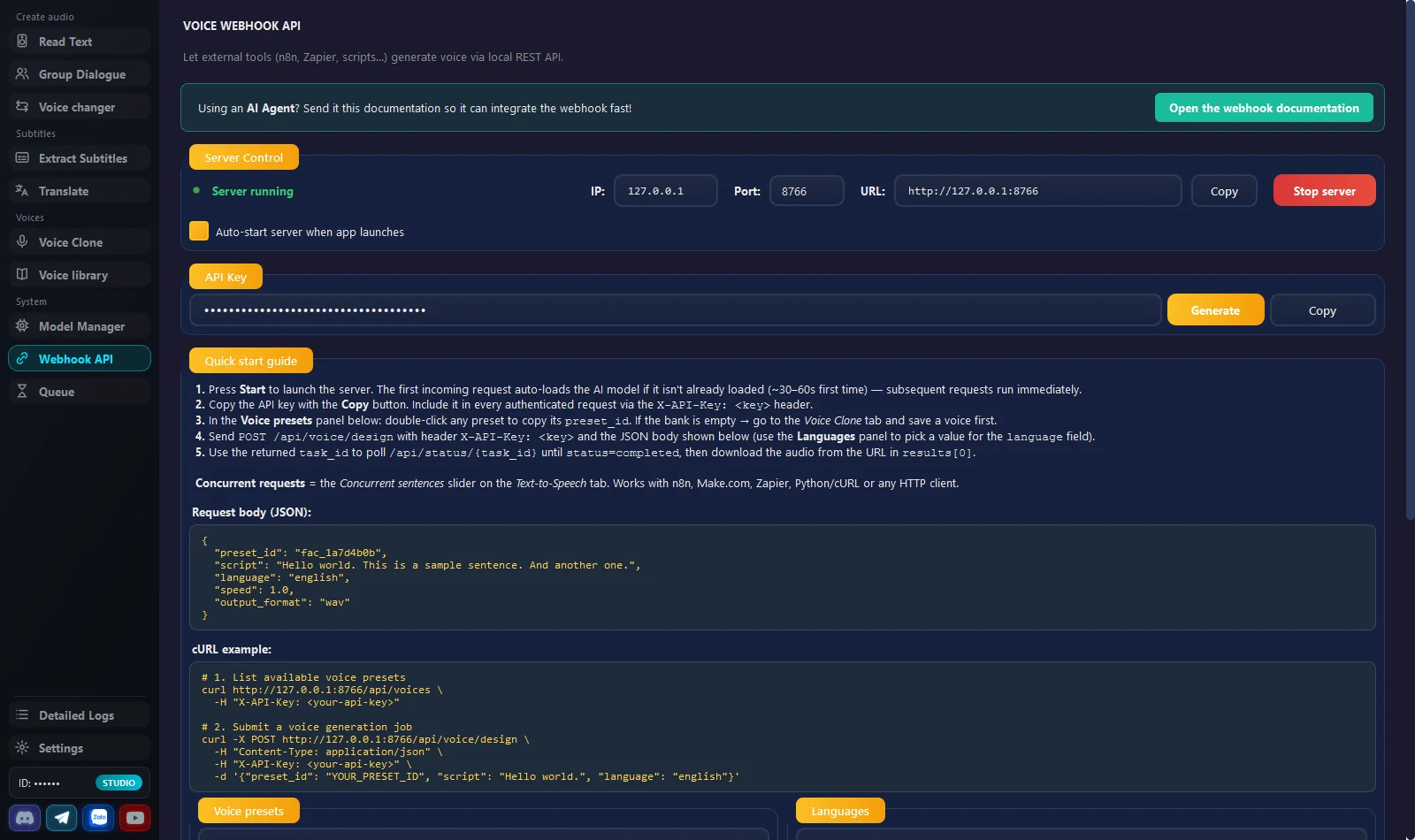
Audio fine-tuning
13 expression tags such as [laughter] and [sigh] inserted right into the text; 6 audio modes (Broadcast, Cinematic, Podcast, Warm, Bright, Raw); a pronunciation dictionary that remembers how to read things like 25°C or m².
Render queue
Queue several jobs, each with its own script, voice, settings and output folder; the app runs them one by one and saves the files, and the queue survives an app restart (Studio plan).
Pricing
Try it on your computer first, then buy the Studio plan when you need volume. Licenses are time-based and never auto-renew.
Trial
Check that your machine runs it smoothly before buying.
Google sign-in required
Download free- Limited rows per generation (1 by default)
- Try the voice tabs and Extract Subtitles
- Same installer as the Studio plan
Studio plan
Everything unlocked, unlimited generation.
- Unlimited rows per generation
- Render queue for multiple scripts
- LLM subtitle translation
- Webhook API for automation
The Studio plan belongs to Voice Studio only and is separate from G-Labs Studio Plus/Max. Pay by VietQR, PayPal or USDT inside the app. Refund policy.
Requirements & details
What to know before you install.
- Operating system
- Windows 10/11 64-bit · macOS 12+ on Apple Silicon (Intel Macs not supported)
- RAM & disk
- At least 8 GB RAM on Windows, 16 GB on Mac · 16 GB RAM or more and 20 GB free SSD space recommended
- GPU
- Windows: an NVIDIA card with CUDA, RTX 2060 or newer (driver with CUDA 12.8); an RTX 3060 with 12 GB VRAM or better is recommended for stable runs. Mac: Apple Silicon M1 or newer with 16 GB RAM, using Metal. Older cards such as the GTX 10 series fall back to the CPU - roughly 5-10× slower, fine only for trying the app.
- AI models
- A few GB to download on first launch; after that, voice generation and transcription run on your computer
- Network & account
- Internet and Google sign-in are required for license checks. The Translate tab also needs an LLM provider (9Router, Claude CLI, Antigravity or Codex).
- Interface languages
- 9: Tiếng Việt, English, Português, Türkçe, 简体中文, हिन्दी, বাংলা, اردو, Русский
- Distribution
- Windows: a zip, extract and run · macOS: a .dmg. Downloaded from the official Google Drive folders.
- Installing
- The app isn't code-signed: on Windows click More info → Run anyway; on macOS right-click → Open the first time.
Frequently asked questions
Can I use it for free?
Yes - the trial needs a Google sign-in and limits rows per generation (1 by default), enough to check that your machine runs it well before buying. The Studio plan removes the limit and unlocks Translate and the Webhook API.
Does it work without an NVIDIA card?
Yes - the app detects an incompatible GPU and runs on the multi-core CPU instead, roughly 5-10× slower than on a GPU. On Mac only Apple Silicon (M1/M2/M3/M4…) is supported.
Is my audio sent to a server?
No. Once the models are downloaded, voice generation and transcription run on your computer. Only the Translate tab sends subtitle text to the LLM provider you choose. The license server only receives account info and a device ID - see the Privacy Policy.
How many computers per account?
One at a time - signing in on another device ends the session on the old one.
Do I need G-Labs Studio Plus/Max?
No. Voice Studio's Studio plan is its own plan, bought and renewed separately on the same Google account.
Where are results saved?
Windows: inside the app folder (where you extracted it). macOS: Documents/G-Labs Voice Studio. Settings and the voice library live in the OS application-data folder.
Why is the first launch slow?
On first launch Windows/macOS run a security scan, which can take 30-60 seconds; later launches are faster.
macOS says the app is "damaged"?
The app isn't signed with Apple. Right-click → Open, or run xattr -cr "/Applications/G-Labs Voice Studio.app".
Can I connect n8n/Zapier?
Yes, through the Studio plan's Webhook API (default port 8766). By default only this computer can call it; if you open it to your LAN, the API key travels over unencrypted HTTP.
How do I pay, and where do I buy?
Buy inside the app (Settings → License Accounts) by VietQR bank transfer, PayPal or USDT. The plan is activated on the Google account you sign in with.
Can I get a refund?
Yes, within the first 24 hours after payment - use the trial to test your machine first. Details in the Refund Policy.
Still have a question? Contact support · User guide