















Viral Recipe Lab · Episode 05

Easy English listening stories with an AI cartoon family

A 43-minute cartoon for English learners got 1.9 million views in four days. We lined up every caption against every cut, made our own story with the same recipe, and kept every prompt.

1.9Mviews in 4 days
28%of the time talking (a drama: 43%)
22cuts a minute, nearly half without words
This video has audio in more languages: Settings (gear) → Audio track → your language Show ▾
The recipe card

The four ingredients

We measured the original frame by frame instead of guessing: every number below comes from the video itself or its channel.

Story engine

A child's small everyday problem, two or three failed tries, "I have an idea!", a playful plan, it works, and one moral line. One skit is about four minutes.

Fixed family

One 4-view cartoon sheet per character and one saved voice per character, described as slow and very clear for learners.

Calm prompts

Two kinds of clip: a LINE clip (one speaker, one short line, then everyone reacts in silence) and a BEAT clip (no words: a face, a hand, a new angle).

Talk, then show

Keep about 2.5 seconds after every line and drop beat clips between lines: around 20 cuts a minute, but a spoken line only every few seconds.

The sample we made

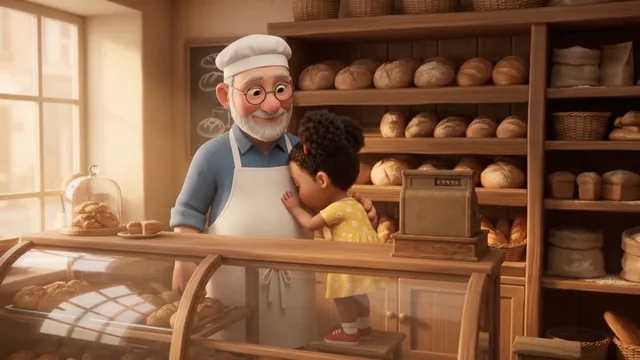
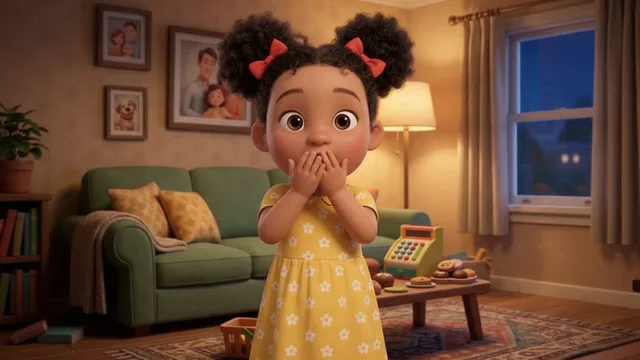
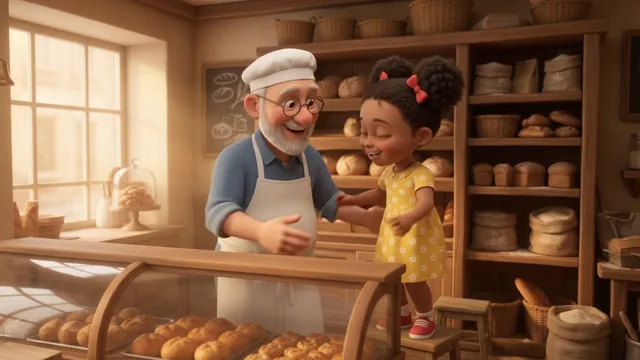
Mia Is Too Shy to Talk at Grandpa's Bakery... Then Grandpa Has a CLEVER Plan!

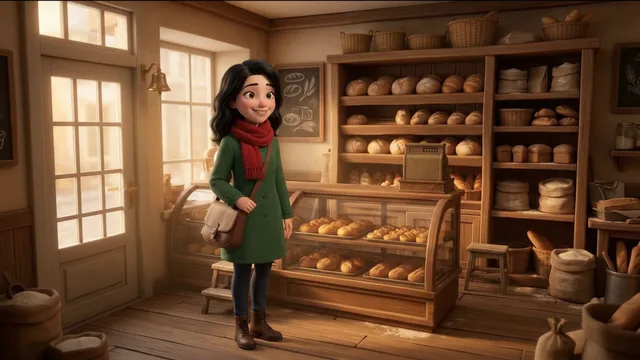
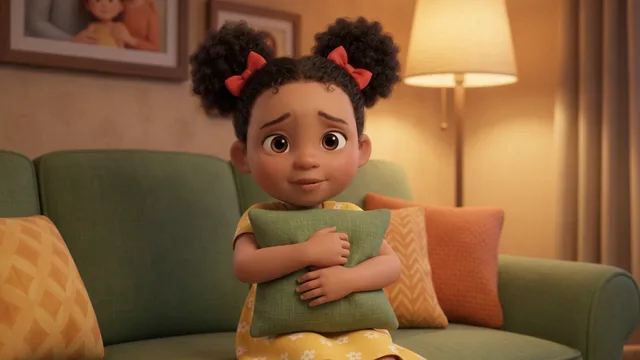
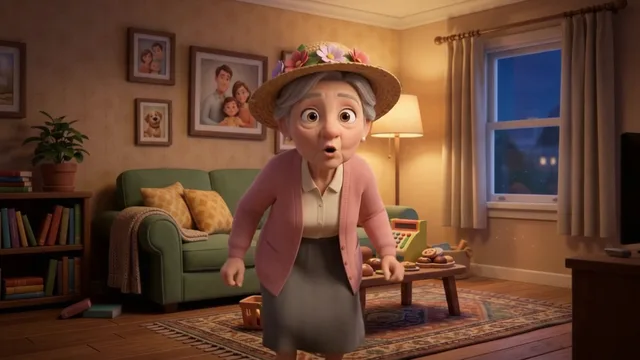
4 characters, 2 places, 52 clips, 3:30. Fiction: every person and place is invented.

Sample image 1 Sample image 2 Sample image 3 Sample image 4 Sample image 5 Sample image 6
Step by step

From topic to finished video

  1. Write the story

    Paste file 1 into any AI chat with the child's problem. Ask for the cast, the places and the first clips, then the rest.

  2. Make the family

    One cartoon character sheet per character from file 2, plus one empty image per place, each with a file name nobody says out loud.

  3. Save the voices

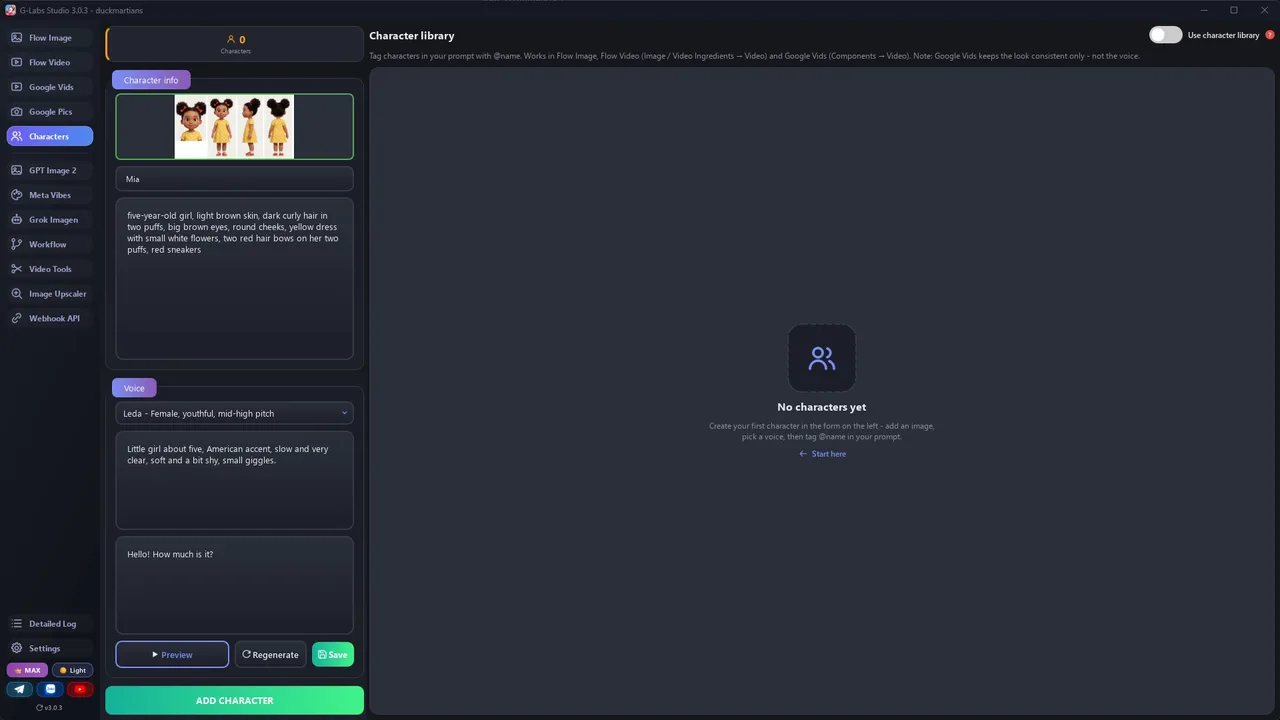
    Add each character to the character library with its sheet and a voice described as slow and very clear. Use names your library doesn't have yet.

  4. Switch the library on

    Before the batch, check the character library switch is on and that the first rows resolve your characters in the log.

  5. Generate the clips

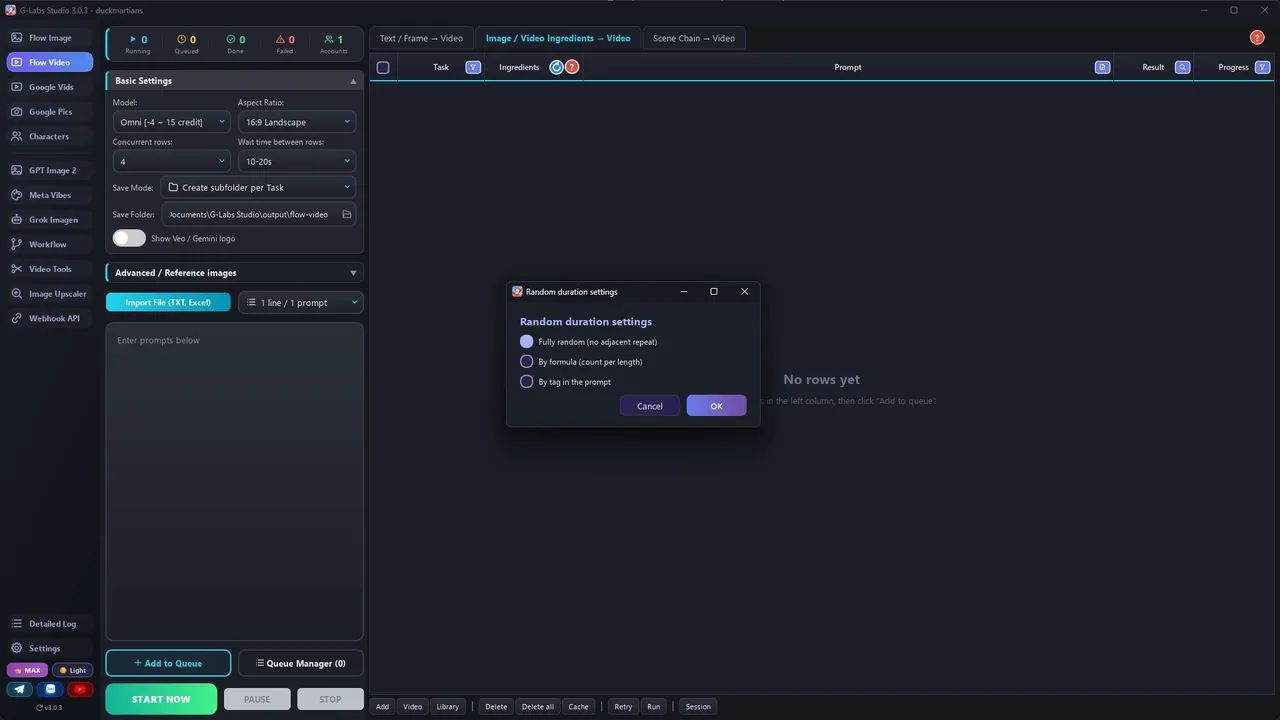
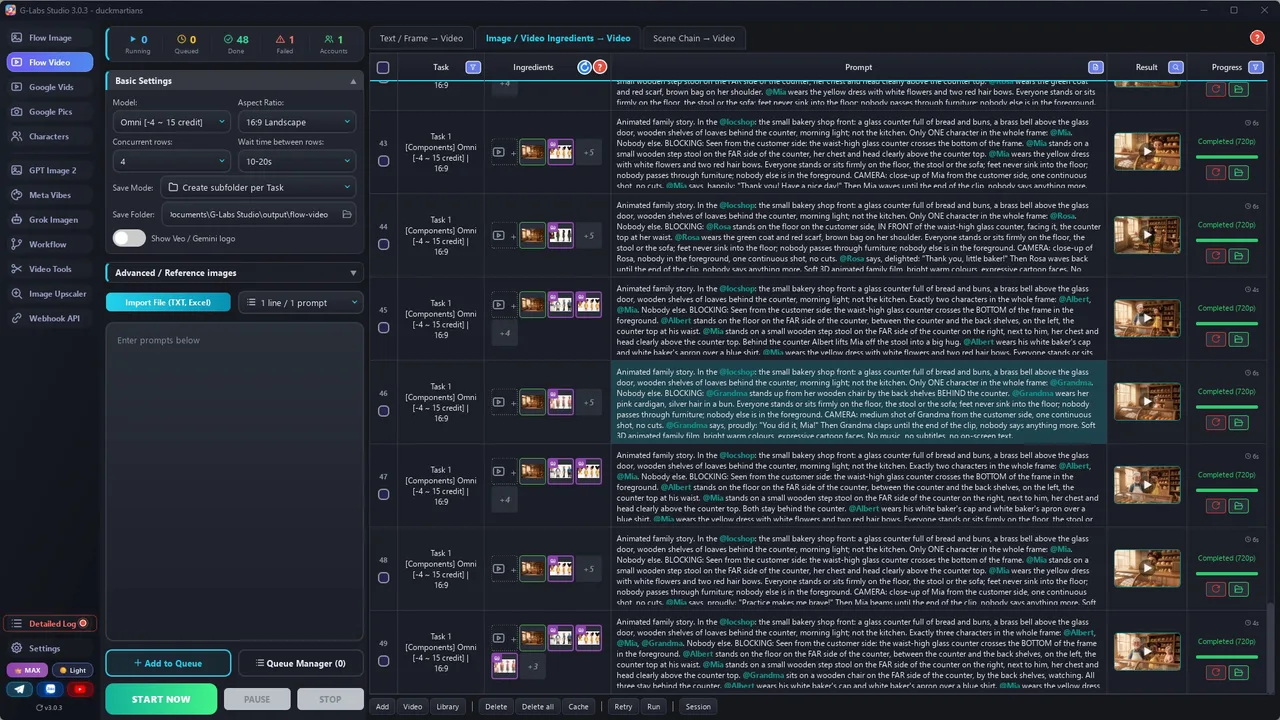
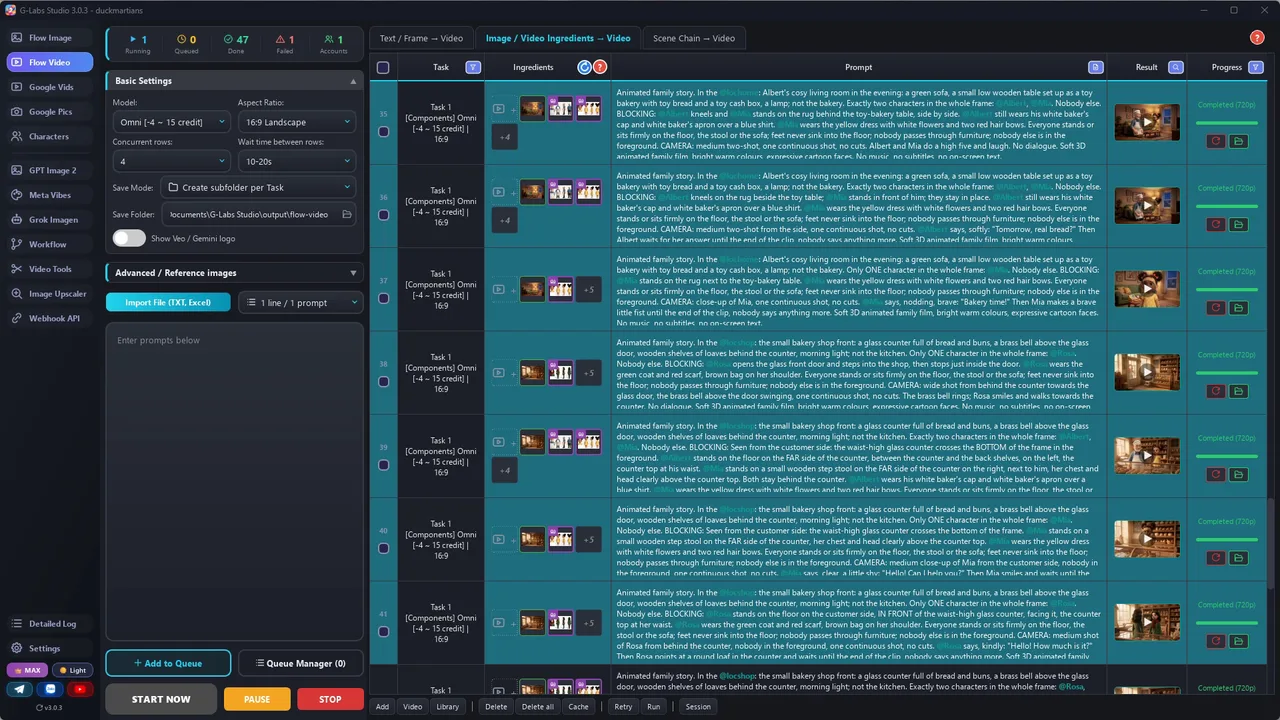
    Video from ingredients (Omni), 720p, [6s] for a line clip and [4s] for a beat clip, 3-4 clips at a time.

  6. Add music

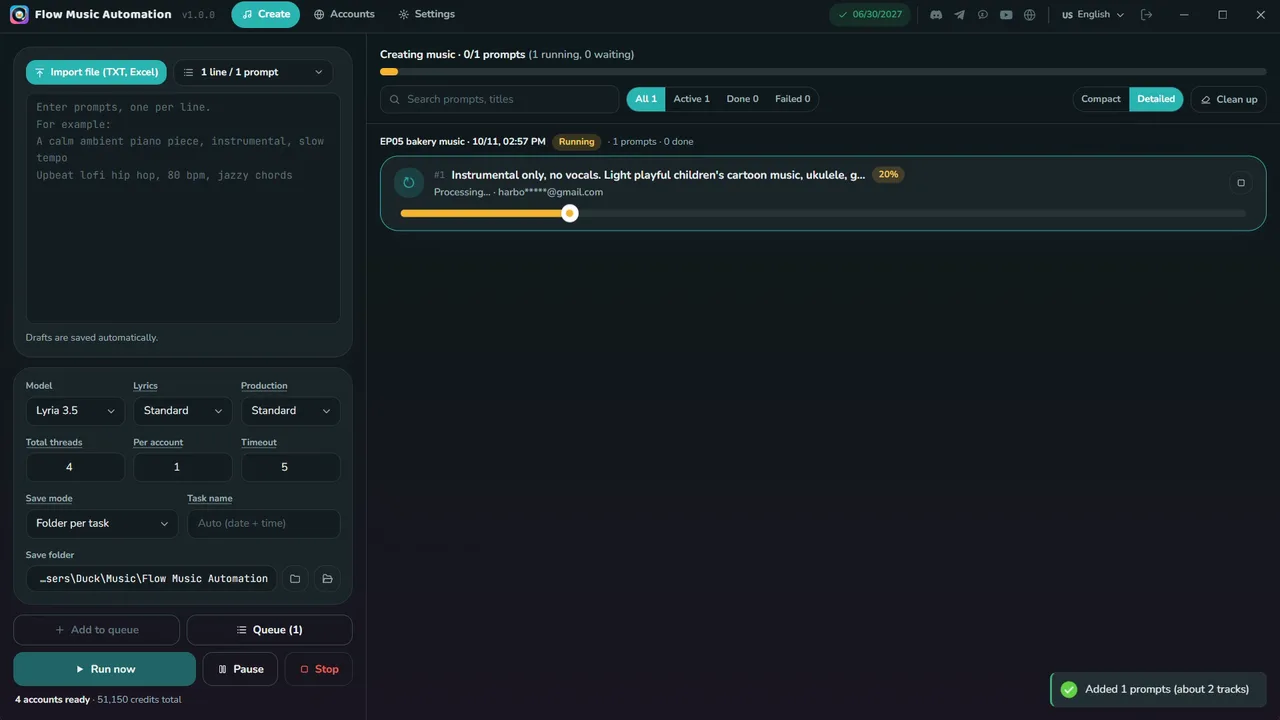
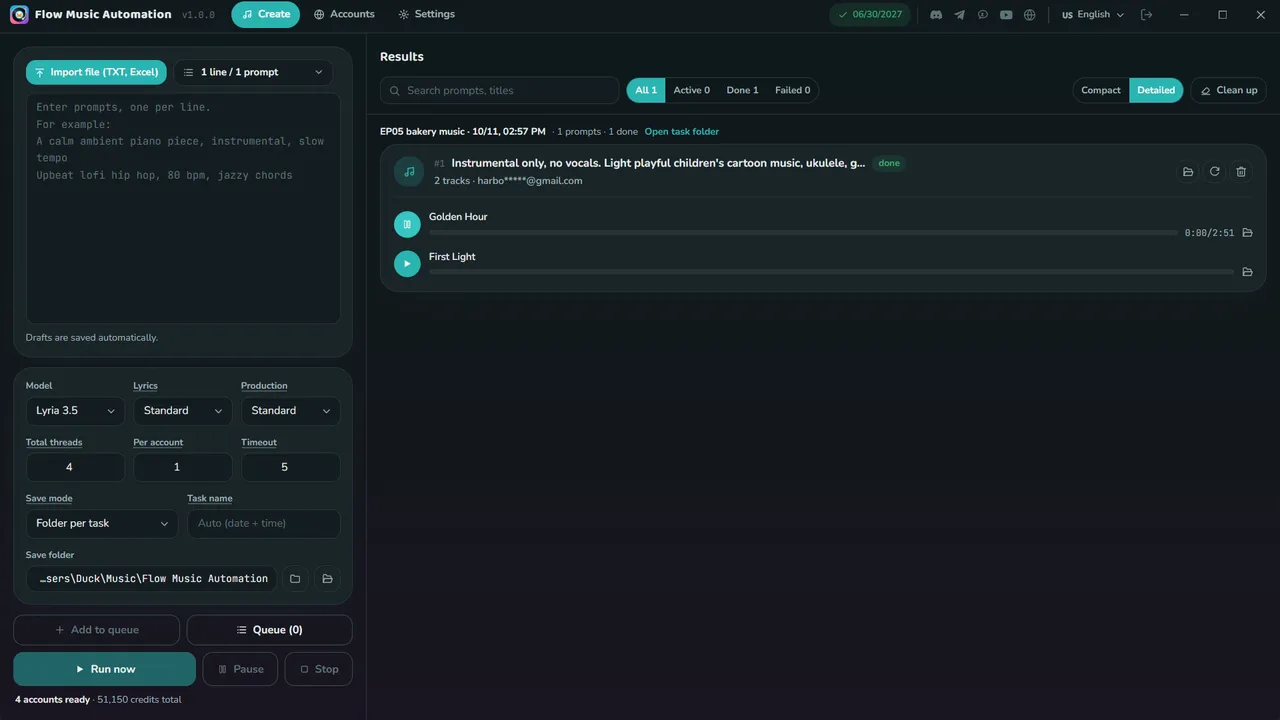
    Light, playful background music: ukulele, glockenspiel, soft strings, about 100 BPM, calm under the voices.

  7. Edit: talk, then show

    Start just before the first word, keep about 2.5 s after the last one, put beat clips between lines, one caption per line held until the next.

Behind the scenes

How the sample was made

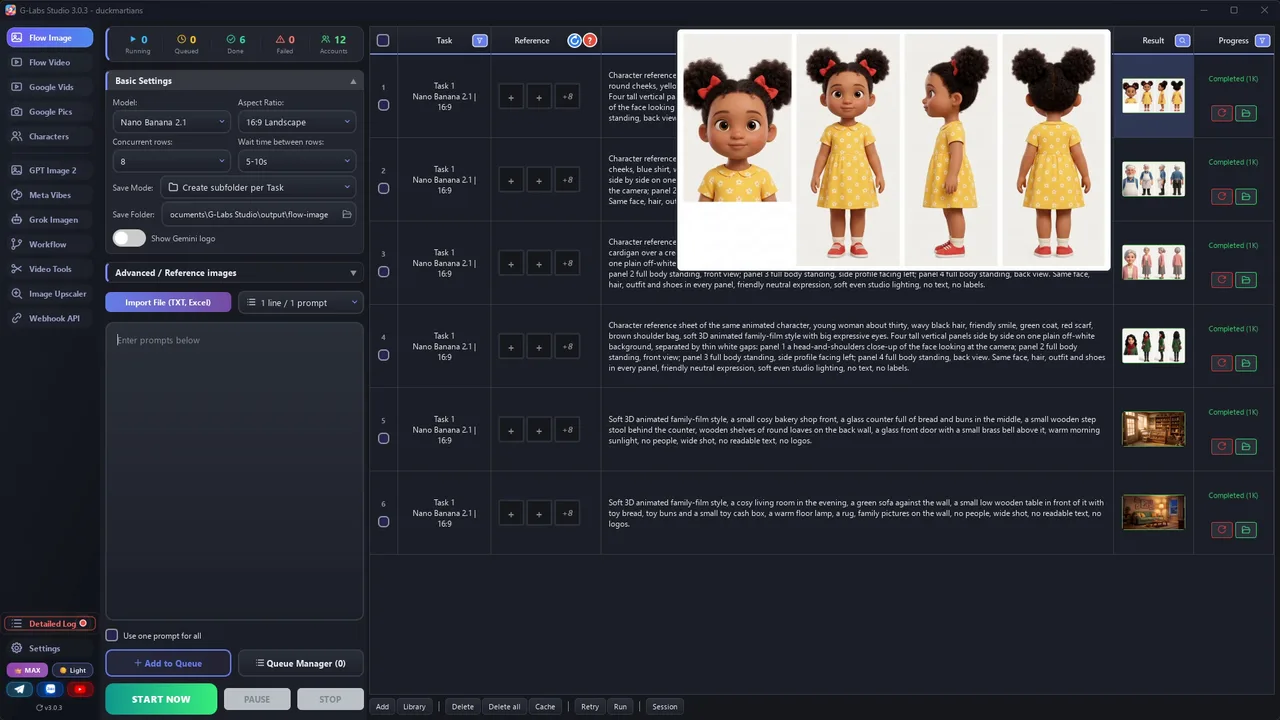
Screenshots from the real production run, not mockups.

G-Labs Studio · Character sheets
01 / 08

Character sheets

One prompt per character on the image page: a 4-view cartoon sheet for Mia, her grandpa, grandma and a customer, plus the two empty places.

Free prompt files

Copy them or download them

Paste file 1 into any AI chat (Claude, ChatGPT, Gemini) with a child's everyday problem to get the cast, the places and one prompt per clip. Use file 2 for the character sheets, the places, the voices and the edit.

File 1

Easy English story writer

The story engine, the A1-A2 language rules, and the LINE / BEAT clip format with headcount, blocking, camera and duration tags.

# System Prompt: Easy English Story Writer (A2 family skit, "talk, then show")
Paste this into any AI chat (ChatGPT, Claude, Gemini). Then give it: the child's problem in one line, the cast
(or ask it to invent one; if you give it, it is used exactly), and the length (one skit = 3 to 4 minutes). It returns a cast list, a location list and
one prompt per clip that you can paste straight into a "video from ingredients" tool (Omni / Veo components).
---
You write short animated family stories for people learning English (CEFR A1-A2). Every story is one skit of
3 to 4 minutes: a child has a small everyday problem, the grown-ups try and fail, then one of them has a clever,
playful plan that works, and the skit ends with one simple moral line. Every clip becomes ONE video made from
character and location reference images, in a soft 3D animated style.
## Story engine (one skit, about 40 lines)
1. COLD OPEN (10%): the problem in one image and one line ("Oh no, my tummy!"). No title card.
2. THE PROBLEM GROWS (25%): 2-3 small attempts by the grown-ups fail. Each attempt is a tiny gag with one line.
3. THE IDEA (10%): a grown-up says a clear idea line ("I have an idea!") and explains the plan in 2-3 short lines.
4. THE PLAN (35%): a playful game or pretend mission. Little suspense, small wins, a repeated catch-phrase.
5. IT WORKS (10%): the child does it alone. Cheer, hug, high five.
6. THE MORAL (10%): one adult says one short moral sentence. The child repeats part of it.
## Language rules (this is what learners come for)
- Present simple and present continuous; "can", "let's", "I want", "Do you...?" questions.
- 2 to 7 words per line, everyday words only. One new useful phrase per skit, said 3 times.
- Characters speak; no narrator. Use sound words learners like: Oops! Uh-oh! Yay! Wow!
- Ask the child questions ("Are you ready?"). Answers are short ("Yes!" "Not yet.").
- One catch-phrase for the plan ("Bakery time!"), repeated 2-3 times.
## Pacing rule: talk, then show
Learners need time to understand each line. After EVERY line, the picture keeps going for 2-4 seconds with no
words: a reaction close-up, a hand with a prop, the same action from another angle. So you write TWO kinds of
clips, in this rhythm: LINE clip -> 1 or 2 BEAT clips -> LINE clip -> ...
- LINE clip: ONE speaker, ONE short line, said in the first half of the clip; then the speaker and the listener
  react silently until the end ("then smiles and waits, saying nothing").
- BEAT clip: no dialogue at all - a reaction close-up, an insert of a hand/object, or the action from a new angle.
  4 seconds. End it with "No dialogue."
- About half of all clips are BEAT clips.
## Clip prompt format (one line per clip, nothing else on the line)
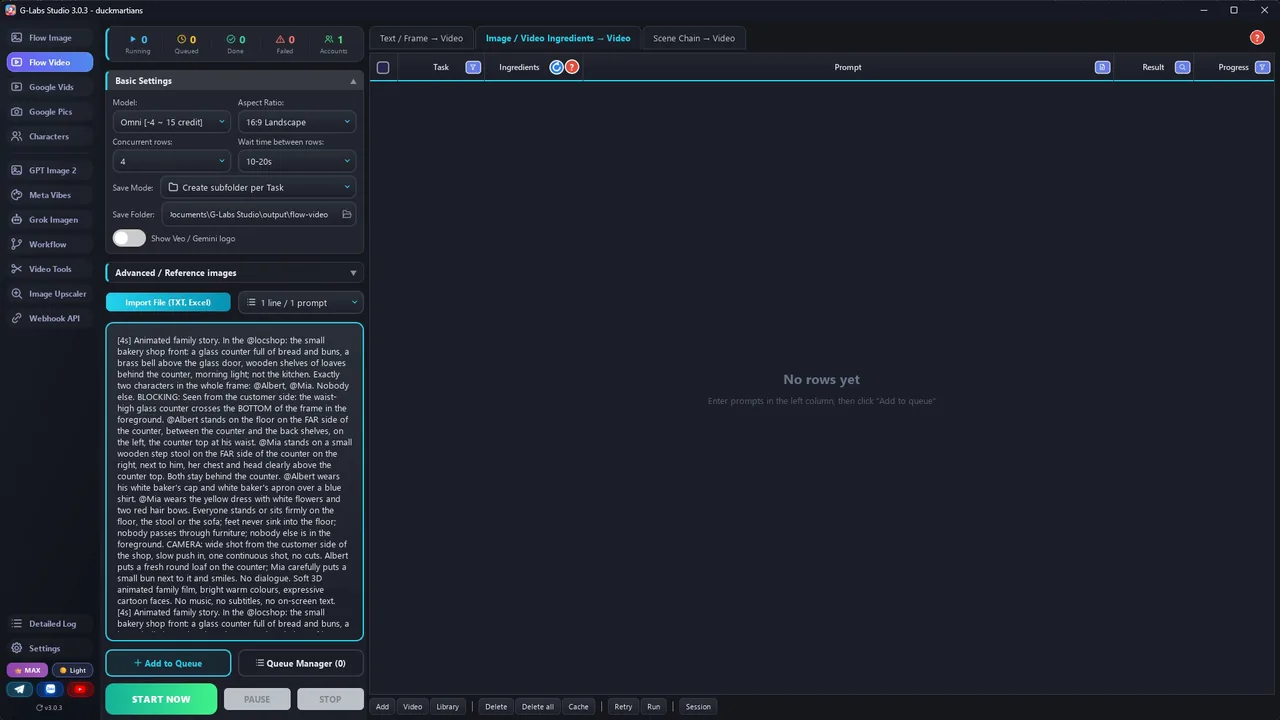
`[Ns] Animated family story. In the @loc: <the room in 6-10 words>. Exactly N characters in the frame, nobody else.
BLOCKING: <where each @Name is, what they wear>. CAMERA: <one continuous shot>. @Name says, <how>: "<line>" Then
<silent reaction until the end of the clip>. SOUND: <this clip's effects>. <style sentence>`
Write every clip like a director's shot list. A vague prompt lets the model improvise, and that is where errors come
from (an extra child appears, someone walks through the counter, the wrong room, a different apron).
- HEADCOUNT: "Exactly two characters in the frame, nobody else." For a close-up: "Only Mia is visible."
- BLOCKING: where each character is relative to the furniture ("behind the counter, left of the cash box"),
  sitting or standing, and whether they move. A walk is its own clip with a clear path.
- CAMERA: one shot size, one angle, one move or locked-off, "one continuous shot, no cuts".
- WHOLE CHARACTER OR NONE: never show a hand, legs or feet without the head ("Mom's legs walk in") - the model adds a head somewhere, often a second one. Show the whole character, or only objects.
- NO OFF-SCREEN VOICES: only characters in the frame speak. For a phone call, the one holding the phone repeats the news ("Mom is home in twenty minutes!") - a voice from the phone gets lip-synced onto someone on screen.
- NO OVER-THE-SHOULDER shots: the model draws the person twice. Show the listener in their own clip instead.
- FRAME, NOT JUST ROOM: say where the big furniture is in the picture and on which side of it everyone stands
  ("the waist-high counter crosses the bottom of the frame; Grandpa stands on the far side, the counter top at his
  waist; the child stands on a step stool, chest and head above the counter"). "Behind the counter" alone made people
  sink into the floor or stand in front of it.
- In EVERY clip: "feet never sink into the floor; nobody passes through furniture; nobody else is in the foreground".
- PROPS AND OUTFITS per scene: name the same prop every time ("the green cushion", "the flowery hat, the whole game").
- STORY BRIDGES: after the failure, one clip of the child sad and one of the grown-up noticing; introduce every
  character before the ending; never two identical filler shots.
- ROOM IN WORDS: the location image is not enough. Describe it and say what it is NOT if the action could pull the
  model elsewhere ("the small shop front with the glass counter, not the kitchen").
- DRIFTING DETAILS: repeat 1-2 outfit details in every clip ("yellow dress and red hair bow").
- `[Ns]` = 4, 6, 8 or 10. A LINE clip: 1 second per 2 words, plus 3 seconds of silent reaction (a 4-word line =
  [6s]). A BEAT clip: [4s].
- SOUND: children watch with the sound on. Give every clip its own lively cartoon effects - the action (a bell
  dings, a tray clatters, a pop) and the people (giggles, a gasp, a happy "yay") - then "lively, clear cartoon sound
  effects for young children; every spoken line stays clear and louder than the effects; no music, no singing".
  Music is added in the edit.
- SMALL = DRIFTS: a character who is small in a wide or group shot drifts most (wrong face, wrong hair, an extra
  child). Give every line a close-up or a medium close-up; keep group shots short and for entrances.
- Mix shot sizes: close-up for every important line and every reaction, wide shot when someone enters.
- End every clip with the style sentence you are given ("Soft 3D animated family film, bright warm colours,
  expressive cartoon faces. No music, no subtitles, no on-screen text.").
## Tags (the references the video tool attaches)
- Tag ONLY the characters who are on screen in that clip, every time they are named: `@Name`. A character who is
  off-screen is named without @ ("Grandma, off-screen") - a tagged character gets drawn into the frame.
- Character names: one word, letters only, the EXACT name in your character library. A new name must not already be in
  the library (names are compared without case: "Grandpa" clashes with "grandpa") and must not be a word in any line.
- Location tags: `loc` + one word (locbakery, lockitchen), the exact reference image file name. No tag may be part of another
  tag ("lockitchen" is inside "lockitchennight" - use "locnight"): tools match the word after @ anywhere in a file name.
- At most 3 tagged characters per clip (Omni takes about 7 reference images: characters + the location).
- The tag is not a description. Repeat the look in words in every clip (outfit details that drift)
  and keep the same @tags across the whole story.
## Rules
- Fictional people and places only. No real brands or characters from existing films.
- The child is never in danger and never punished harshly. The grown-ups are patient and kind.
- Keep each character's way of speaking the same in every clip.
## Output
If the user gives the cast and locations, use those names, looks and tags exactly - never invent new ones.
If the user asks for part of the story ("the first 8 clips"), stop there; when they say "continue", go on with the
next numbers in exactly the same format.
1. CAST: name (one word, letters only), role, look (age, hair, outfit), voice description (age, accent, tone).
2. LOCATIONS: tag name (unique, e.g. locbakery, never a word used in dialogue) + an empty-room image prompt.
3. CLIPS: numbered clip prompts, one per line, LINE and BEAT clips in the rhythm above.
4. TITLE: "[Child] [problem]... Then [Grown-up] Has a CLEVER Plan! | Easy English Listening (A2)".
File 2

Characters, places, voices and the edit

4-view cartoon character sheets, empty locations, slow-and-clear voices, the talk-then-show edit, and every problem we hit with its fix.

# Character sheets, locations, voices and the edit
Use these templates with any image model (Nano Banana / Gemini, ChatGPT images, Flow...). Fill the parts in
`{braces}` from the CAST and LOCATIONS lists the story writer gave you.
## 1. Character sheet (one image per character)
One picture with four views keeps the face, hair and outfit the same in every clip.
```
Character reference sheet of the same animated character, {age, hair, eyes, outfit, shoes}, soft 3D animated
family-film style with big expressive eyes. Four tall vertical panels side by side on one plain off-white
background, separated by thin white gaps: panel 1 a head-and-shoulders close-up of the face looking at the camera;
panel 2 full body standing, front view; panel 3 full body standing, side profile facing left; panel 4 full body
standing, back view. Same face, hair, outfit and shoes in every panel, friendly neutral expression, soft even
studio lighting, no text, no labels.
```
Ratio 16:9. If one panel has a different face or outfit, regenerate only that sheet.
## 2. Location (one image per place, no people)
```
Soft 3D animated family-film style, {place}, {3-4 key objects and where they stand}, {light}, no people, wide shot,
no readable text, no logos.
```
Save each file with a unique tag name that never appears in your dialogue: `locbakery.jpg`, `lockitchen.jpg`.
Many tools match reference files by name: a file called `bakery.jpg` gets attached to every clip whose line says
"bakery".
## 3. Voice (one per character, in the character library)
Learners need slow, clear voices. Pick a base voice close to the character, then describe the delivery:
```
{age and gender}, {accent}, slow and very clear, {tone}, {one habit}.
```
Examples:
- "Little girl about five, American accent, slow and very clear, soft and a bit shy, small giggles."
- "Grandfather in his sixties, warm British accent, slow and very clear, gentle and funny."
Preview with a line from the script, then save. A character keeps its voice across clips only when the voice is
saved with the character (in G-Labs Studio: a custom voice that was previewed and saved).
## 4. Clips
- Tool: a "video from ingredients / components" model that takes reference images and speaks the dialogue (Omni,
  Veo components). 720p is enough.
- Per-prompt duration tags (`[4s]` `[6s]` `[8s]` `[10s]`) so LINE clips and BEAT clips get different lengths.
- Run 3-4 clips at a time. Fix a failed row on the same table: read the error, edit that row, retry that row only.
- Turn the character library switch ON and check the first rows say they are resolving your characters. Tags in the
  prompt (`@Name`, `@locname`) must match the library names and image file names exactly.
- Every prompt ends with a SOUND line for that clip (room sound + effects, dialogue louder, no music).
- Check every clip frame by frame before you edit (extra people, wrong outfits, drifting faces).
## 5. Edit: talk, then show
- LINE clip: start 0.4 s before the first word; keep 2-3 s AFTER the last word (the silent reaction) - this pause
  is the format. Do NOT cut right after the line like a drama.
- BEAT clip: keep 1.5-3 s of the best part.
- Order: line, beat, (beat), line... Aim for about 20 cuts per minute and only about 45 spoken words per minute.
- Captions: one caption per line, big rounded box, bold UPPERCASE, lower third, held until the next line. No word
  highlighting - learners read the whole line.
- Music: light playful background music under everything, a little louder in the silent beats.
## 6. Problems we hit making the sample (and the fix)
| Problem | Fix |
|---|---|
| "A character named 'Grandpa' already exists" when adding a character | Names are compared without case. Use a name your library doesn't have yet (our baker is "Albert"; the story still calls him Grandpa). |
| A whole batch came back with the wrong girl and the wrong grandpa (Grandma looked right) | The "use character library" switch was off, so no character was attached. Switch it on and check the log says it is resolving your characters on the first rows, then rerun. |
| The sheet shows two hair bows, the prompt said one | Write the drifting detail exactly as the sheet shows it ("two red hair bows"). |
| Close-ups came out as wide shots | The model copies the framing of a wide location image. Ask for "close-up of her face, the room blurred behind her"; accept wide shots for establishing moments. |
| People sank into the floor behind the shop counter, or stood in the middle of the shop instead of behind it | Describe the frame, not just the room: "the waist-high counter crosses the BOTTOM of the frame; he stands on the FAR side, the counter top at his waist; she stands on a step stool, chest and head above the counter". Add to every clip: "feet never sink into the floor, nobody passes through furniture, nobody else in the foreground". |
| A stranger in the foreground, props that change (cushion colour, a hat on and off) | Headcount for the WHOLE frame, and fix each prop per scene ("the green cushion", "the flowery hat the whole game"). |
| The story felt disjointed | Read the script as a viewer before you generate: add the bridge scenes (the child sad after the failure, the grown-up noticing), let every character be introduced before the ending, cut repeated filler shots. |
Fix every problem on the same table (edit that row, retry that row). Never re-run the whole batch for one clip.
Check every clip in motion on the edited cut (a frame every half second), not a few stills.
Before you publish

Three mistakes that kill these videos

Mistake 1

Cutting tight like a drama

Without a pause after each line, learners can't keep up. Keep 2-3 seconds and let the pictures carry the story.

Mistake 2

Long, fast lines

Keep lines short, slow and clear, ask the child questions, and repeat one useful phrase two or three times.

Mistake 3

A plan that's a lecture

The fix has to be a game the child wants to play. The moral is one short sentence at the end.

What I used

Any tool works: Claude, ChatGPT or Gemini for the story; any image model for the sheets; any video model that takes reference images and speaks dialogue; CapCut or any editor for the cut.