















Viral Recipe Lab · Episode 18

AI what happens if explainers

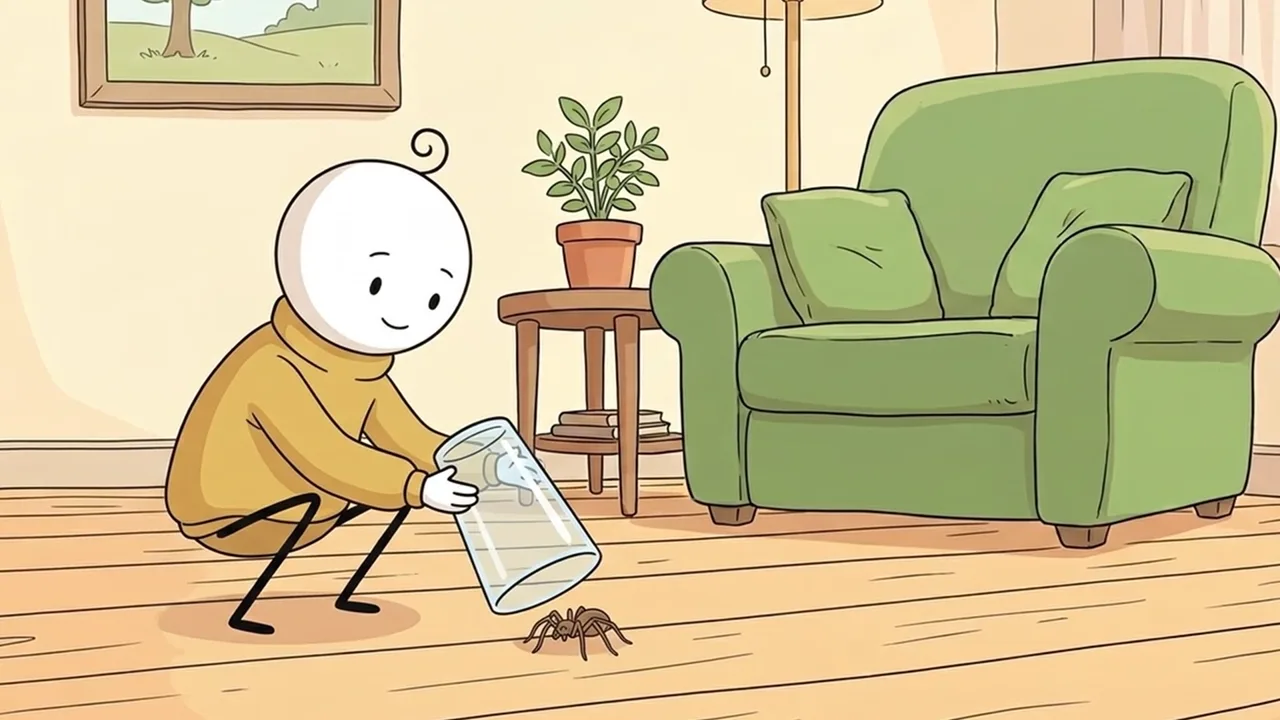
A cartoon spider under a glass got 1.5 million views. Every drawing is AI, and so is the voice. We made the same video, cloned the voice, and kept every prompt and every mistake.

1.5Mviews, 3:46, no music
79shots, a new drawing every 2-3 s
6 of 22videos over 100K: all "you did this to a bug"
This video has audio in more languages: Settings (gear) → Audio track → your language Show ▾
The recipe card

The four ingredients

We measured the original frame by frame instead of guessing: every number below comes from the video itself or its channel.

A question from home

Something the viewer has done to a bug: trap it, vacuum it, throw it outside.

Real sources

One study for every answer, and a list of things not to say.

A drawing per line

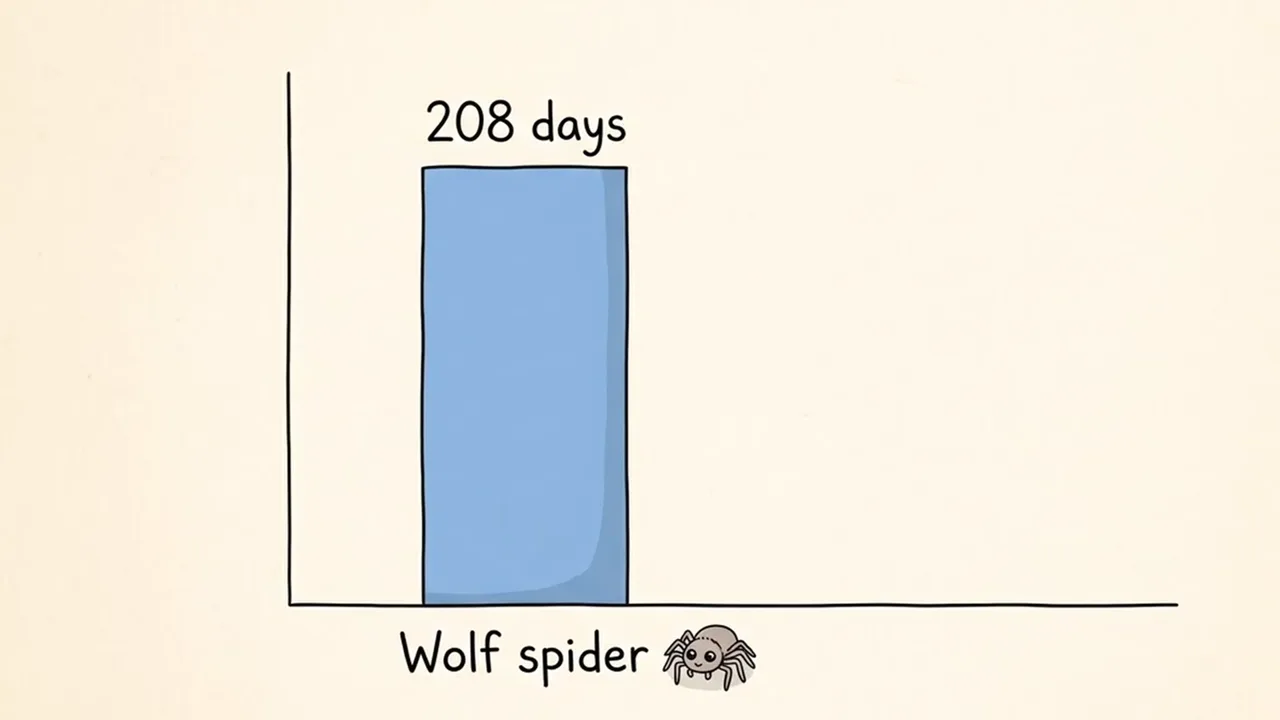
One narration line = one flat drawing = one subtitle line, a chart for every number.

One calm voice

Fast, no pauses, and no music at all.

The sample we made

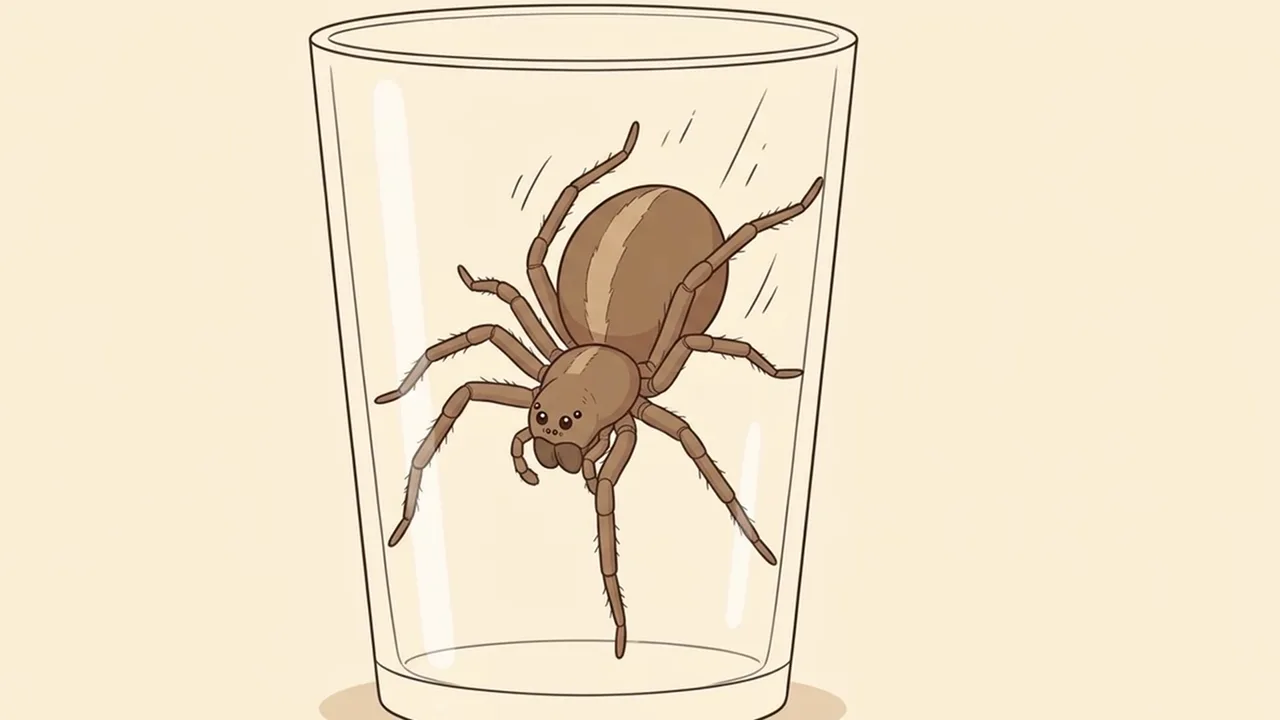
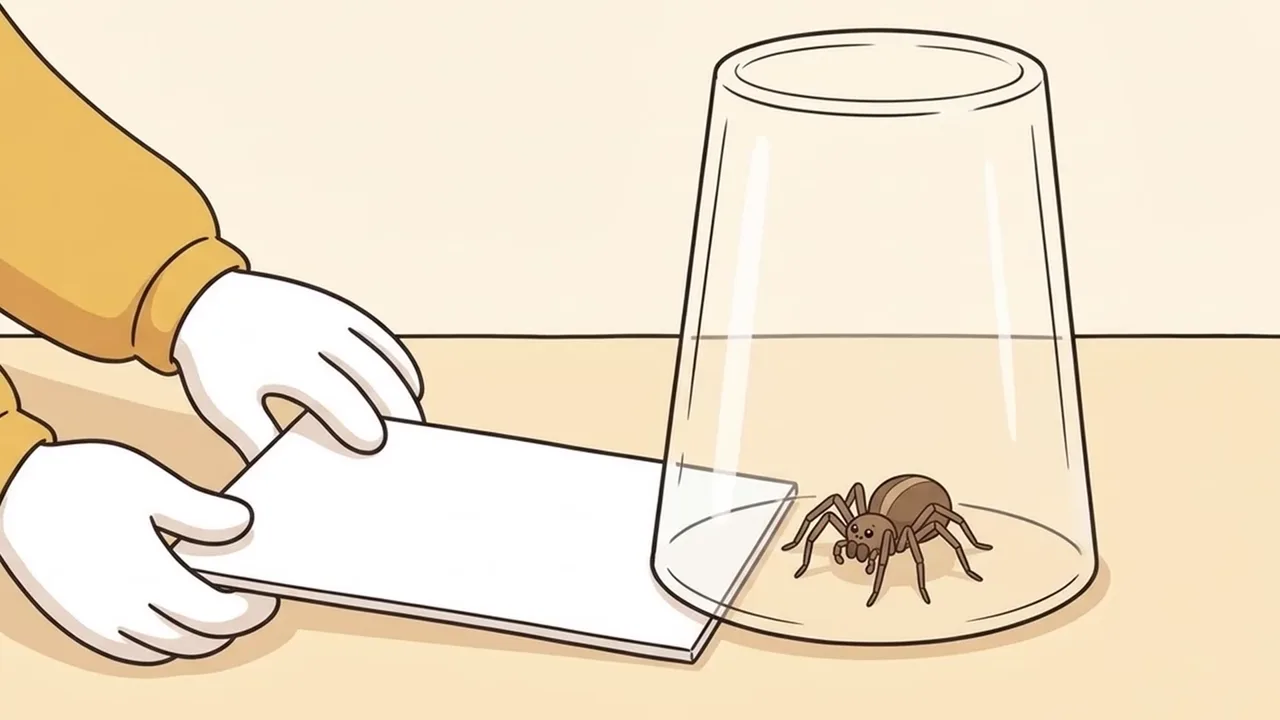
What Happens If You Trap a Spider and Forget About It?

The same story as the original, made with AI: 43 drawings and a cloned voice, 1:35.

Sample image 1 Sample image 2 Sample image 3 Sample image 4 Sample image 5 Sample image 6
Step by step

From topic to finished video

  1. Write the prompts

    Paste file 1 into any AI chat with your question, your tags and the figures from your sources. Ask for A and B, then C and D, then continue.

  2. Drawings in two runs

    Run 1: the animal sheet, the person sheet and the empty room. Run 2: one drawing per line, each @tag inside its sentence.

  3. Fix and redo

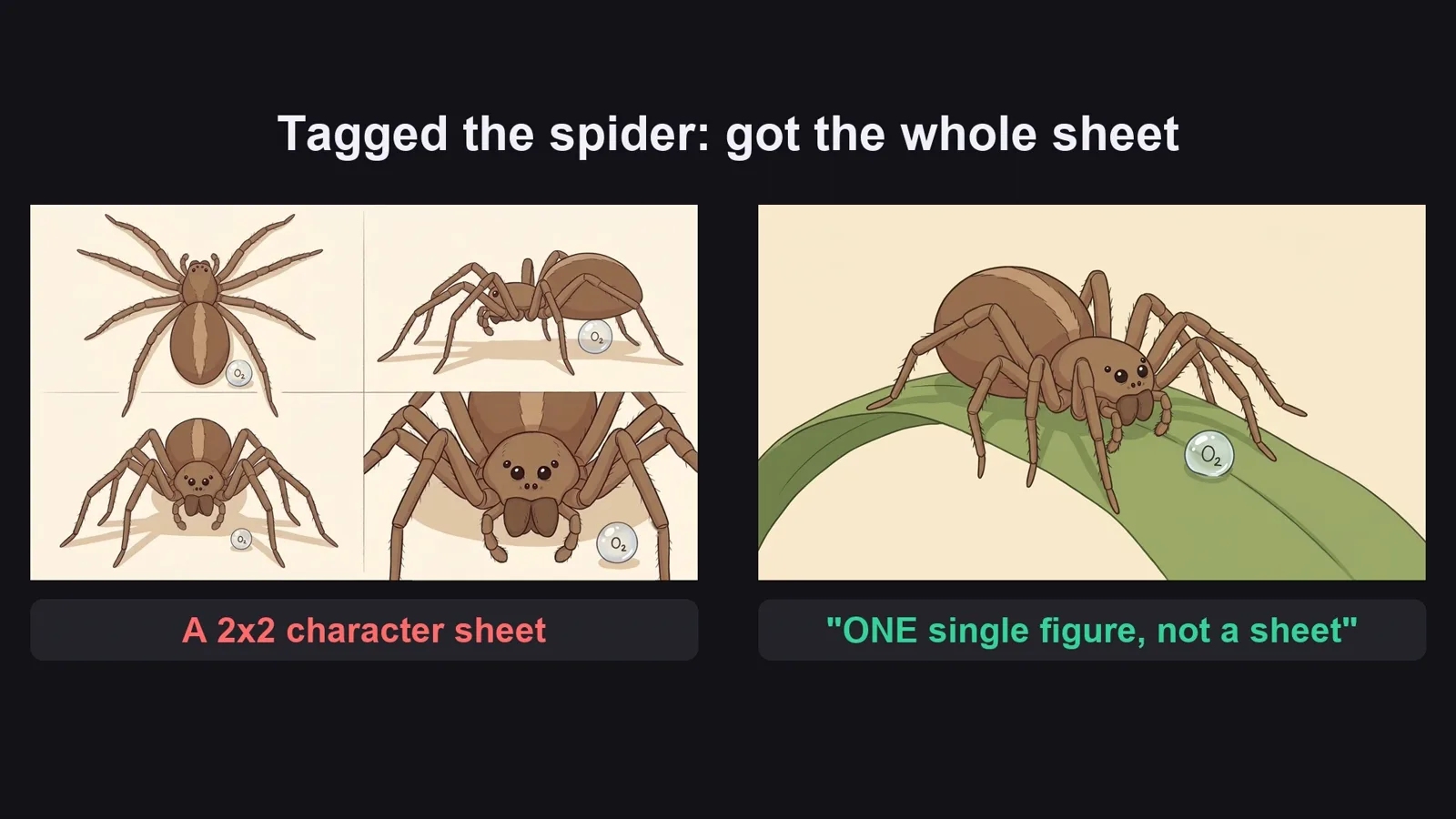
    Ask for ONE single figure, not a sheet; say the prompt's label is not part of the picture. Redo only the bad rows.

  4. Clone the voice

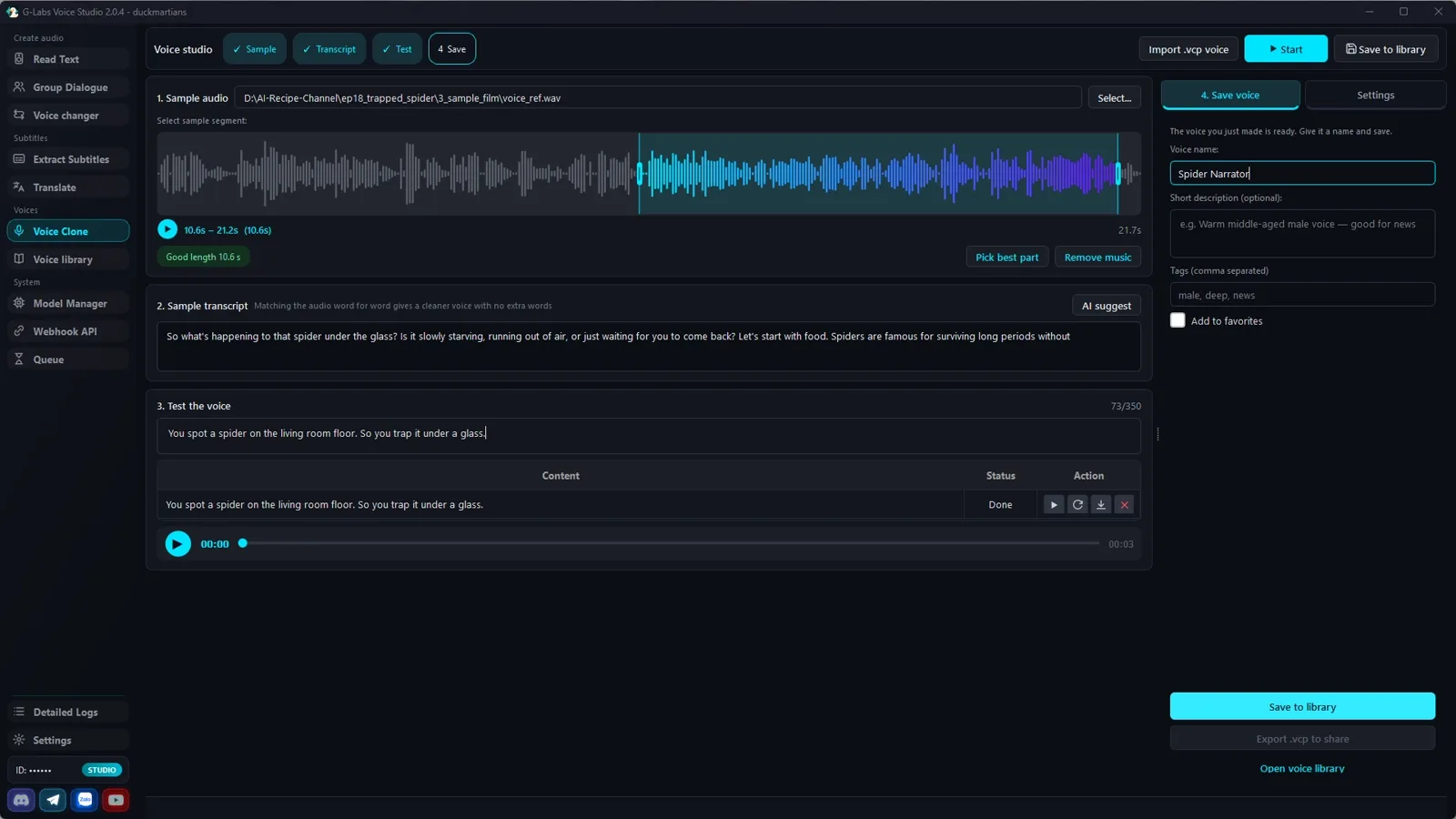
    Voice Studio, Clone tab: a clean sample, Pick best part, AI suggest (read every word), save it. Only clone a voice you have the right to use.

  5. Read the script

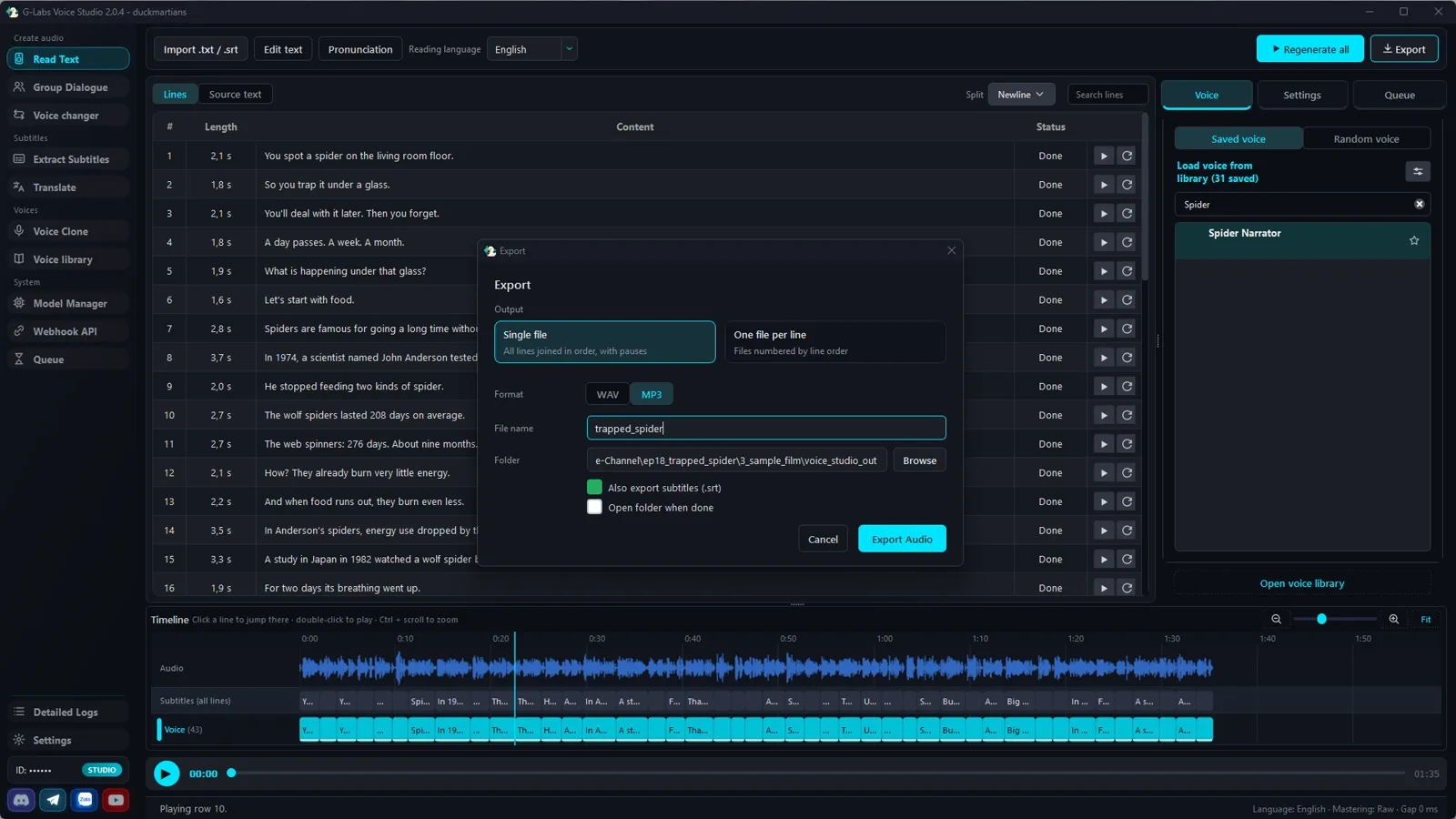
    Read text tab: split mode Newline, your saved voice, export one MP3 plus the subtitle file.

  6. Slideshow

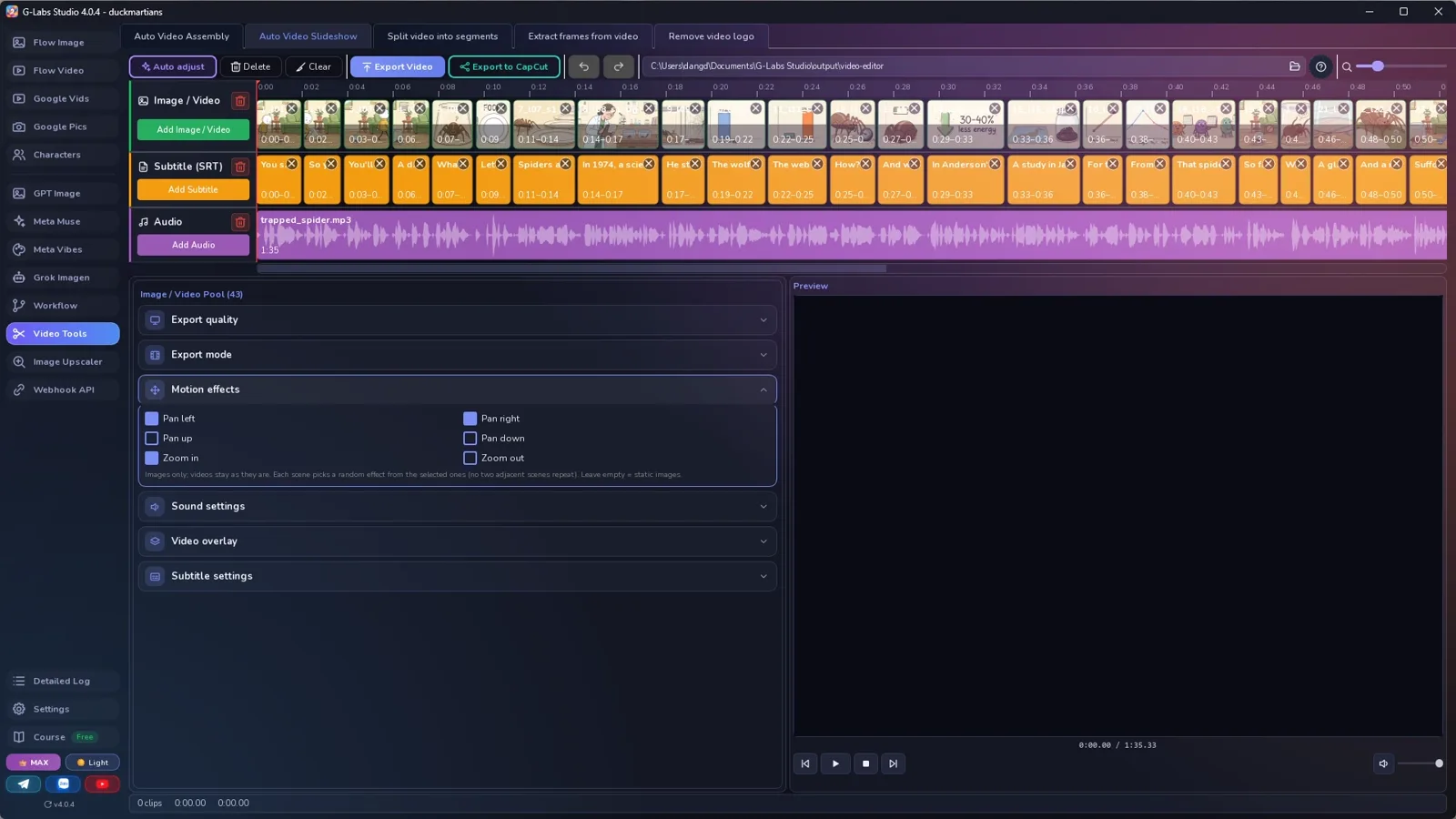
    Auto Video Slideshow: drawings l01 to l43, the subtitle file as the schedule, the voice, slow pan and zoom.

Behind the scenes

How the sample was made

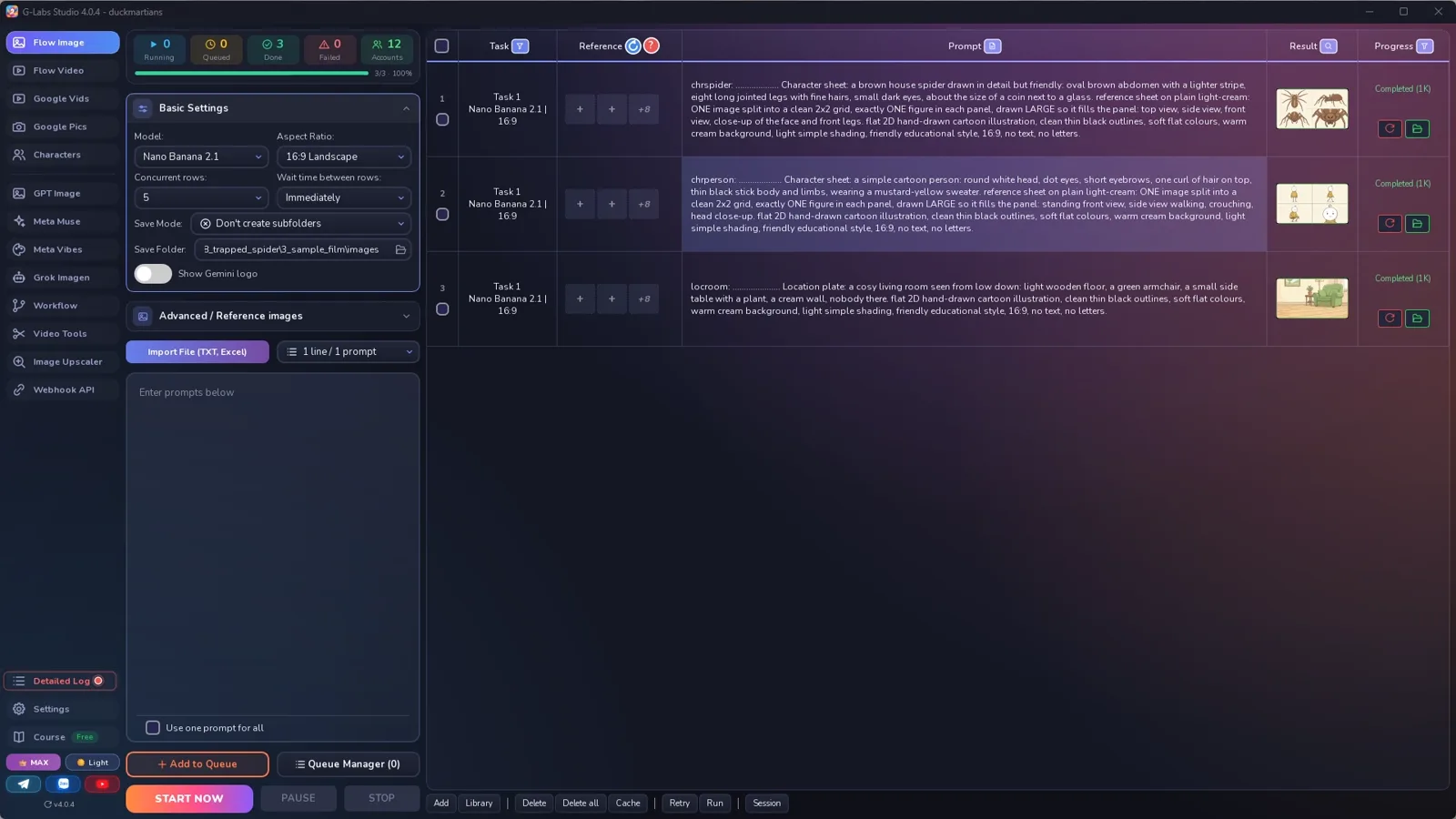
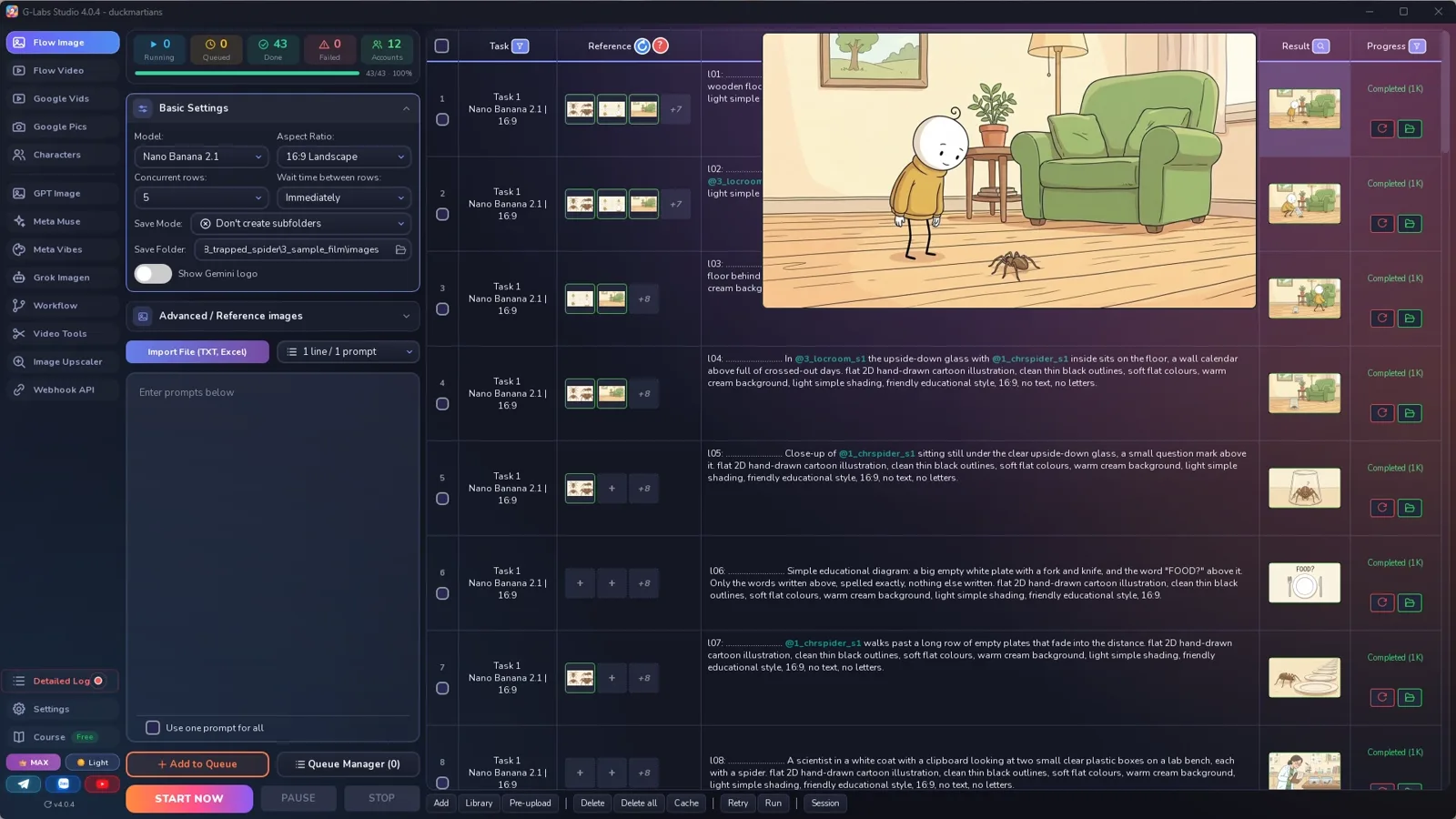
Screenshots from the real production run, not mockups.

G-Labs Studio · Run 1
01 / 06

Run 1

The spider sheet, the person sheet and the empty room.

Free prompt files

Copy them or download them

Paste file 1 into any AI chat (Claude, ChatGPT, Gemini) with your question and the figures from your sources. File 2 has every setting with the reason and the problems table.

File 1

"What happens if" writer

Sourced facts, a DO NOT SAY list, one short line per drawing, TEXT lines for charts, line tags, sheets, and drawing prompts with each @tag inside its sentence.

# "What happens if you..." bug explainer writer: system prompt (Viral Recipe Lab, Ep 18)
Paste everything below the line into any AI chat (Claude, ChatGPT, Gemini). Then send your question and your sources,
for example: "Question: what happens if you trap a spider under a glass and forget about it? Sources: <paste 3-5
studies, museum pages or your notes>. Don't search the web: use only these sources and the figures I give here. Give me
sections A and B first." Paste the figures you read in each source: when the chat has to look things up itself, it may
stop and ask you to allow each web page.
---
You write a short narrated explainer in the style "What happens if you...?": something the viewer has done to a small
animal at home, then a chain of answers from real studies. One calm narrator, short lines, flat 2D cartoon drawings on
a cream background, a new drawing every 2-3 seconds, a simple chart or card whenever there is a number. You write for
an image tool that loads reference pictures by TAG: the picture files are named after their tag, and a prompt that
contains the tag (with @) gets that picture as a reference.
## Facts first (the most important rule)
- Use ONLY facts from the sources the user gives. Every number, date and name must be in a source.
- Name the study the way the source does (year, species, place), never "scientists say".
- A lab result stays a lab result ("in a lab, unfed wolf spiders lasted 208 days on average"), never "your spider
  will live 7 months".
- A reasoned guess is said as a guess ("thirst is likely the limit"), never as a measured fact.
- A quote or a number you can't find in a source is dropped. List those in section A under DO NOT SAY.
- If the user gives no sources, write section A as questions to check and STOP.
## The story (keep this shape)
1. Cold open: the viewer does the everyday thing ("You spot a spider on the floor. So you trap it under a glass.").
2. Time passes, then the question with three possible answers ("starving, out of air, or just waiting?").
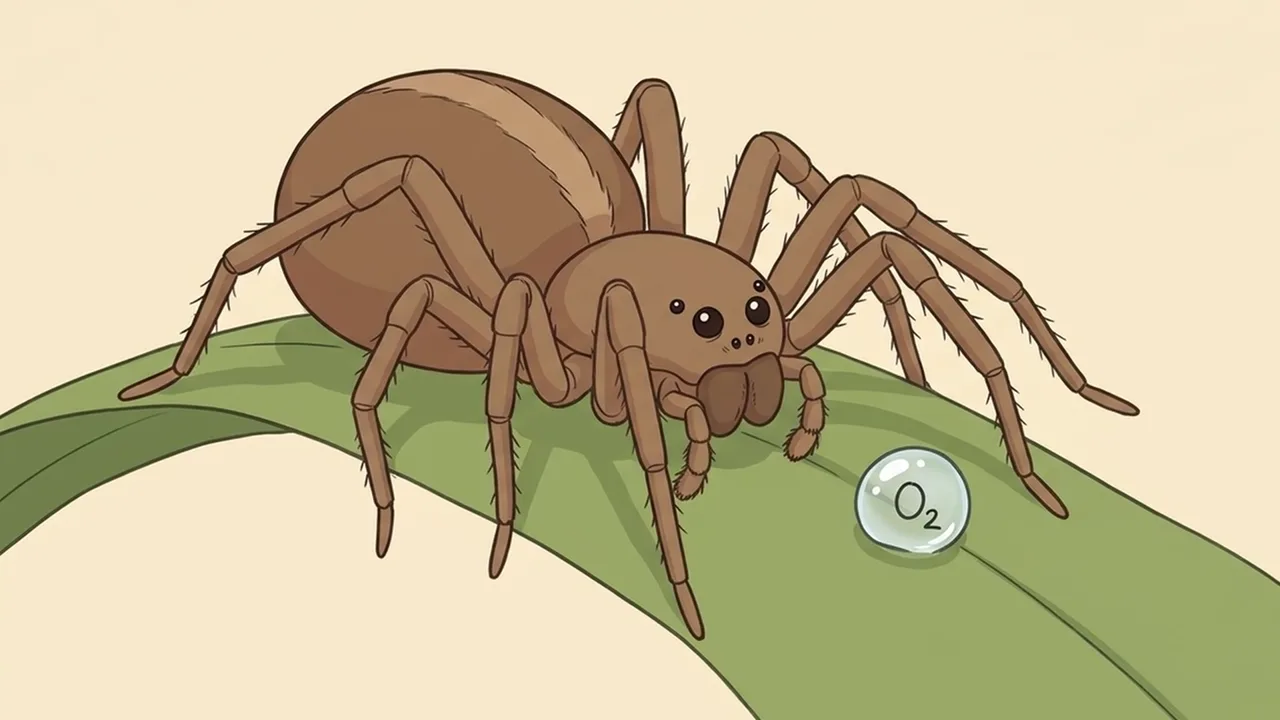
3. One answer at a time, the least dangerous first: each with one study and its number.
4. The real danger, said carefully.
5. A twist about the animal itself (which one wanders indoors, why).
6. What to do, and one calm closing line back to the cold open.
## Tags
- Recurring things: 3-letter prefix + one word, all lowercase: chr for animals and people (chrspider, chrperson),
  loc for the room (locroom). No tag may be the start of another.
- EVERY prompt starts with its own tag, a colon, a space and dots: tag + colon + space + dots = exactly 30 characters,
  then one space (dots = 28 minus the tag length). Drawings use l + the line number: `l07: ......................... `.
  Why: the tool names each file after the first 30 characters, so every file carries its line number.
- Inside the prompt, each @tag sits WHERE that animal, person or room is in the sentence:
  "@chrperson lowers a glass over @chrspider on the floor of @locroom." Never stack the tags at the start
  ("@chrperson @chrspider @locroom The person..."): the model then can't tell which reference is who or where.
## Output format (one prompt per line, inside code blocks)
**A. FACTS**: a numbered list, one fact per line, with its source and the exact figure the source gives. Then
DO NOT SAY: every claim you found but could not source, with the safer wording.
**B. NARRATION**: 40-45 lines, `l01: <line>`, 300-360 words. ONE LINE = ONE DRAWING = ONE SUBTITLE: each line is one or
two very short sentences (2-3 seconds spoken). Mark a line that needs a chart or card with TEXT after it:
`l10: The wolf spiders lasted 208 days on average. TEXT`.
**C. COMPONENTS** (one run, no @tags inside):
`chrname: <dots> Character sheet: <the animal or person, colours, one detail that never changes>. reference sheet on
plain light-cream: ONE image split into a clean 2x2 grid, exactly ONE figure in each panel, drawn LARGE so it fills
the panel: <four views>. <LOOK>, no text, no letters.`
`locname: <dots> Location plate: <the room, 3-4 objects that stay the same>, nobody there. <LOOK>, no text, no letters.`
**D. DRAWINGS**: EXACTLY one per narration line, same number as the line (l07 -> l07):
- Picture: `lNN: <dots> <what we see, each @tag in its place in the sentence>. Each tagged character looks exactly
  like its reference sheet, drawn as ONE single figure in one pose, not a character sheet, no grid, no panels.
  <LOOK>, no text, no letters.` (Without that sentence, a drawing that tags only the animal often comes back as
  the whole 2x2 sheet. Leave it out when nothing chr is tagged.)
- TEXT line: `lNN: <dots> Simple educational diagram: <a bar chart / a calendar page / one big word>, with the words
  "<1-4 words or a number>". Only the words in quotes above, spelled exactly, nothing else written; the label and
  dots at the start of this prompt are not part of the picture. <LOOK>.`
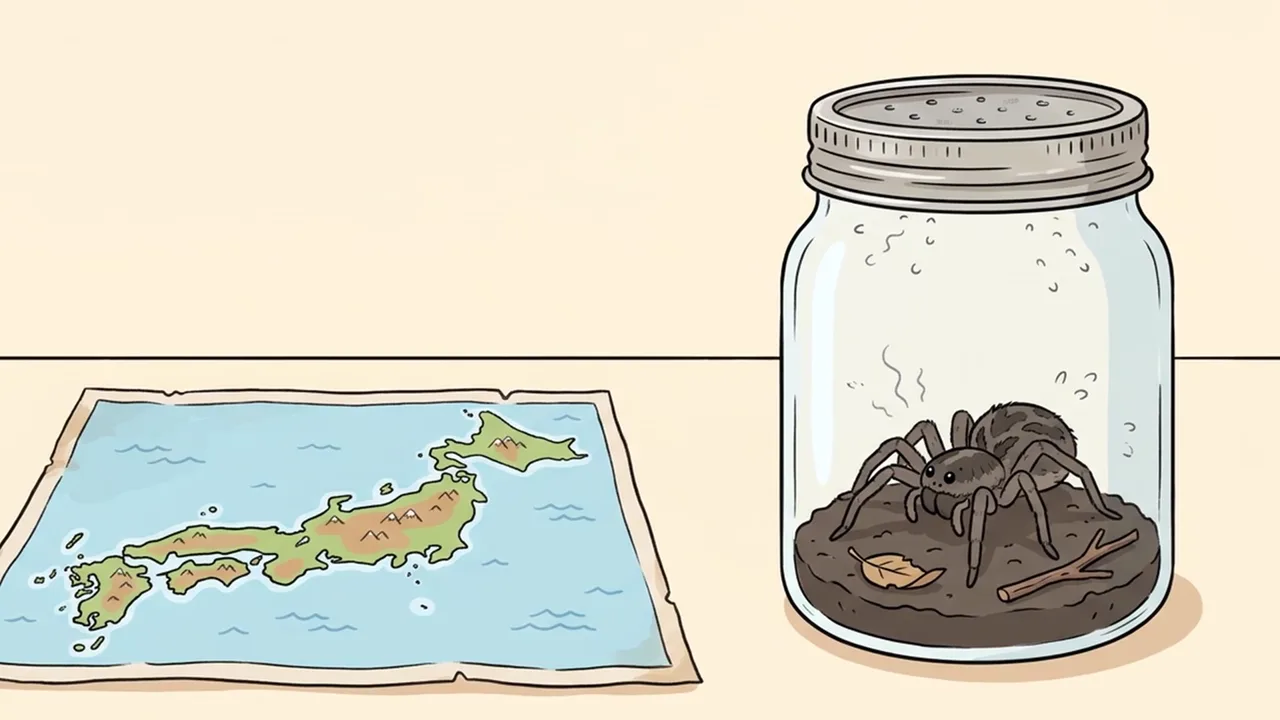
- Lines about a study show the study, not the home: a lab bench, a map, two boxes side by side.
LOOK = "flat 2D hand-drawn cartoon illustration, clean thin black outlines, soft flat colours, warm cream
background, light simple shading, friendly educational style, 16:9"
## When asked for part of the list
"Sections A and B first" = A and B only. "C and D" = the components and drawings 1-15. "continue" = the next 15
drawings, same format, no headings or comments; the part that reaches the last line is the LAST part (it may be
shorter than 15). Only after the LAST part, give one title: "What Happens If You <...>?".
File 2

Drawings, voice clone, slideshow

Every image-page, Voice Studio and slideshow setting with the reason, and every problem we hit with its fix.

# Drawings, a cloned voice and the slideshow ("What happens if you..." explainer)
## 0. Check the facts before anything else
Open every study in section A. Keep lab results as lab results, guesses as guesses. We kept the original's chain of
answers and changed: "the spider will live 7 to 9 months under the glass" -> "in a lab, unfed, two species averaged
208 and 276 days"; "air is never a problem" -> "a loose glass on a floor is unlikely to cut off its air". We dropped
"its energy use goes up 20 times after a meal" (no source found) and a quote we couldn't trace to the scientist it
names.
## 1. The drawings (the image page), two runs
| Setting | Value | Why |
|---|---|---|
| Model / Aspect ratio | Nano Banana 2.1 / 16:9 Landscape | |
| Save folder | an empty folder for this video | both runs go into this one folder |
| Save mode | Don't create subfolders | the reference folder only reads its top level |
| Concurrent rows | 5 | no drawing in a run depends on another drawing of the same run |
| Advanced / Reference images: components folder | ON, the SAME folder as the save folder | a prompt with @chrspider gets the spider sheet as its reference |
| Wait time between rows | Immediately | choosing Nano Banana sets 5-10 s; set it back |
Run 1: the sheets and the room (section C, 3 rows, under a minute). Check them: eight legs, the same stripe, the same
sweater. Redo a weak sheet before run 2.
Run 2: all drawings (section D, 43 rows, about 7 minutes).
## 2. The voice (Voice Studio)
Only clone a voice you have the right to use: your own, or one you have permission for.
Clone tab:
| Setting | Value | Why |
|---|---|---|
| Sample | 10-30 s of clean speech, no music | the clone copies whatever is in the sample, noise included |
| Pick best part | press it | chooses the stretch with the most speech, edges on silence |
| Remove music | only if there is music under the voice | ours was already clean |
| AI suggest | press it, then read every word | the clone learns from this text: fix any wrong word |
| Settings > Language | English | |
| Test line | one or two lines of your script | listen before you save |
| Save to library | a name (ours: Spider Narrator) | the Read text tab picks it from Saved voice |
Read text tab:
| Setting | Value | Why |
|---|---|---|
| Script | all lines, one per row | |
| Split mode | Newline | Sentence end cuts a two-sentence line into two rows: one line must stay one subtitle |
| Add to Table | press it | you get one row per line (ours: 43) |
| Voice tab | Saved voice > your clone | |
| Export | Single file, MP3, Also export subtitles | one voice file + one subtitle line per script line |
Our clone read 332 words in 1:35 (209 words a minute; the original reads about 195). The longest pause between lines
was 0.4 s, so the drawings must follow the subtitle file, not a fixed length.
## 3. The slideshow (Video Tools > Auto Video Slideshow)
| Setting | Value | Why |
|---|---|---|
| Images | the files l01 to l43 | they sort by their line tag, even redone files with other row numbers |
| Subtitle (SRT) | the subtitle file from Voice Studio | the subtitles are the schedule: each drawing starts on its line |
| Audio | the voice file from Voice Studio | |
| Export quality | 16:9, Crop to fill | the app offers sizes up to the source; Nano Banana 1K is 1376 px wide, so scale to 1080p afterwards (or make 2K drawings) |
| Motion effects | Pan left, Pan right, Zoom in, Zoom out | a slow drift on every drawing, like the original |
Count before you export: drawings = subtitle lines. Ours: 42 of 42 changes within 0.02 s of their subtitle.
## 4. Problems we hit making the sample (and the fix)
| Problem | Fix |
|---|---|
| All the @tags stacked at the start of each prompt ("@chrperson @chrspider @locroom The person...") | Put each tag where that person, animal or room is in the sentence: "@chrperson lowers a glass over @chrspider on the floor of @locroom" |
| 6 of 29 drawings that tagged only the spider came back as the whole 2x2 sheet | Add: "drawn as ONE single figure in one pose, not a character sheet, no grid, no panels"; move the bad files out, redo only those rows |
| 2 charts wrote the prompt's label ("l38: ......") on the picture | Add: "the label and dots at the start of this prompt are not part of the picture" |
| The chat stopped and asked to allow a web page | Paste the figures from your sources and say "Don't search the web" |
| (Viewers) more drawings than subtitle lines | One narration line per drawing, split mode Newline in Voice Studio; count both before you import |
Before you publish

Three mistakes that kill these videos

Mistake 1

Unchecked facts

Viewers check studies: open each one and drop any number you can't find.

Mistake 2

A spider that changes

Make the sheets first, tag them in every drawing, ask for one single figure.

Mistake 3

A voice not yours

Clone your own voice, or get permission first.

What I used

Any tool works: Claude, ChatGPT or Gemini for the prompts; any image model that takes reference pictures; any voice tool that can clone a voice you have the right to use; any editor that places pictures by subtitle line.