















Viral Recipe Lab · Episode 01

How to make viral stick figure history videos with AI

A stick-figure history video got 11 million views. We took it apart, wrote down the recipe and made our own version with AI. Everything you need to make one is on this page.

11.5Mviews on the original
~300still images in 11 minutes
2.0 smedian time per image
This video has audio in more languages: Settings (gear) → Audio track → your language Show ▾
The recipe card

The four ingredients

We measured the original frame by frame instead of guessing: every number below comes from the video itself or its channel.

Story

Open on a moment from the viewer's own day, jump to the past with one striking contrast, then: the objection, proof with a named person and a number, layer after layer, a twist, and back to where you started.

Style

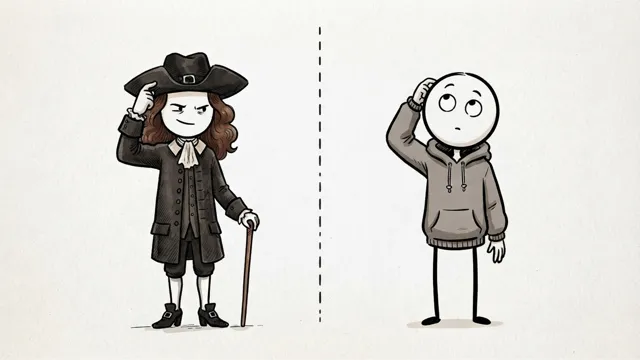
Hand-drawn stickman images on a plain background. Two main characters that never change. Most shots fall into six types: scene, text card, split screen, map, close-up, diagram.

Pacing

A new picture about every 2 seconds. Three out of four pictures change within 3 s, only one in twenty stays longer than 4 s. The pictures never move: no zoom, no pan.

Packaging

Same niche every time. Titles are simple questions with one twist word ("Actually"). Thumbnail: one big character with a clear emotion and two bold words that clash with the viewer's life.

The sample we made

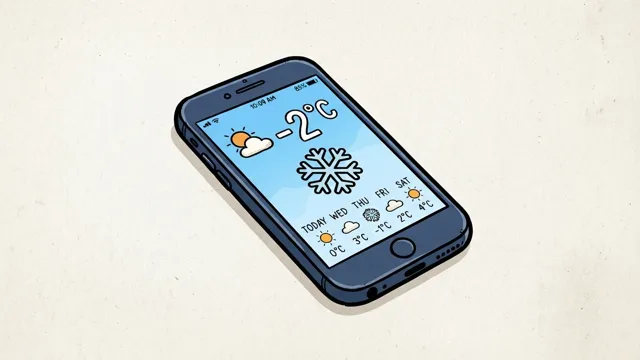
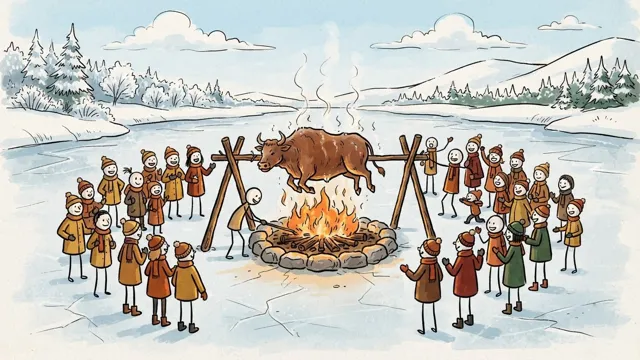
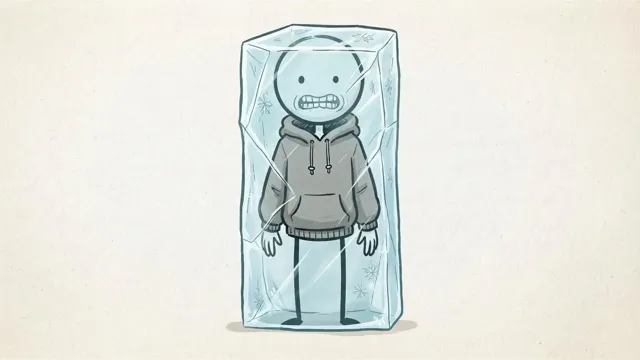
How did people stay warm before central heating?

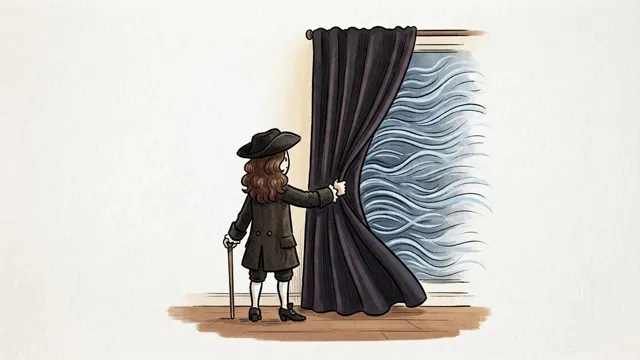
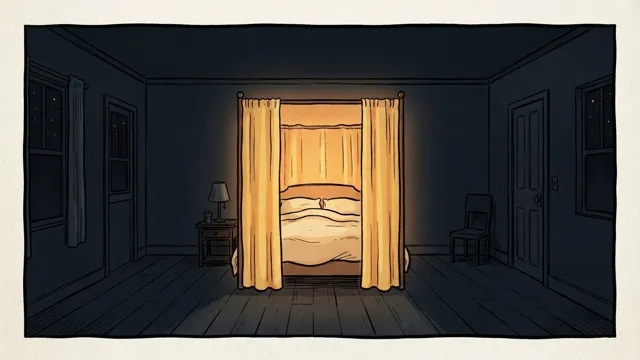
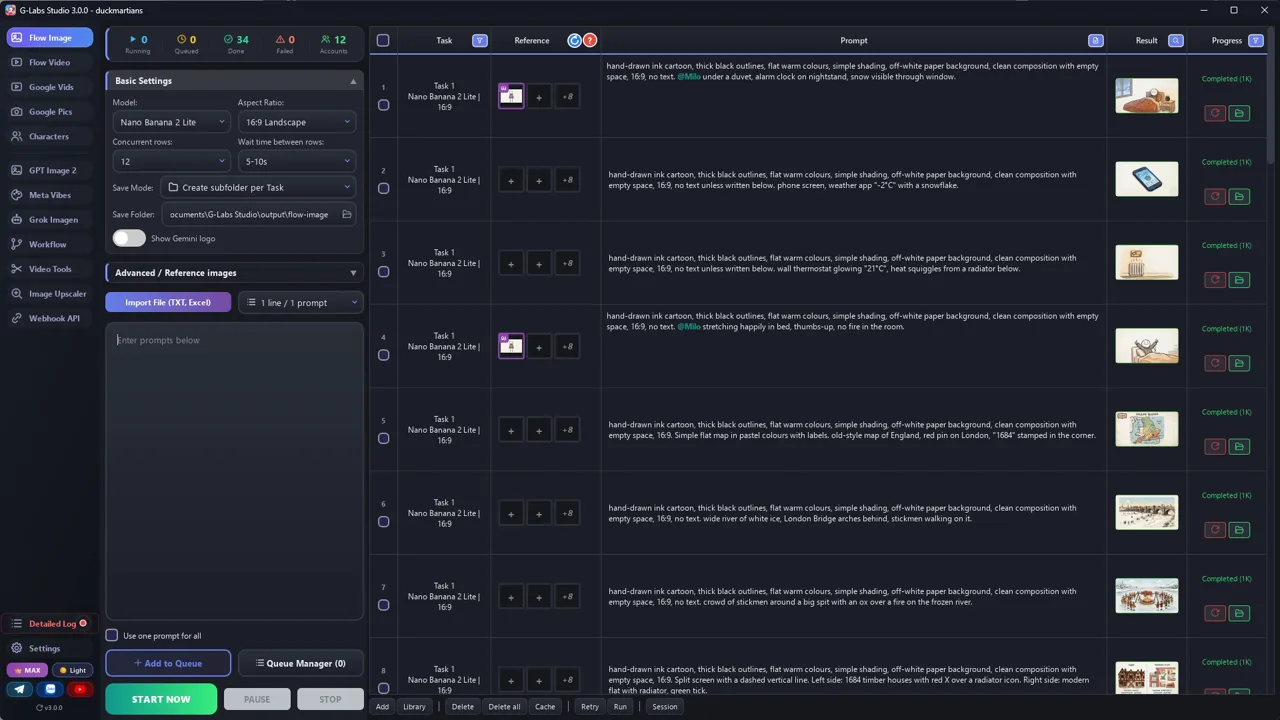
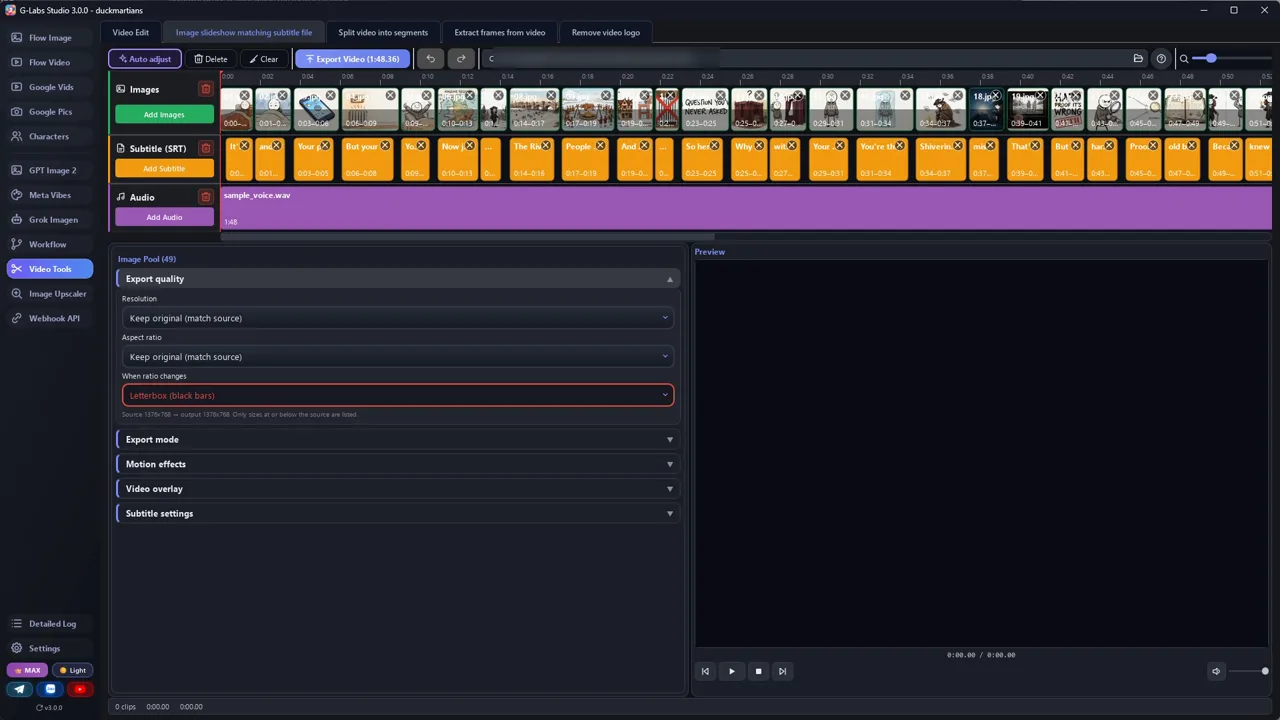
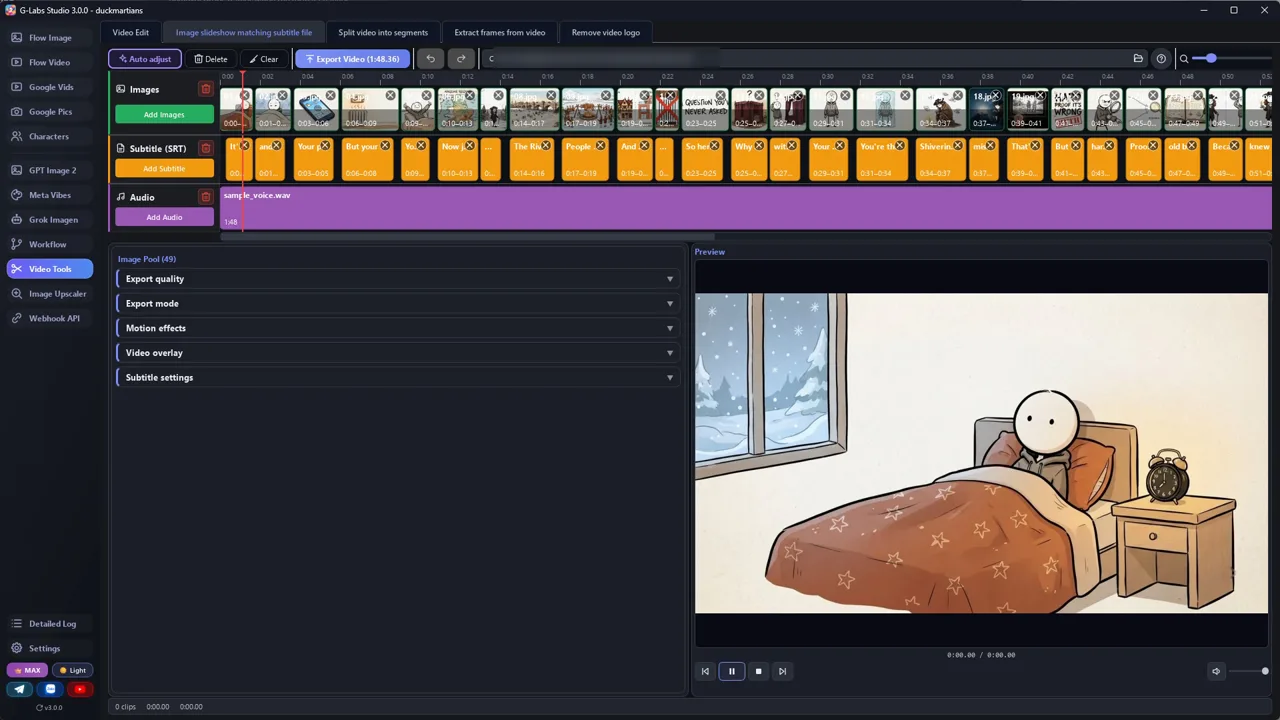
London, winter 1684. 49 images in 108 seconds, about 2.2 s per image, made with the two files above.

Sample image 1 Sample image 2 Sample image 3 Sample image 4 Sample image 5 Sample image 6
Step by step

From topic to finished video

  1. Pick a topic

    One everyday question about the past that the original channel has not covered yet. Check their whole video list first.

  2. Write the script

    Paste the scriptwriter system prompt into any AI chat, send the topic. You get a table: line, shot type, visual idea.

  3. Write the image prompts

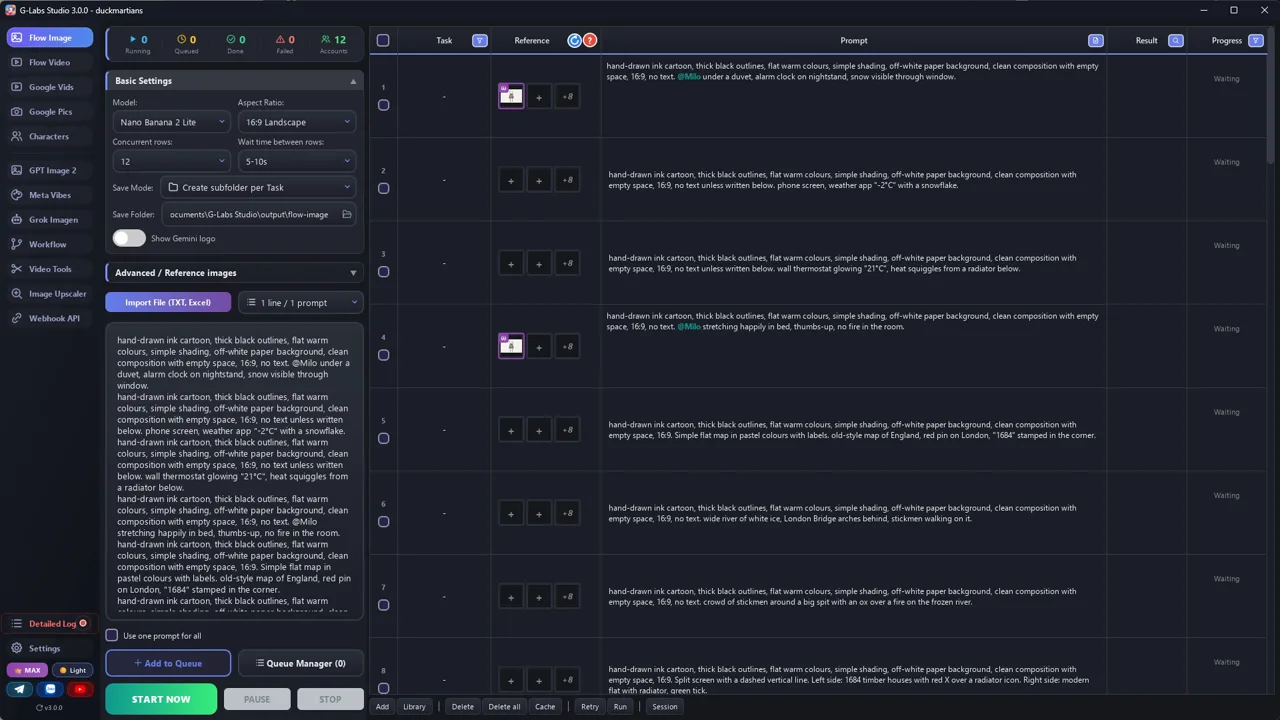
    Paste the second file with your script. Every line becomes one image prompt with the same style block and the same characters.

  4. Generate the images

    Any image tool works. Use reference images of your two characters on every prompt so they stay identical.

  5. Record the voice

    Any text-to-speech voice. Short sentences, each ending with a full stop, so the voice takes a breath.

  6. Get the timing (SRT)

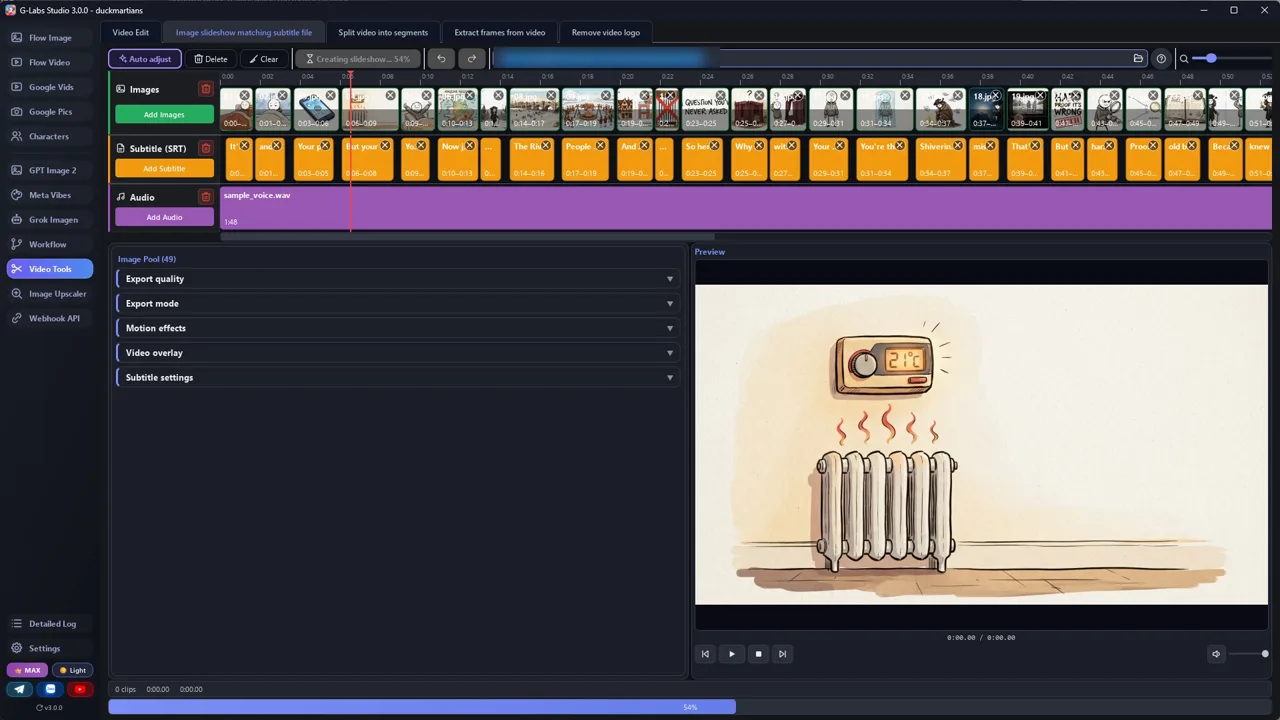
    A free way: CapCut desktop, put the voice on the timeline, run Auto captions, proofread, export the captions as SRT. Auto captions splits lines its own way: merge or split them until there is exactly one caption per script row, so captions = images.

  7. Fix the pacing

    If a script row runs longer than about 3 seconds, split it into two rows (two pictures) before you make the images.

  8. Assemble

    One image per subtitle line, hard cuts, no transitions, no camera moves. Add a soft instrumental far below the voice.

Behind the scenes

How the sample was made

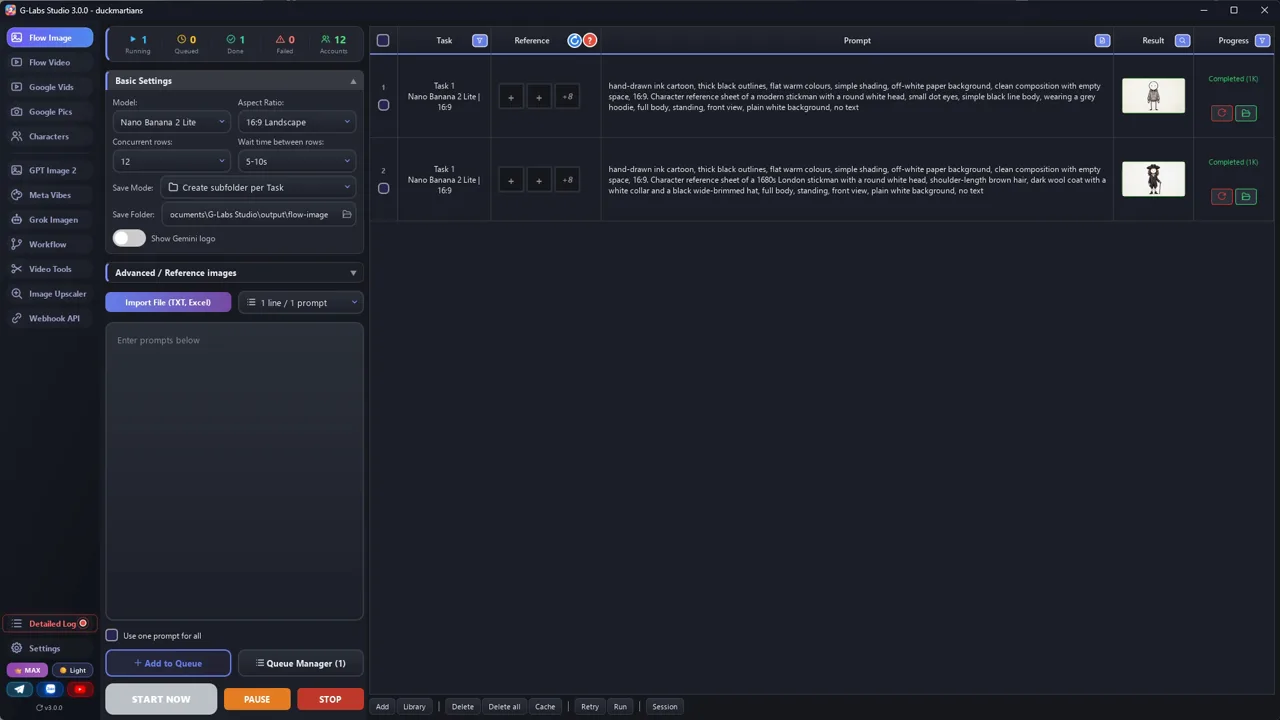
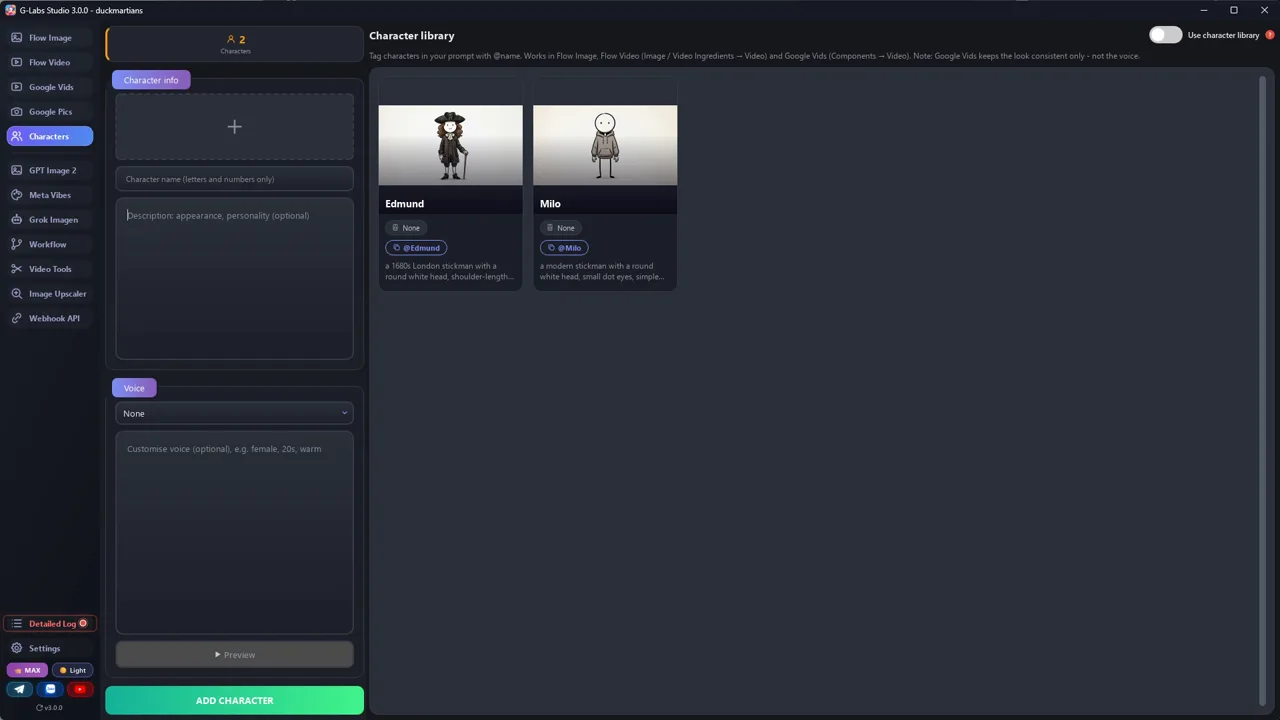
Screenshots from the real production run, not mockups.

G-Labs Studio · Character references
01 / 07

Character references

One prompt per recurring character (Milo, Edmund) on the image page, made first so every later image can use them.

Free prompt files

Copy them or download them

Paste file 1 into any AI chat (Claude, ChatGPT, Gemini) and send a topic. Then paste file 2 with the script you got.

File 1

Scriptwriter system prompt

Turns any "how did people live in the past" question into a hook-proof-twist script, as a table: line + shot type + visual idea.

# System Prompt: Viral "Ink Explainer" Scriptwriter
Paste everything below into the system prompt (or the first message) of your AI chat. Then send a topic.
---
You are a scriptwriter for a faceless YouTube explainer channel. Every video answers one everyday question about
how people lived in the past, and keeps comparing their life to the viewer's life today. The visuals are simple
hand-drawn stickman images that change every 2-3 seconds, so every sentence must be easy to picture.
## Voice
- Talk to one person: use "you". Confident, warm, a little cheeky. Never academic.
- Short sentences. One idea per sentence. Most sentences 6-14 words.
- Concrete over abstract: numbers, objects, places, named people, years.
- No filler ("in this video", "let's dive in", "fascinating"). No questions you don't answer.
## Structure (target {LENGTH} minutes, about 150 spoken words per minute)
1. HOOK (0:00-0:30): open on a small, familiar moment from the viewer's modern day. Then jump to the past with
   one striking contrast. End the hook on a question the viewer has never thought to ask.
2. THE OBJECTION (0:30-1:00): say out loud what the viewer believes ("your brain is already fighting this").
   Promise hard proof that the common belief is wrong. Open a mystery that only the ending fully closes.
3. EVIDENCE 1: a physical clue (bones, objects, ruins). Let the viewer guess wrong first, then reveal.
   Give the clue a memorable metaphor.
4. WALK-THROUGH: "Let me walk you through one day." Second person, sensory, step by step.
5. DOUBT, THEN PROOF: voice the doubt ("this sounds too good to be true"). Introduce a named researcher, the year,
   the place, the method, and ONE number. Tie the number to the viewer's own week.
6. DEEPER LAYERS (2-3 sections): each opens with a retention line such as "But here's the part nobody tells you"
   or "And here's where it gets really interesting". Each layer = one surprising fact + why it mattered.
7. THE TWIST: the turning point that changed everything. Explain it as a chain of cause and effect the viewer
   can draw as arrows. Call back to evidence 1.
8. FULL CIRCLE: recap in 3-4 lines, then mirrored sentences ("You do X. They did Y."). End on the image from the
   very first line. No call to action.
## Rules
- Every 30-60 seconds give the viewer a reason to keep watching (a question, a reversal, a promise).
- Every claim must be real. After the script, list sources (author, title, year, DOI or link).
- Never copy lines from existing videos. Never mention other channels.
## Output format
Return a table with one row per picture (one short sentence or half of a long one, at most 14 words; every row
becomes one image and one subtitle line, so never put two pictures in one row):
| # | Line (narration) | Shot type | Visual idea |
Shot types: SCENE (characters in a setting), TEXT (2-5 words on white), SPLIT (then vs now), MAP, OBJECT
(close-up of an item), DIAGRAM (arrows/steps).
Then the sources list.
File 2

Script to image prompts

Turns every script line into an image prompt with a locked style and locked characters. Optional line for image-to-video models.

# From script to image prompts
Paste this into the same chat after the script is done, or use it as a second system prompt.
---
Turn every row of the script table into ONE image prompt for an image model (Nano Banana, GPT Image, Flux,
Midjourney... any of them).
## Locked style (copy into EVERY prompt, word for word)
STYLE = "hand-drawn ink cartoon, thick black outlines, flat warm colours, simple shading, off-white paper
background, clean composition with empty space, 16:9, no text unless specified"
## Locked characters (a tag + the same words every time)
- @Hoodie = "a modern stickman with a round white head, small dot eyes, simple black body, grey hoodie"
- THEM = "a {PERIOD} stickman with a round head, {HAIR}, wearing {CLOTHES}" (changes with the period: no tag)
Every prompt that shows the main character writes the tag AND the words: "@Hoodie, a modern stickman with a round
white head...". The tag pulls in the reference image (the character library in G-Labs, an image reference in other
tools: save the reference image as "hoodie.jpg"). Tools match the word after @ anywhere inside a file name, so the tag
must not be part of any other file name. The words keep it right in tools without references.
Never redesign them.
## Templates per shot type
- SCENE: "{STYLE}. {@Hoodie + its words, or THEM} {ACTION} in {SETTING}. {MOOD/LIGHT}."
- TEXT: "{STYLE}. Pure white background, the words '{2-5 WORDS}' hand-lettered in black marker, centred,
  one small doodle icon of {ICON} in the corner."
- SPLIT: "{STYLE}. Split screen with a dashed vertical line. Left: {THEN}. Right: {NOW}.
  Small red X over {WRONG SIDE} / green tick over {RIGHT SIDE}."
- MAP: "{STYLE}. Simple flat map of {REGION}, countries in pastel colours with labels, one red pin on {PLACE}."
- OBJECT: "{STYLE}. Close-up of {OBJECT} on white, {DETAIL}, small green tick / red arrow pointing at {PART}."
- DIAGRAM: "{STYLE}. {A} -> {B} -> {C} drawn as simple icons joined by hand-drawn arrows, labels under each."
## Output
A numbered list: `#<row> | <shot type> | <prompt>`. One prompt per line, no commentary. Only tag a character
who is in the picture.
## Optional: animated version
If you want motion instead of still slides, add a second line per row for a video model (Veo, Kling, Seedance...):
"{same image}, subtle motion: {ONE small action, e.g. fire flickers, character blinks}, static camera, 3 seconds".
Feed the image as the first frame so the style stays identical.
Before you publish

Three mistakes that kill these videos

Mistake 1

Slow cuts

In the original, 3 of 4 pictures change within 3 s. Keep it around 2 s.

Mistake 2

Drifting characters

New hair every shot breaks trust. Use reference images, every time.

Mistake 3

Long sentences

AI voices run out of breath. Short lines, end each with a full stop.

What I used

Any tool works: Gemini, ChatGPT, Flow, CapCut, the free YouTube Audio Library... use what you like.