















Viral Recipe Lab · Episode 06

Fruit-head family stories with AI

A 15-minute fruit-head cartoon got 825K views in 8 days on a channel with 7.4K subscribers. We put every line next to the shots around it, made our own story with the same recipe, and kept every prompt.

825Kviews in 8 days, 7.4K subscribers
17%of the time talking, 2 words per line
15cuts a minute, a picture after every line
This video has audio in more languages: Settings (gear) → Audio track → your language Show ▾
The recipe card

The four ingredients

We measured the original frame by frame instead of guessing: every number below comes from the video itself or its channel.

Borrowed engine

The same plots as the big Slow English channels: a happy mess, the discovery, a phone call with a deadline, fixes that make it worse, an idea that works, the parent comes home.

Fruit-head family

Every character has a fruit for a head on a small body: recognised in one frame. The fruit is named in every prompt so it never turns into a human head.

Pictures tell it

A two-word line, then the picture that carries the story: a reveal of the mess, a shocked face, or a prop like the phone.

Mess that stays

One location picture per state of the room (clean, covered in flour) and every prompt says how messy the room is. A SOUND line in every prompt, because children watch with the sound on.

The sample we made

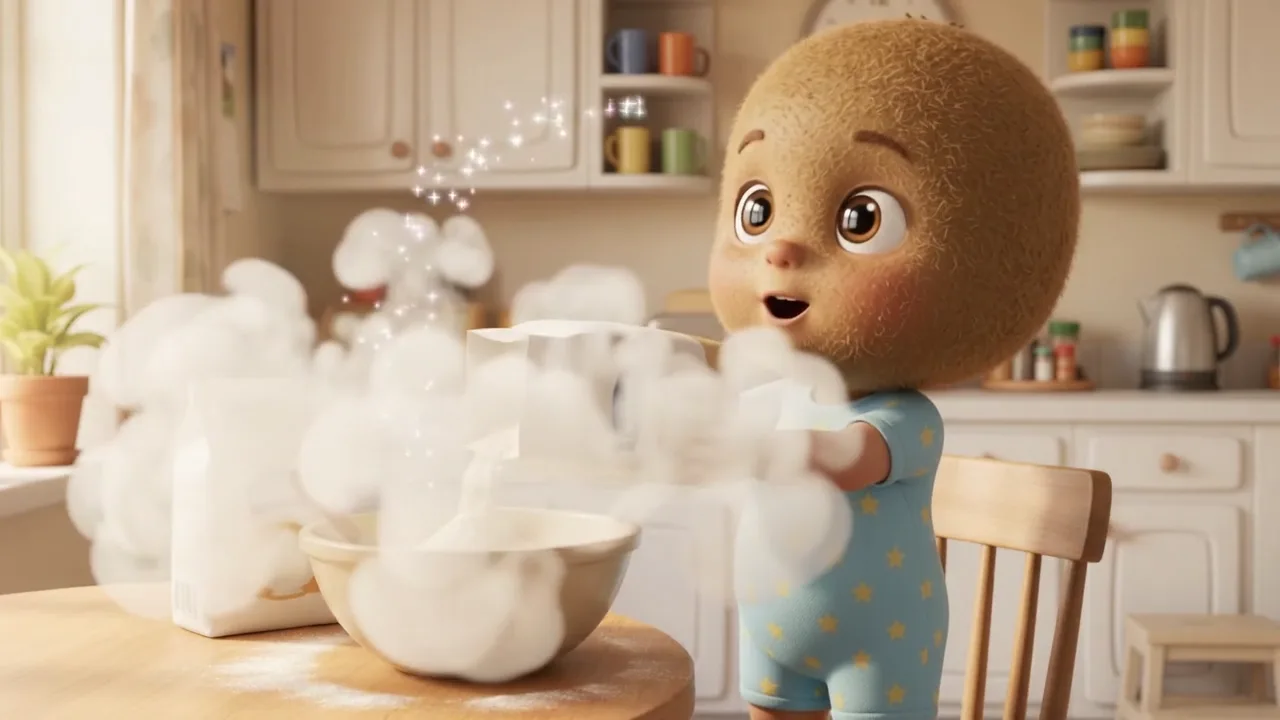
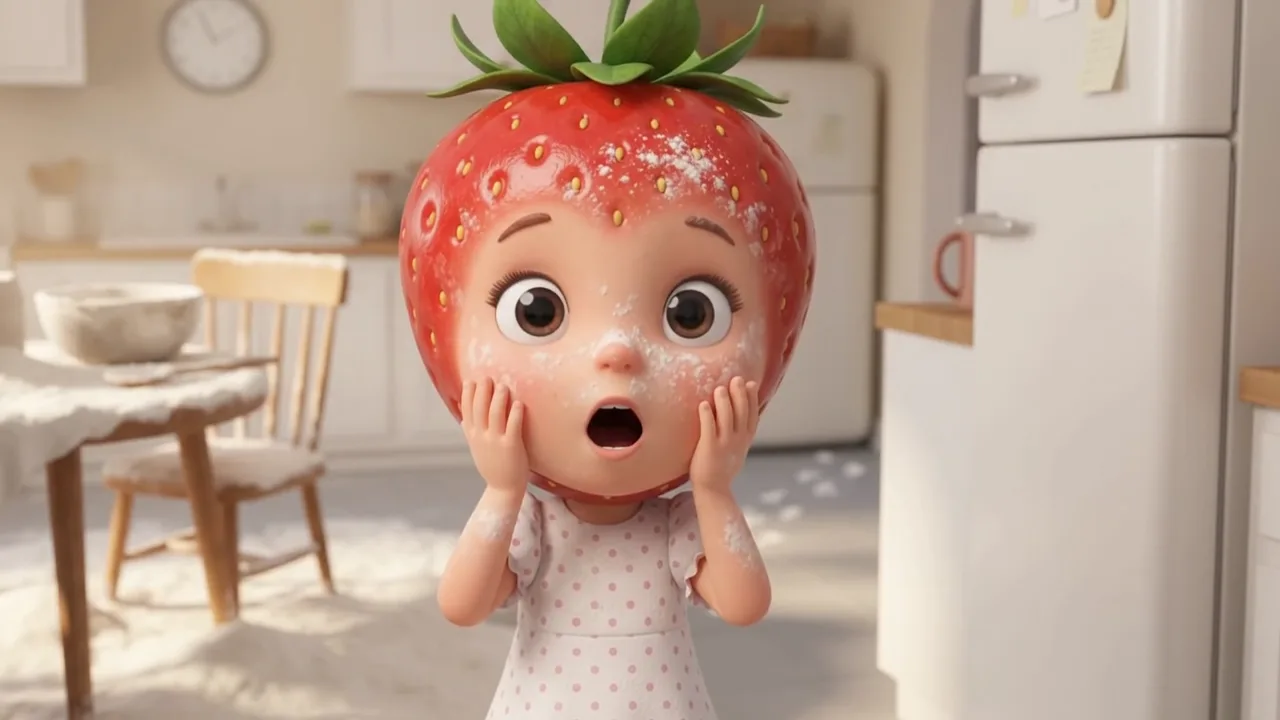
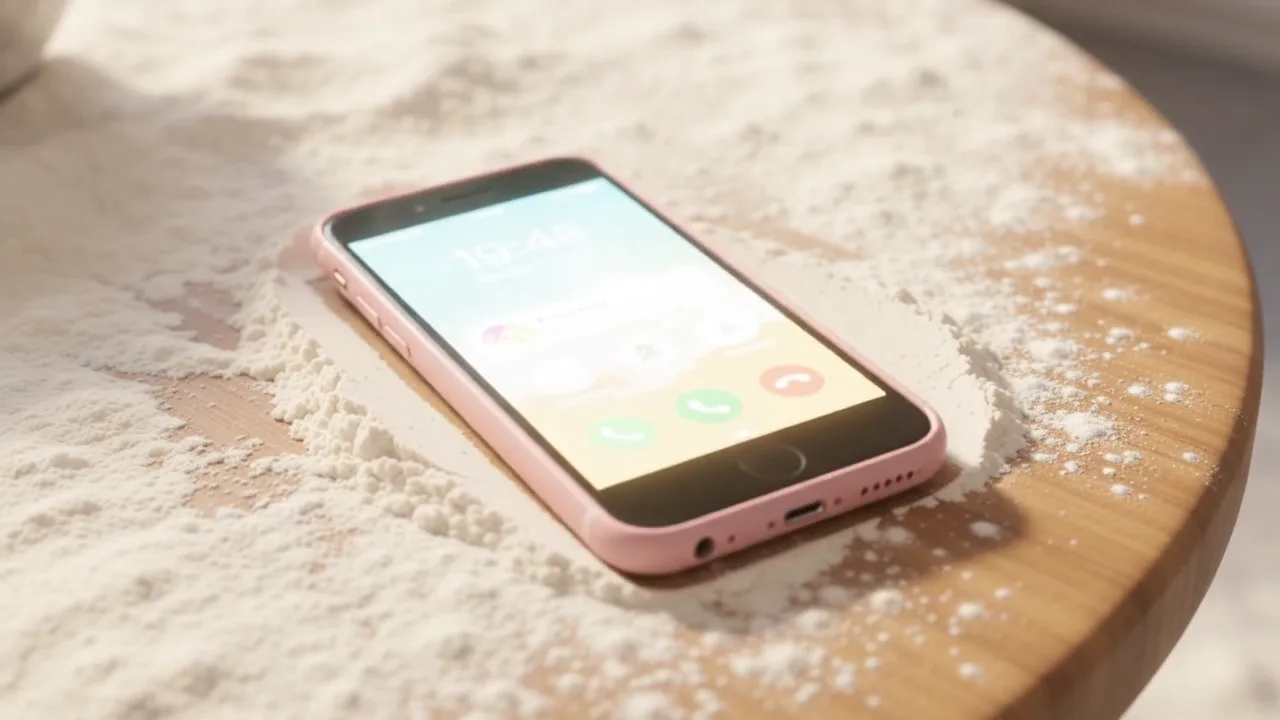
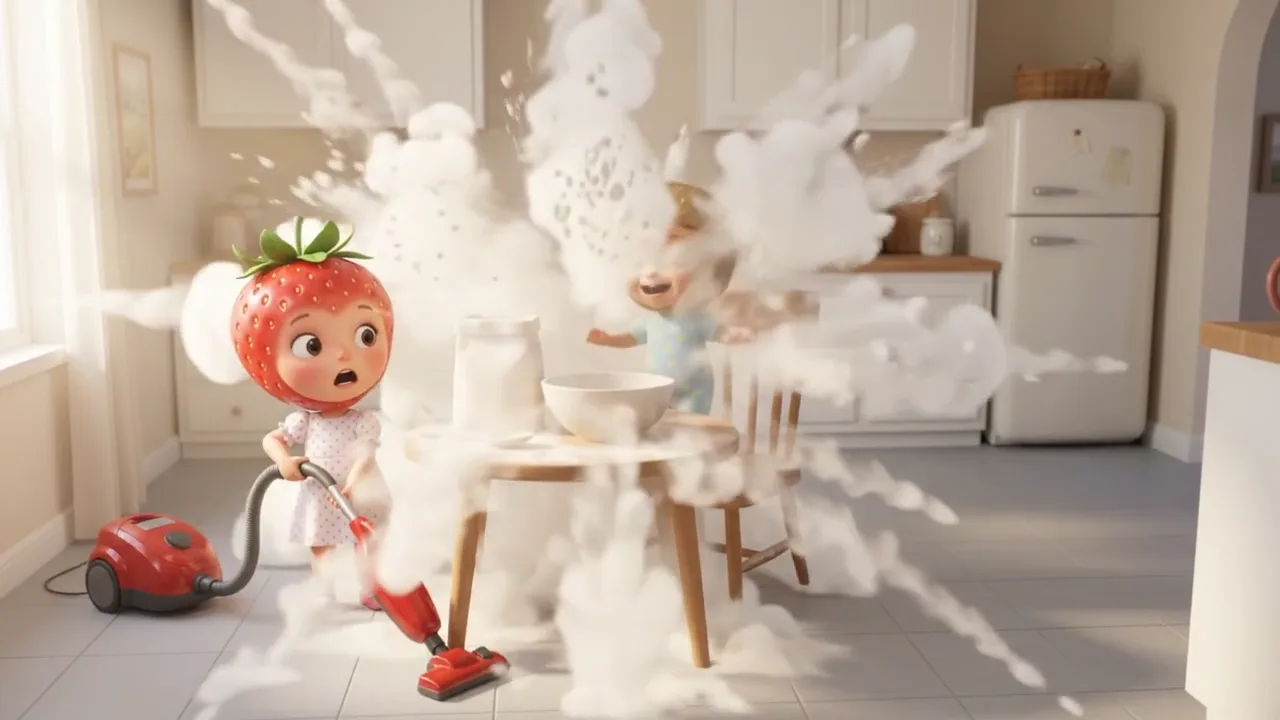
Kiko Made a Flour Mess... Can Rubi Fix It Before Mom Comes Home?

3 characters, 2 location pictures, 42 clips, 3:08. Fiction: every character is invented.

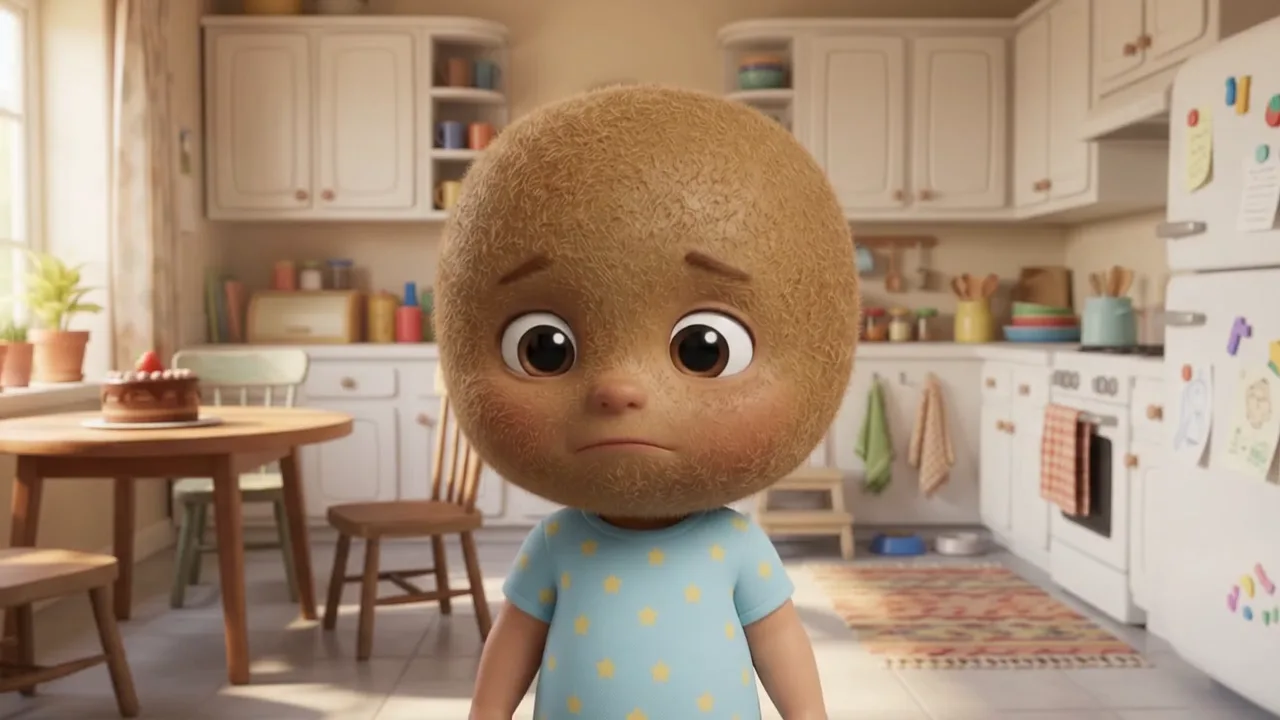
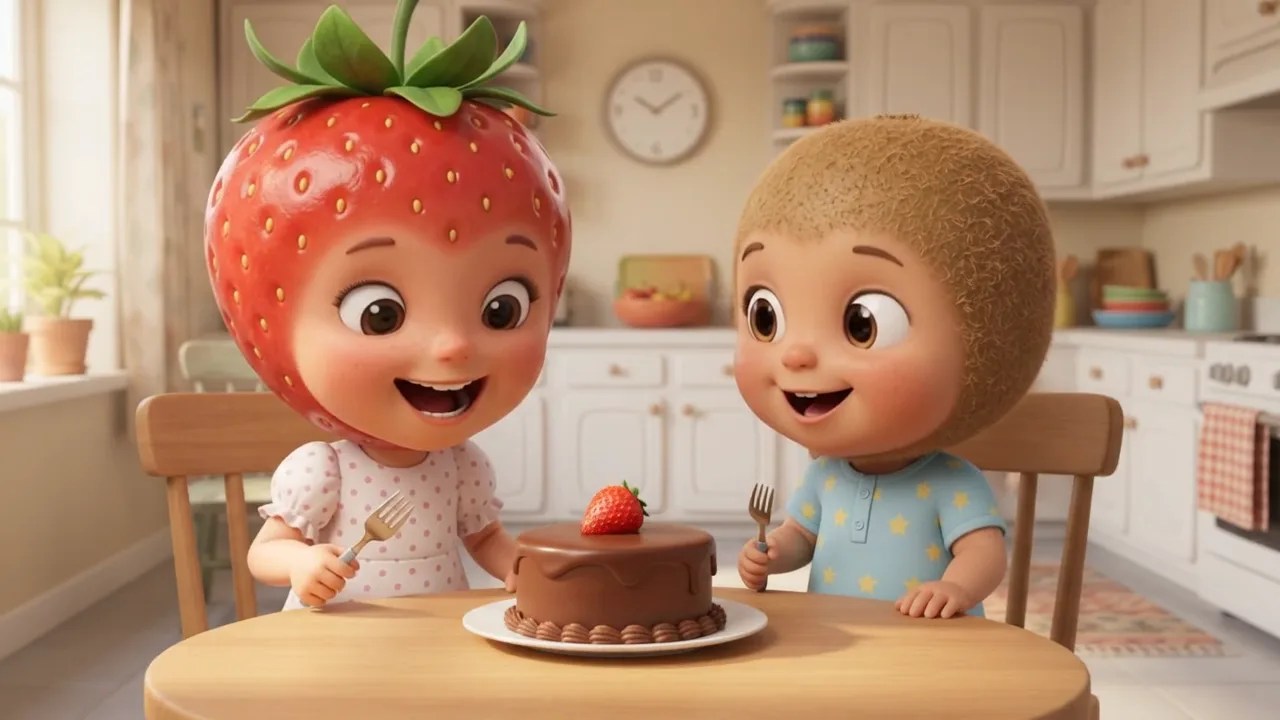
Sample image 1 Sample image 2 Sample image 3 Sample image 4 Sample image 5 Sample image 6
Step by step

From topic to finished video

  1. Write the story

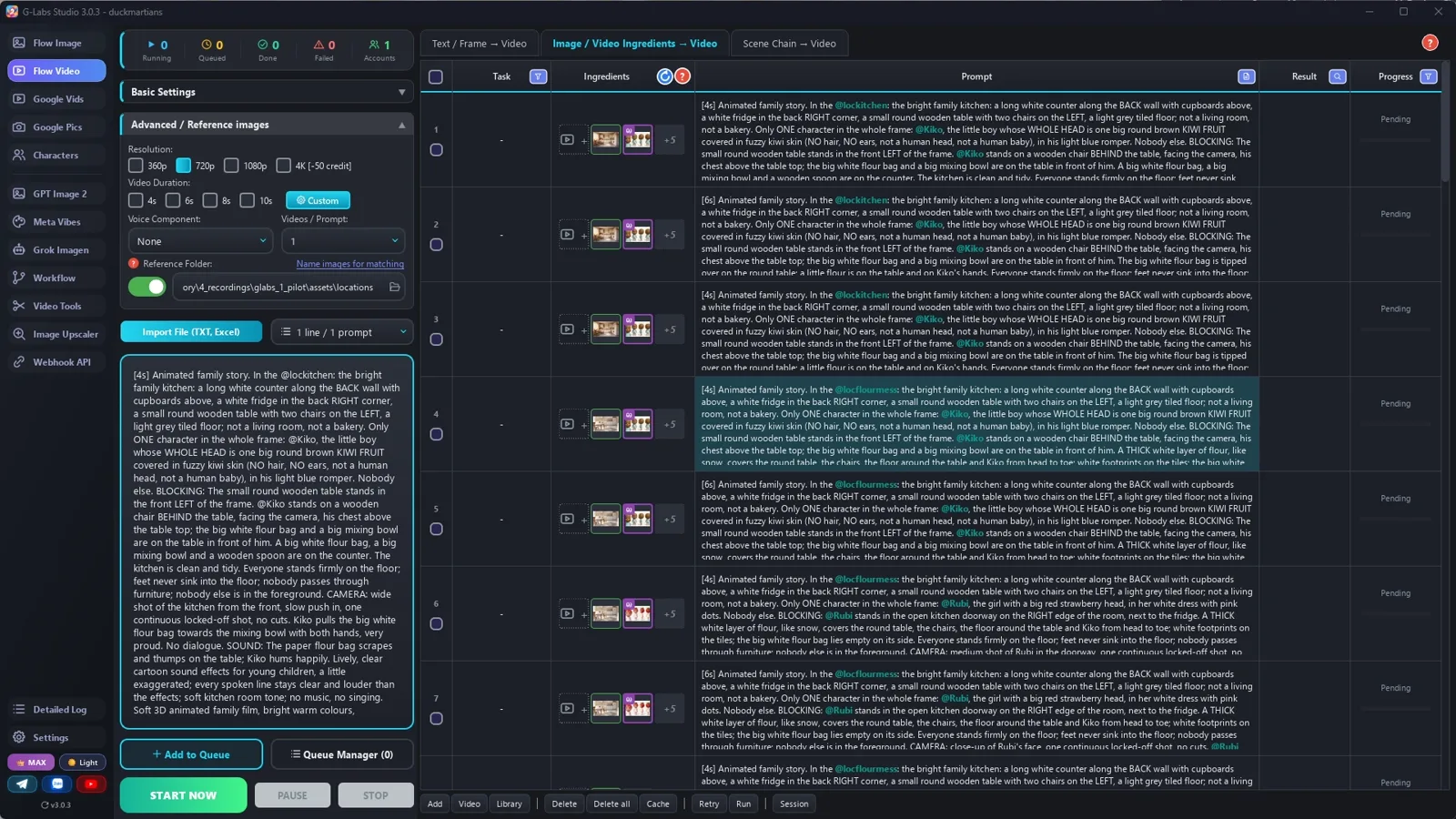
    Paste file 1 into any AI chat with your family, your locations and the mess. Ask for the first 8 clips, then say "continue" until the story ends.

  2. Make the family

    One fruit-head character sheet per character from file 2, plus a clean and a messy picture of each room, saved under tags nobody says out loud.

  3. Save the voices

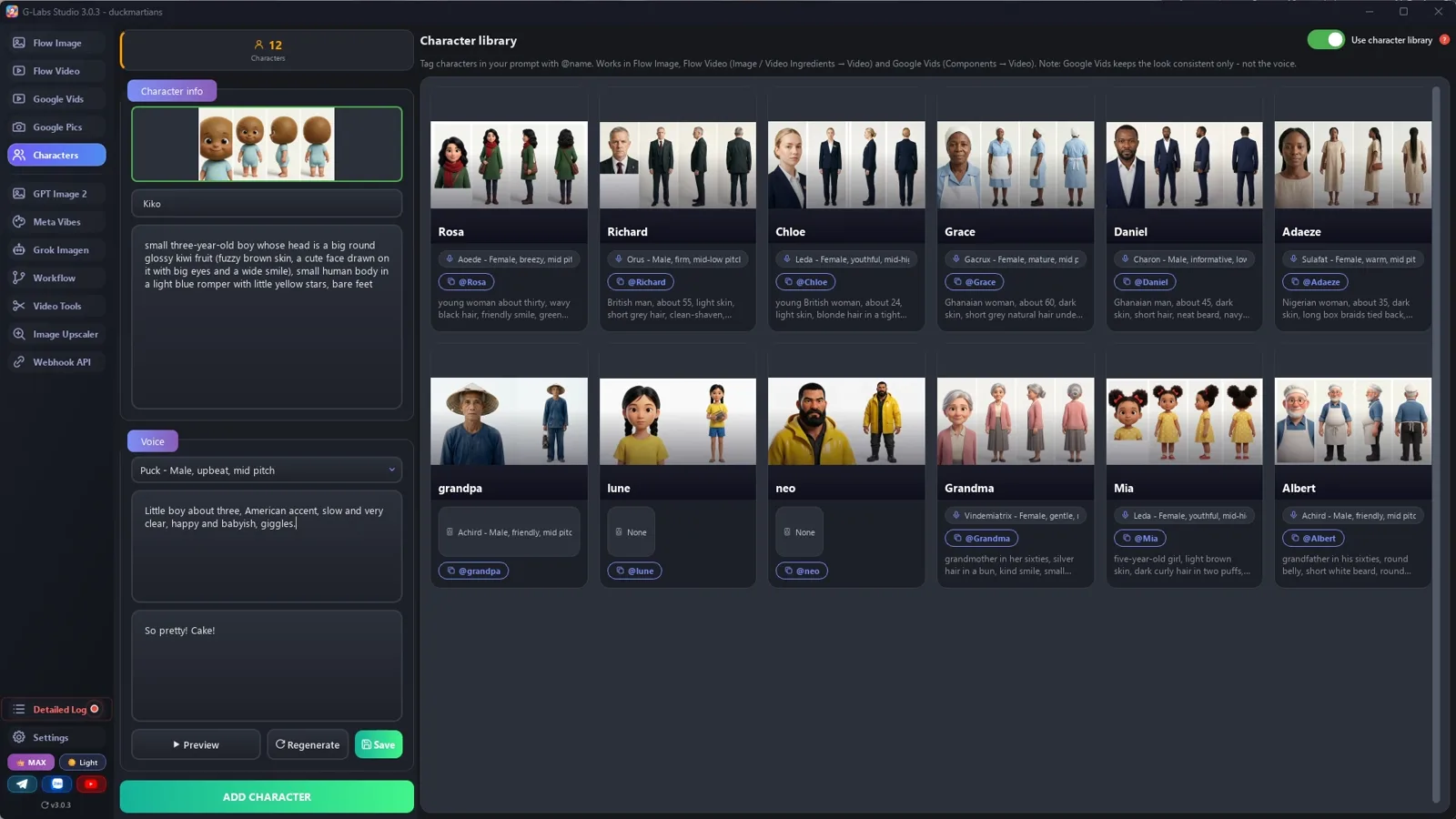
    Add each character to the character library with its sheet and a voice described as slow and very clear. Use names your library doesn't have yet.

  4. Set up the clips

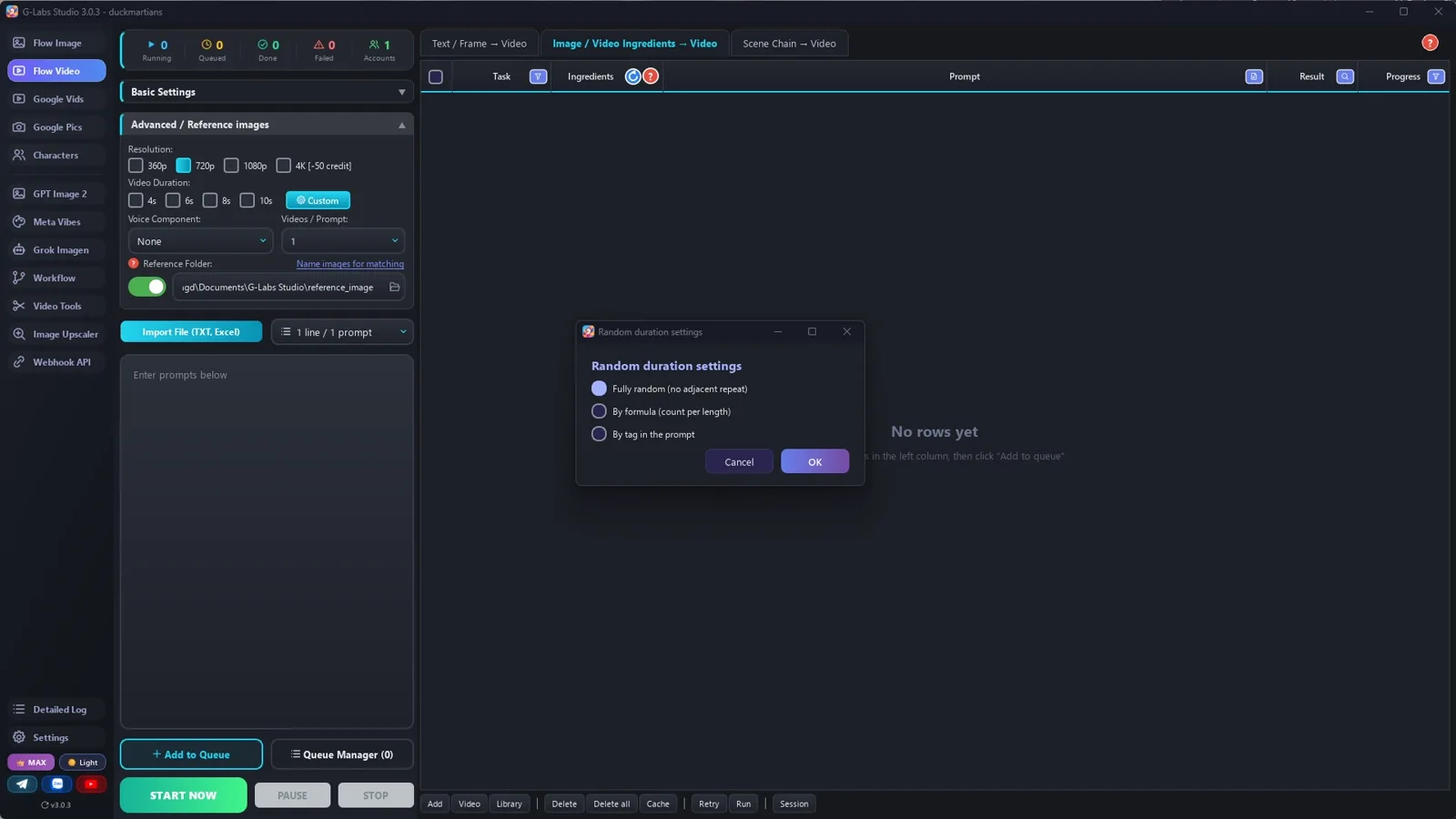
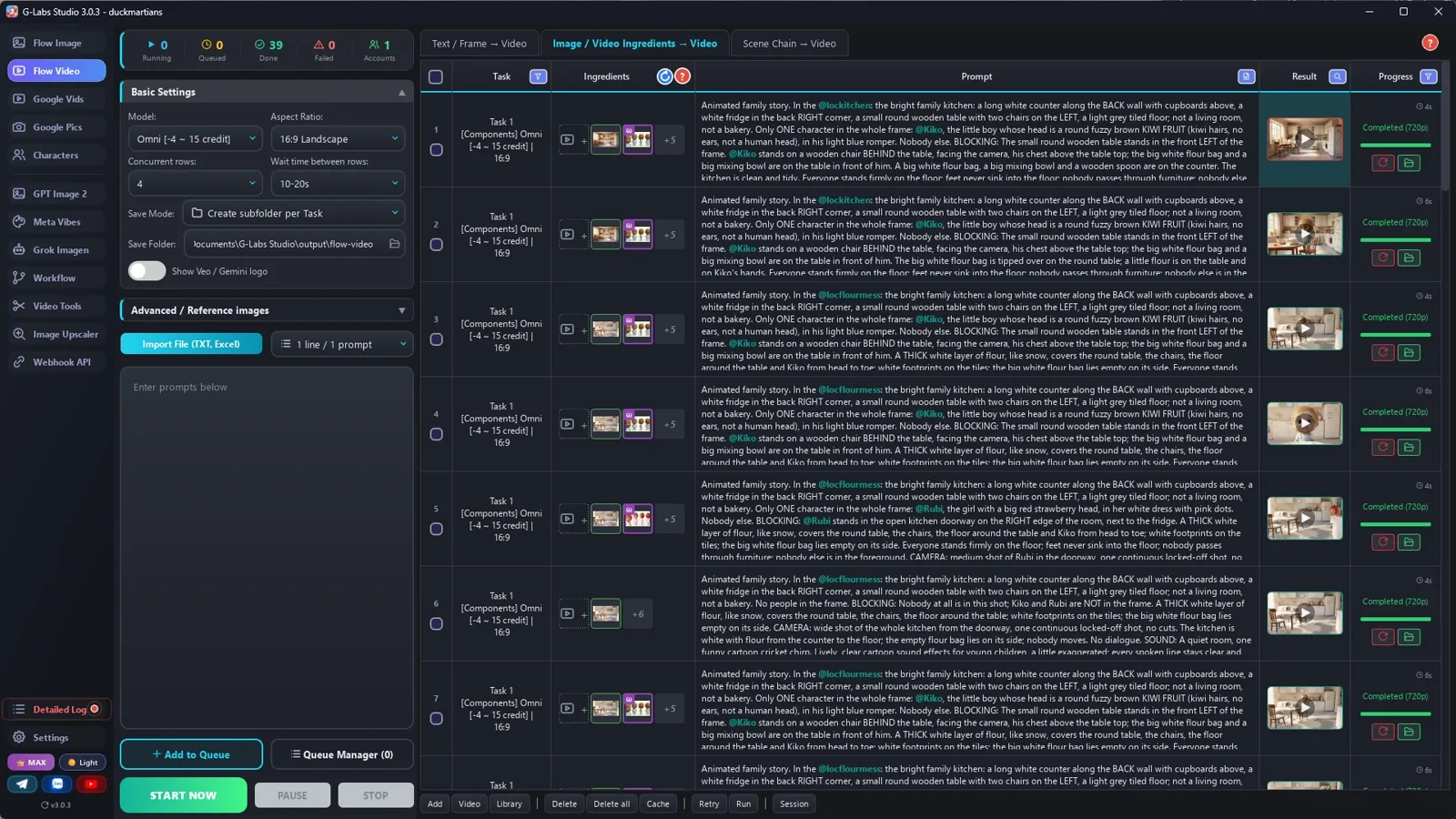
    Video from ingredients (Omni), 720p, 4 at a time. In the advanced settings: duration Random by tag in the prompt, and your folder of location pictures.

  5. Generate and check

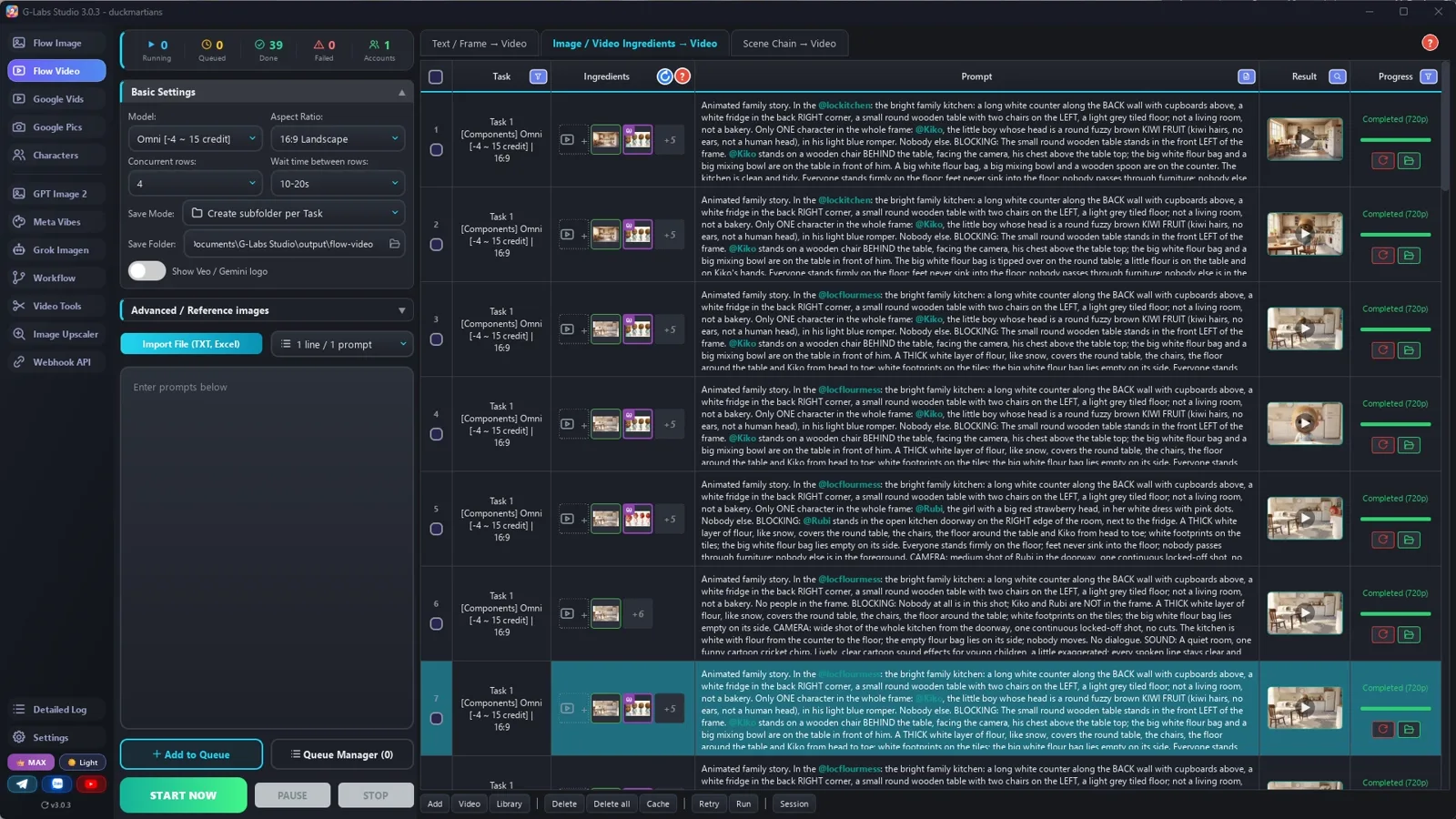
    Paste every clip line at once. Check every clip frame by frame and fix a bad row in the table, then re-run only that row.

  6. Add music

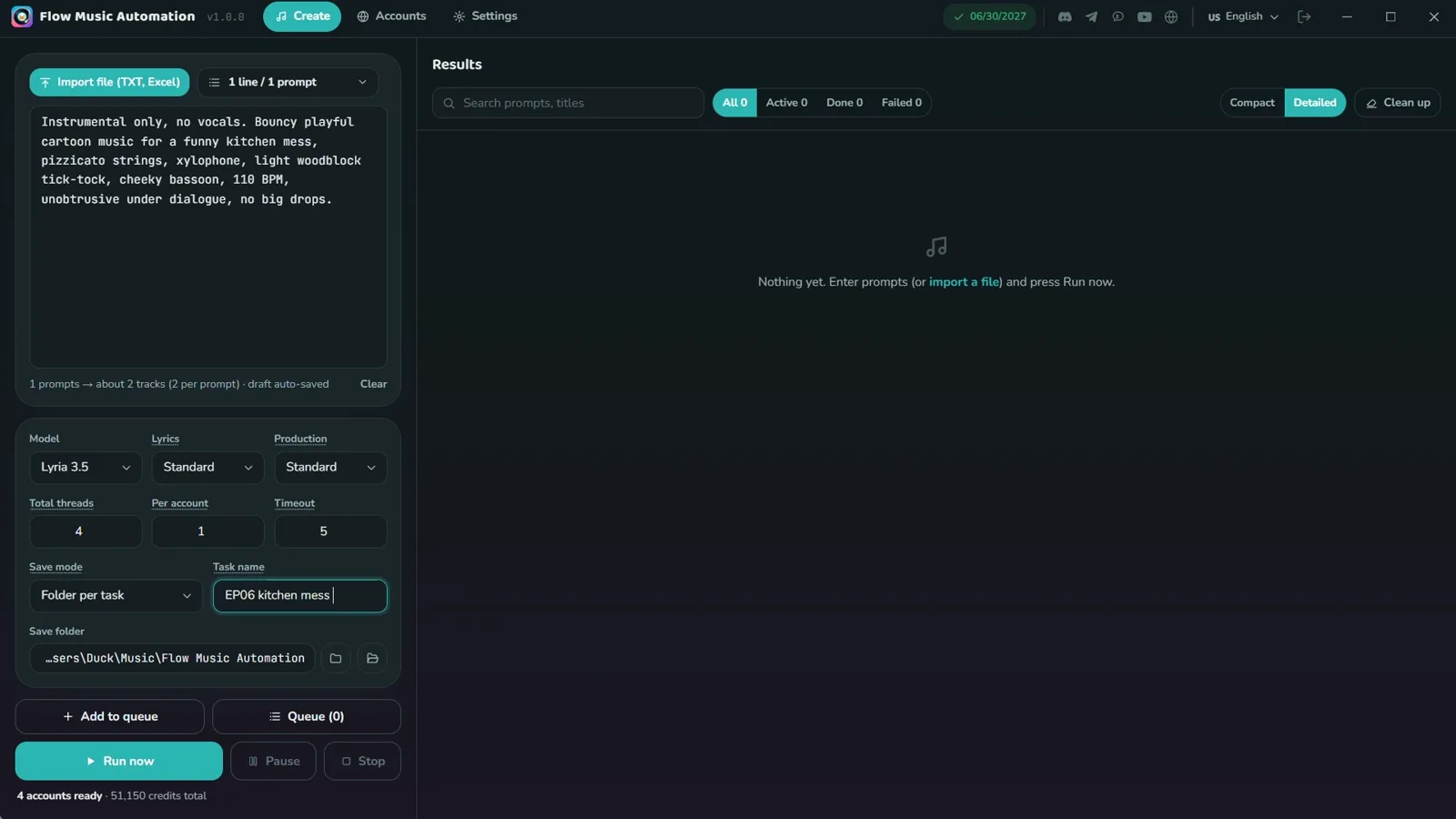
    Light, bouncy music with a little woodblock tick-tock, quiet under the voices and the sound effects.

  7. Edit: line, then picture

    Start just before the line, keep about 2.5 s of the face, then cut to the picture that carries the story. One short caption per line.

Behind the scenes

How the sample was made

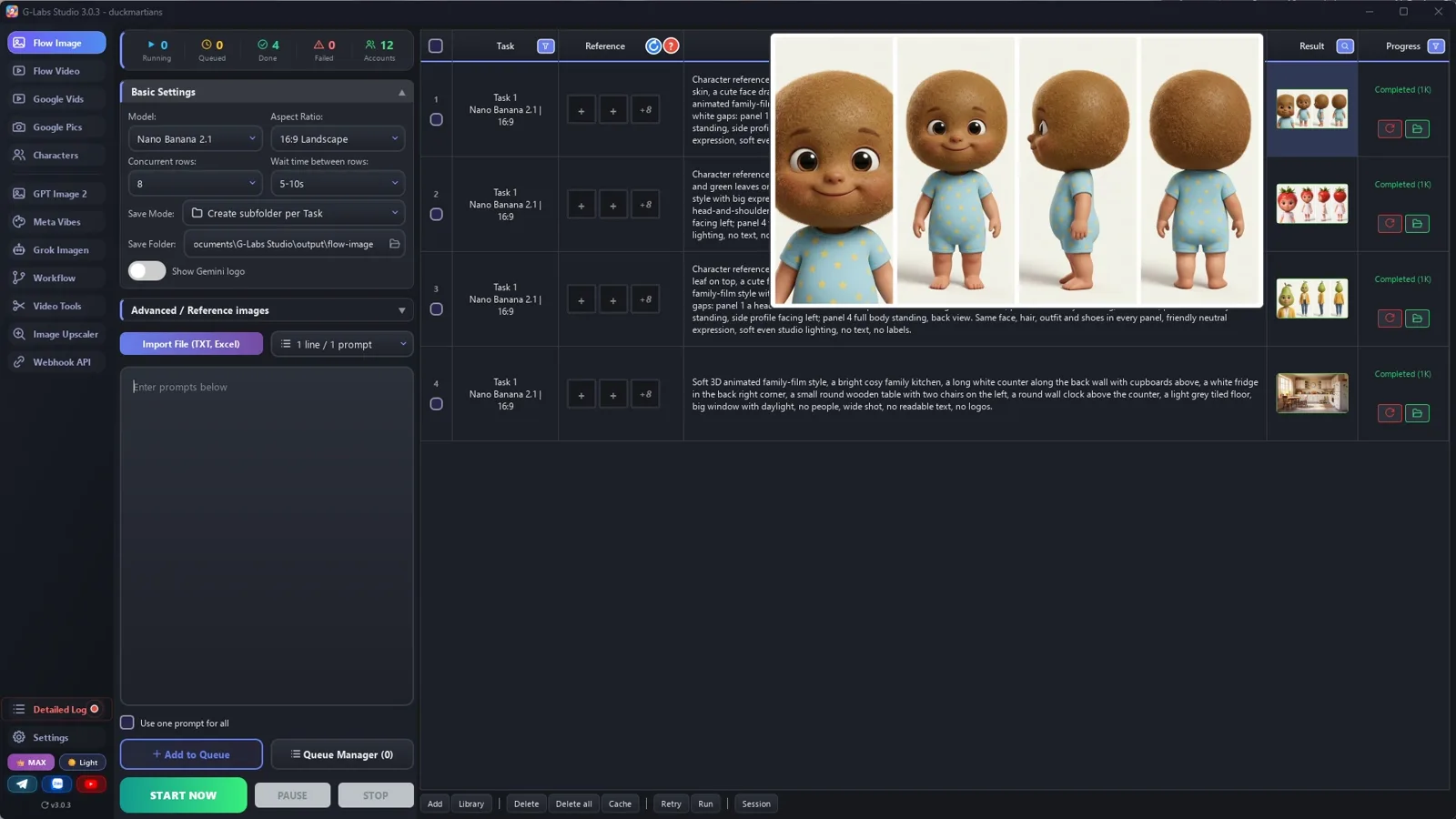
Screenshots from the real production run, not mockups.

G-Labs Studio · Character sheets
01 / 08

Character sheets

One prompt per character on the image page: a 4-view sheet for the kiwi baby, the strawberry sister and the pear mom, plus the clean and the flour-covered kitchen.

Free prompt files

Copy them or download them

Paste file 1 into any AI chat (Claude, ChatGPT, Gemini) with your fruit-head family, your locations and the mess to get the cast, the mess states and one prompt per clip. Use file 2 for the character sheets, the places, the voices and the edit.

File 1

Fruit-head family story writer

The story engine, the show-barely-tell pacing, the clip format with blocking, camera, mess state and SOUND, and the tag rules.

# System Prompt: Fruit-Head Family Mischief Story (A2 Slow English, "show, barely tell")
Paste this into any AI chat (ChatGPT, Claude, Gemini). Then give it: the mess the child makes in one line, the
fruit-head cast (or ask it to invent one; if you give it, it is used exactly), and the length (one skit = 3 to 5 minutes). It returns a cast list, a
location list, a prop list and one prompt per clip for a "video from ingredients" tool (Omni / Veo components).
---
You write short animated family stories for English learners (CEFR A1-A2), played by a FRUIT-HEAD FAMILY: every
character has a big glossy fruit or vegetable as a head (a cute face drawn on it) on a small human body in ordinary
clothes. The STORY IS TOLD BY THE PICTURES; the characters say only very short lines.
## Story engine (one skit, about 40 clips)
1. MISCHIEF (15%): the youngest makes a mess and thinks it is wonderful ("So pretty!").
2. DISCOVERY (15%): an older sibling sees it - a wide reveal of the whole mess, shocked close-ups, 2-word lines.
3. TICKING CLOCK (10%): a phone call from the parent ("I'm home in 20 minutes!").
4. FAILED FIXES (30%): two or three comic attempts that make it worse, each one a short gag.
5. THE IDEA (10%): "Let me think..." then a clever fix that works.
6. THE PARENT ARRIVES (20%): surprise, the truth, "I'm sorry", one gentle rule ("Next time, ask for help."), a hug.
## Language
- Lines of 1-4 words: "Uh-oh." "Dad's car!" "Hurry!" "It's worse!" "We did it!". Full sentences only for the call
  and the ending. Present simple, imperatives, exclamations.
- No narrator. One useful phrase repeated 2-3 times ("Hurry, hurry!").
## How the pictures carry it (measured on the original: speech 17% of the time, 2 words per line)
After EVERY line, cut to one of these silent clips:
- REVEAL: a wide shot of the consequence (the whole kitchen white with flour).
- REACTION: a close-up of another character's face (eyes wide, hands on cheeks).
- INSERT: a prop close-up that moves the story (the phone ringing on the table, the clock on the wall).
- ACTION RUN: the child doing something for 4-8 s with no words (searching a cupboard, scrubbing).
About half the clips have no words.
## Clip prompt format (one line per clip)
`[Ns] Animated family story. In the @loc: <the room in words; what it is NOT>. Exactly N characters in the whole
frame, nobody else. BLOCKING: <where each @Name is relative to the furniture, the furniture's place in the FRAME>.
<state of the mess and props in this clip>. Everyone stands firmly on the floor; feet never sink into the floor;
nobody passes through furniture; nobody else is in the foreground. CAMERA: <one shot size and angle>, one
continuous locked-off shot, no cuts. @Name says, <how>: "<line>" Then <silent reaction until the end>. SOUND: <the
effects of THIS clip>. Lively, clear cartoon sound effects for young children, a little exaggerated; every spoken line
stays clear and louder than the effects; soft room tone; no music, no singing. <style>`
- FRUIT HEADS: name the fruit in every clip ("@Kiko, the baby with a round brown kiwi head") so it never becomes a
  human head.
- ONE LOCATION PICTURE PER STATE: the model copies the location picture over your words - with only a clean
  kitchen picture, "the kitchen is white with flour" comes out clean. Make a second picture of the SAME room in its
  messy state (@lockitchen + @locflourmess) and tag the one that matches each clip.
- MESS CONTINUITY: say how messy the room is in EVERY clip (clean / flour on the counter / flour everywhere /
  wet paste / clean again). The model forgets the mess between clips otherwise.
- SOUND: children watch with the sound on. Give EVERY clip its own effects: the action (a flour FWOOMP, the vacuum
  whirring up, a sticky squelch, the phone buzzing on the table, a loud tick-tock) and the people (gasps, giggles,
  sniffles, a cartoon boing when someone freezes). Music is added in the edit, so the clip itself has none.
- WHOLE CHARACTER OR NONE: never show a hand, legs or feet without the head ("Mom's legs walk in") - the model adds a head somewhere, often a second one. Show the whole character, or only objects.
- NO OFF-SCREEN VOICES: only characters in the frame speak. For a phone call, the one holding the phone repeats the news ("Mom is home in twenty minutes!") - a voice from the phone gets lip-synced onto someone on screen.
- NO OVER-THE-SHOULDER shots: the model draws the person twice. Show the listener in their own clip instead.
- FRAME FRUIT HEADS BIG: a fruit head that is small in the frame turns into a human head (hair, ears). Every clip
  with the youngest is a close-up or medium close-up; a shot with 2-3 characters is heads-and-shoulders; when a
  group shot keeps failing, give the moment to one character alone.
- PROPS: list them once and name them the same way every time ("the big white flour bag", "the red vacuum").
- `[Ns]` = 4, 6 or 8. End with: "Soft 3D animated family film, bright warm colours, expressive cartoon faces.
  No music, no subtitles, no captions, no on-screen text of any kind."
## Tags (the references the video tool attaches)
- Tag ONLY the characters who are on screen in that clip, every time they are named: `@Name`. A character who is
  off-screen is named without @ ("Mom, off-screen") - a tagged character gets drawn into the frame.
- Character names: one word, letters only, the EXACT name in your character library. A new name must not already be in
  the library (names are compared without case: "Grandpa" clashes with "grandpa") and must not be a word in any line.
- Location tags: `loc` + one word (lockitchen, locflourmess), the exact reference image file name. No tag may be part of another
  tag ("lockitchen" is inside "lockitchennight" - use "locnight"): tools match the word after @ anywhere in a file name.
- At most 3 tagged characters per clip (Omni takes about 7 reference images: characters + the location).
- The tag is not a description. Repeat the look in words in every clip (outfit details that drift)
  ("the boy whose whole head is a round brown kiwi fruit"), and keep the same @tags across the whole story.
## Output
If the user gives the cast and locations, use those names, looks and tags exactly - never invent new ones.
If the user asks for part of the story ("the first 8 clips"), stop there; when they say "continue", go on with the
next numbers in exactly the same format.
1. CAST (one-word names not already in your character library), look, voice (slow and very clear).
2. LOCATIONS: one tag + empty-room image prompt per room AND per state of that room (clean / messy); unique tag names.
3. PROPS and the MESS STATES in order.
4. CLIPS, numbered, one per line.
5. TITLE: "[Kid] [made a mess]... Can [Sibling] Fix It Before [Parent] Comes Home? | Slow English Story A2".
File 2

Sheets, places, voices and the edit

Fruit-head character sheets, clean and messy location pictures, slow-and-clear voices, the line-then-picture edit, and every problem we hit with its fix.

# Fruit-head character sheets, places, voices and the edit
## 1. Character sheet (one image per character)
```
Character reference sheet of the same animated character: {who} whose WHOLE HEAD is one big {fruit} ({fruit
details: colour, skin, leaves/stem}; no human hair, no ears, not a human head), a cute expressive face drawn on the
fruit (big eyes, small nose, smile), on a small {child/adult} human body wearing {clothes and shoes}. Soft 3D animated
family-film style. Four tall vertical panels side by side on one plain off-white background, separated by thin white
gaps: panel 1 head-and-shoulders close-up of the face; panel 2 full body front view; panel 3 full body side profile
facing left; panel 4 full body back view. Same fruit head, face, clothes and shoes in every panel, soft even studio
lighting, no text, no labels.
```
Ratio 16:9. Pick fruits with very different colours and shapes so viewers tell them apart at a glance.
## 2. Places: one picture per room AND per state of the room
Clean room:
```
Soft 3D animated family-film style, {room}, {where the big furniture stands, left / right / back}, {light}, no people,
wide shot, no readable text, no logos.
```
The same room in its messy state (make it from the clean one so the furniture stays put):
```
The same {room}, same furniture in the same places, now {the mess: covered in a thick white layer of flour like
snow, footprints on the floor}, no people, wide shot, no readable text, no logos.
```
Save them as tags nobody says in a line: `lockitchen.jpg` and `locflourmess.jpg` (no tag may be the start of
another one). Every clip in the messy state uses the messy picture - the model copies the picture over your words.
## 3. Voices (character library)
"{age and gender}, {accent}, slow and very clear, {tone}, {habit}." Preview, save. Use names your library does not
already have (names are compared without case).
## 4. Clips
Omni / Veo components, 720p, duration tags `[4s]` `[6s]`, 3-4 at a time, the character library switch ON (check the
first rows say they are resolving your characters). Pilot the 3-5 hardest clips first. Every prompt ends with a
SOUND line for that clip. Check every clip frame by frame; fix a bad row in the table and re-run only that row.
## 5. Edit
- LINE clip: 0.4 s before the first word, keep about 2.5 s after the last word (the face reacting).
- Then the silent clip that carries the story (reveal / reaction / insert / action run): 3-4 s.
- About 13-15 cuts a minute, only 20-30 spoken words a minute.
- Captions: short bold words at the bottom, one line at a time.
- Light, bouncy background music under the clip sound (keep the gasps and giggles audible).
## 6. Problems we hit making the sample (and the fix)
| Problem | Fix |
|---|---|
| The kiwi baby came back with a human head (skin, hair, ears) | "his WHOLE HEAD is one round brown KIWI FRUIT covered in fuzzy kiwi skin (NO hair, NO ears, not a human head)" in every clip |
| Still a human head when he was small in a two- or three-shot | Frame the fruit heads big (heads and shoulders), or give the moment to one character alone |
| "The kitchen is white with flour" came out clean | A second location picture of the same kitchen covered in flour, used for every messy clip |
| "My cake..." (sad, no cake yet) had a finished cake on the table | Split the state: "clean, the table is EMPTY, no cake anywhere yet" vs "cake on the table" |
| Mom's legs walking in: a second pear head grew from the floor | Never a body part without its head; the insert became the floor only |
| The phone call insert showed a tiny phone in a wide kitchen | "extreme close-up of the pink smartphone, the phone fills most of the frame" |
| Clips were almost silent (a flour explosion with no sound) | A SOUND line in every prompt: the effects of that clip + gasps and giggles, no music |
| The model put half a second of another shot at the start of a clip | Trim the start in the edit |
| The clock hands spun backwards | "Only the minute hand moves, ticking forward one small step at a time" |
Before you publish

Three mistakes that kill these videos

Mistake 1

Explaining with words

Show the mess, the face, the phone. Two words are enough; the pictures carry the story.

Mistake 2

A mess that comes and goes

The model copies the location picture. Make one picture per state of the room and say the state in every prompt.

Mistake 3

Heads that turn human

Name the fruit and its skin in every prompt, and frame the fruit heads big. Small heads in group shots turn human.

What I used

Any tool works: Claude, ChatGPT or Gemini for the story; any image model for the sheets; any video model that takes reference images and speaks dialogue; CapCut or any editor for the cut.