















Viral Recipe Lab · Episode 07

Wordless animal short films with AI

A wordless baby-elephant film got 1.6 million views in 5 days on a channel with 8.4K subscribers. We measured every cut and every sound, made our own film with the same recipe, and kept every prompt.

1.6Mviews in 5 days, 8.4K subscribers
1spoken line in 8 minutes
~20cuts a minute, gags fast, faces slow
This video has audio in more languages: Settings (gear) → Audio track → your language Show ▾
The recipe card

The four ingredients

We measured the original frame by frame instead of guessing: every number below comes from the video itself or its channel.

One flaw

One body part the baby can't control yet (a trunk, a long neck). It causes every gag, and it saves the day in the climax.

No words

The animals make sounds, never lines: giggles, a whew, a growl. No narrator, so every country can watch.

Sound never stops

Music and effects are silent for about one minute in eight. Every clip prompt has a SOUND line.

Comedy, then brave

About two thirds comedy (setup, small adventures, one gag chain), then the threat, the brave moment and a warm ending.

The sample we made

One Tall Neck

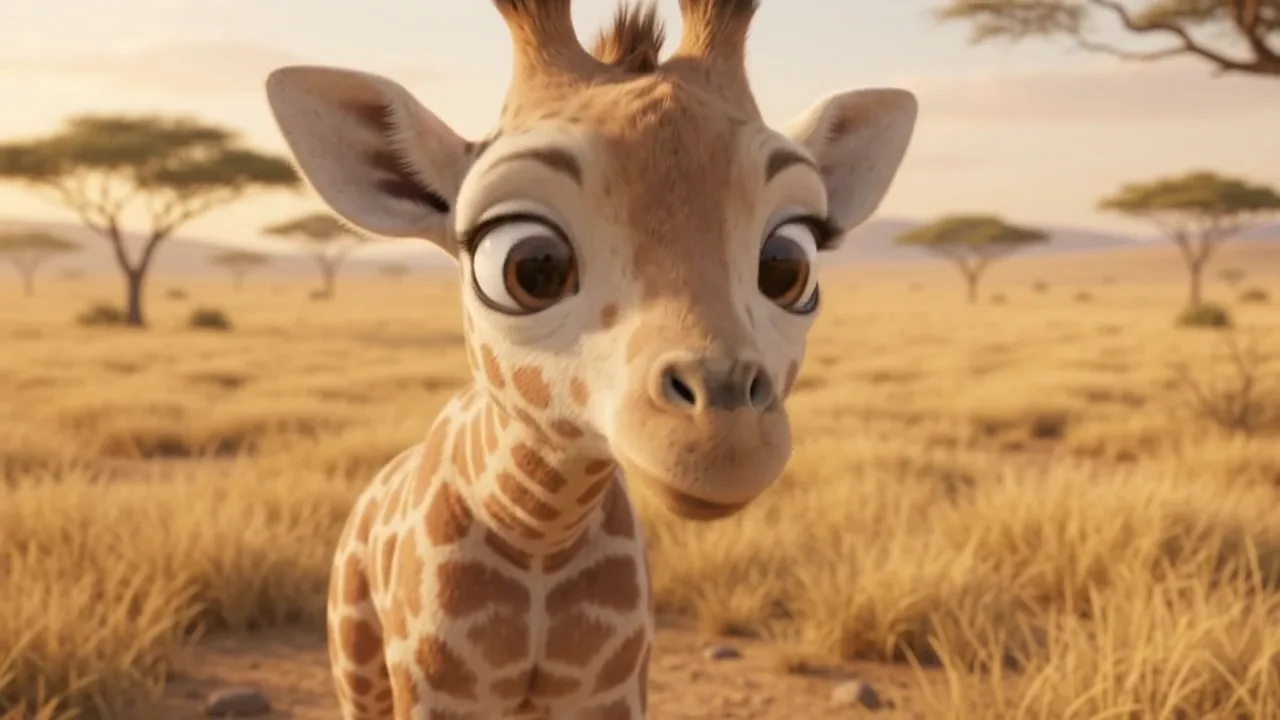
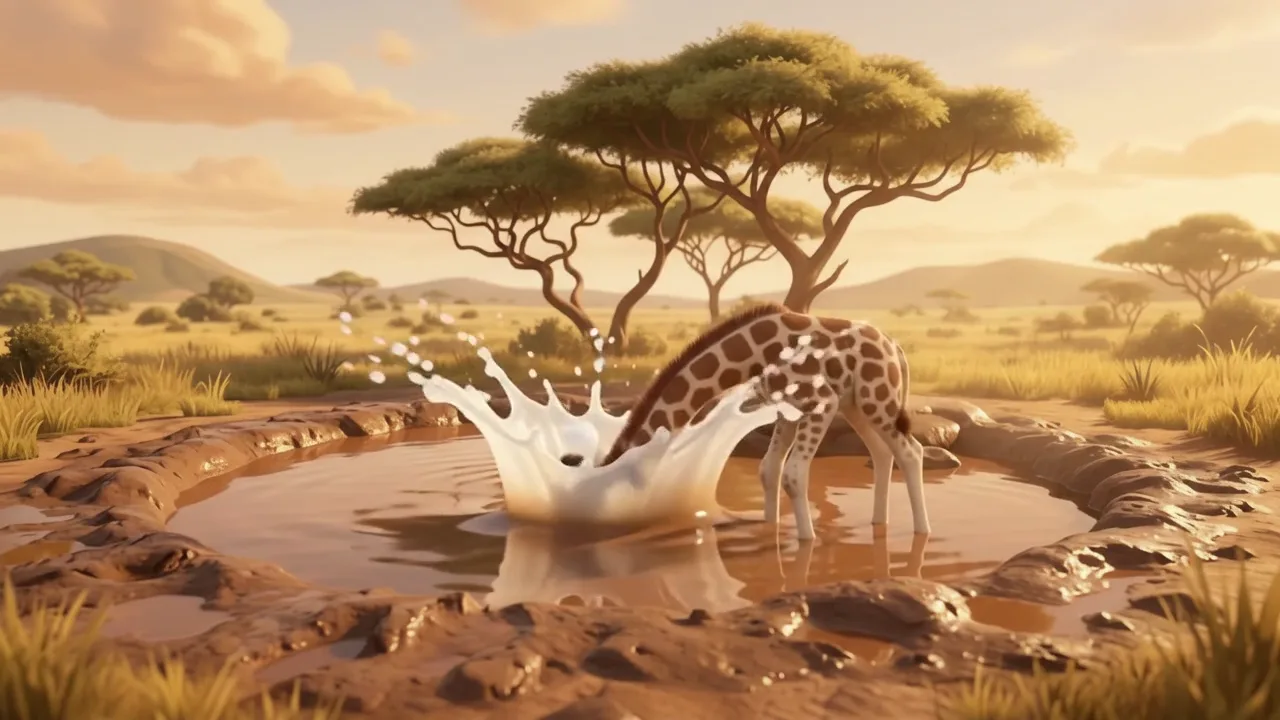
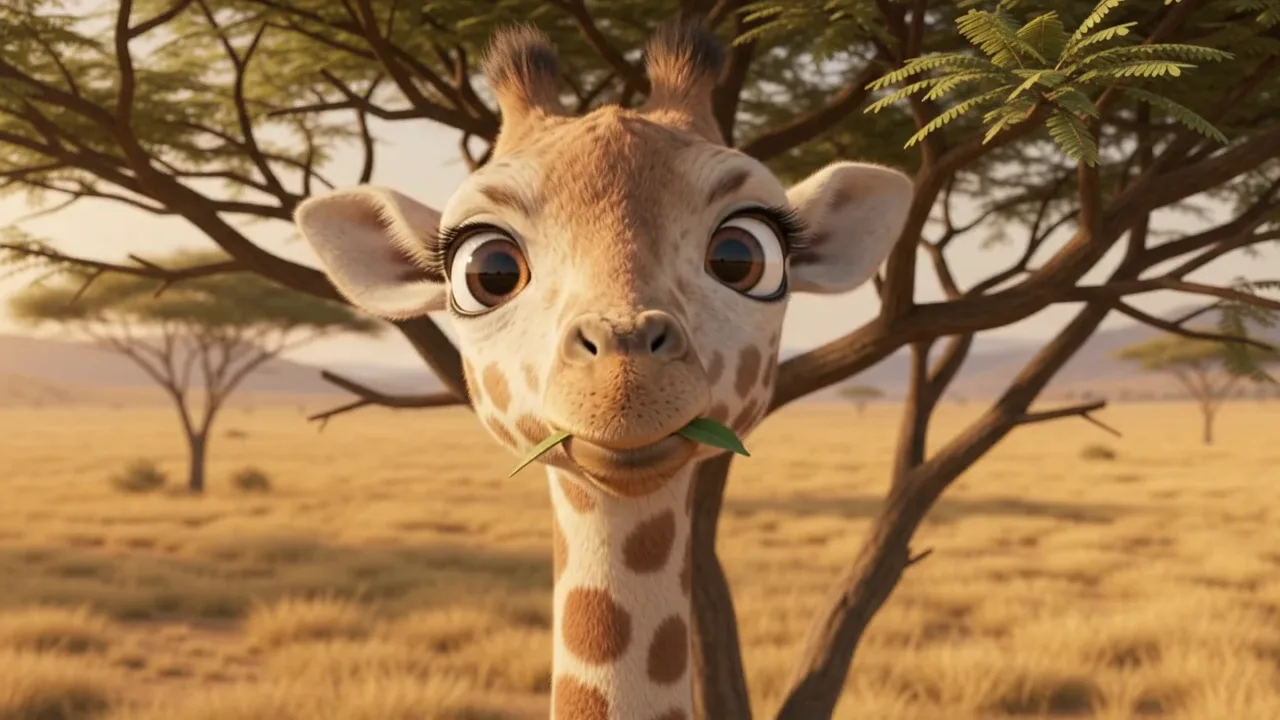
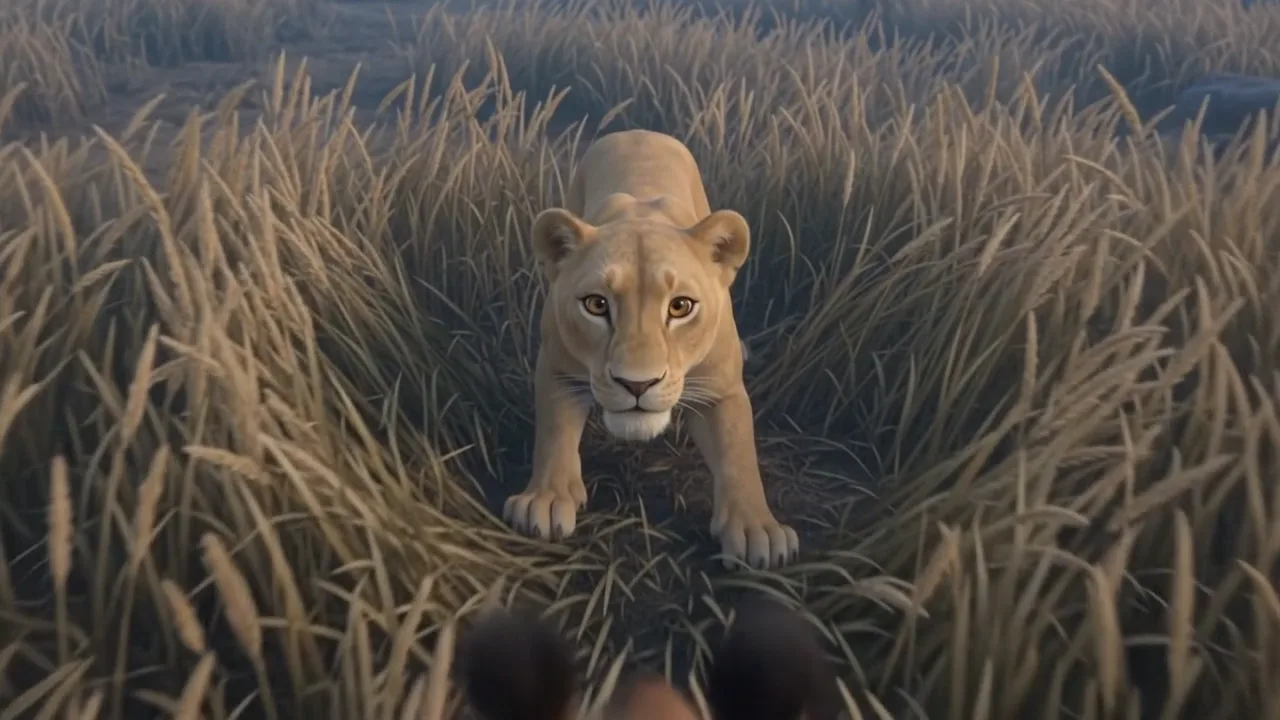
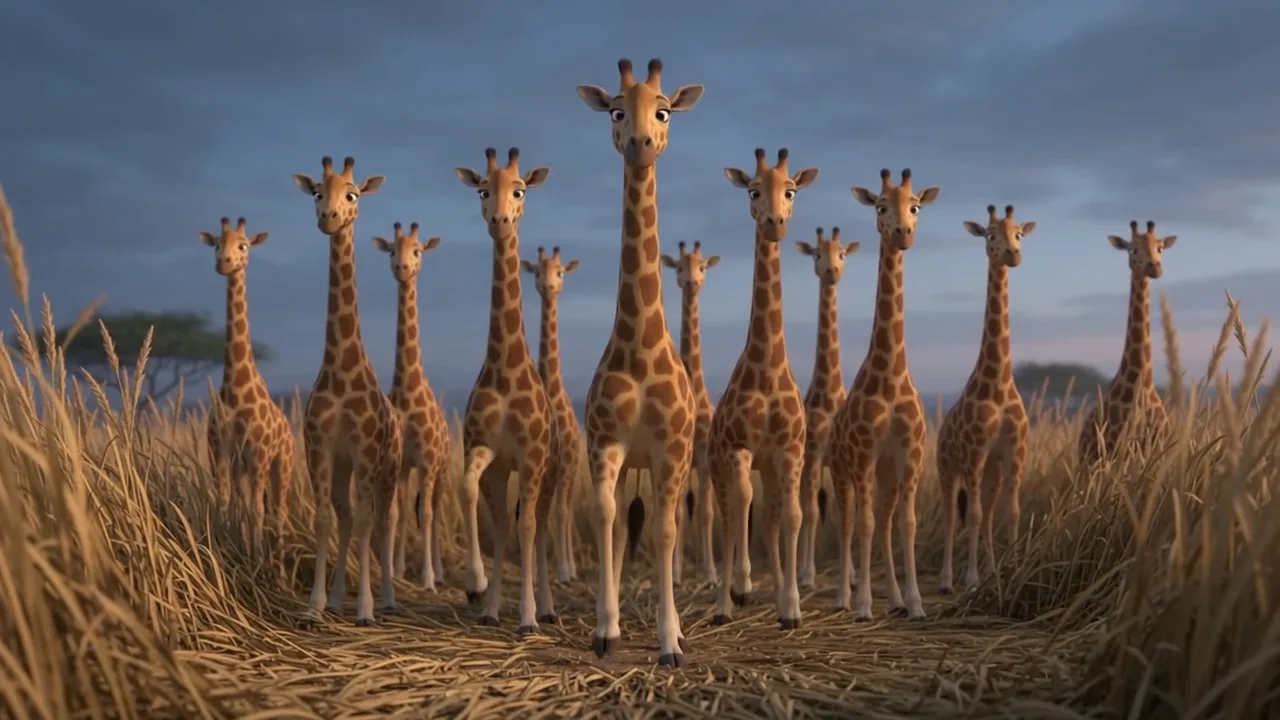
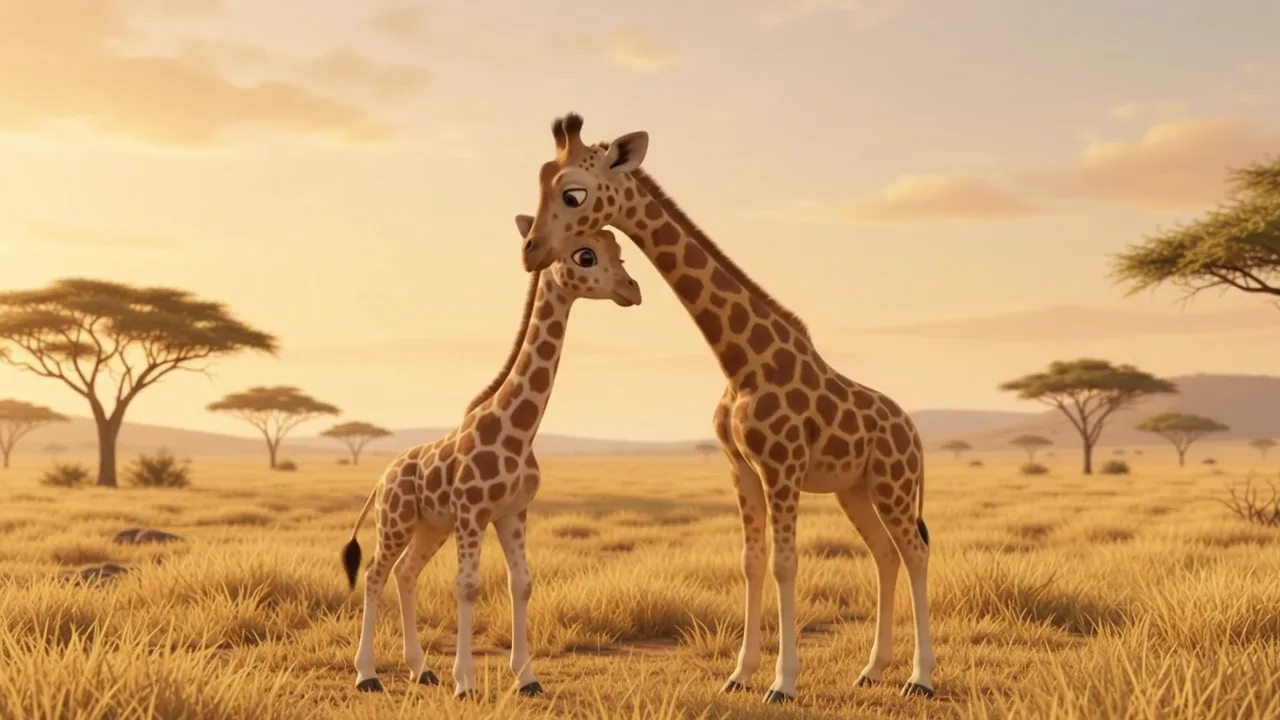
4 animals, 3 location pictures, 42 clips, 2:13, not one word. Fiction: every animal is invented.

Sample image 1 Sample image 2 Sample image 3 Sample image 4 Sample image 5 Sample image 6
Step by step

From topic to finished video

  1. Write the film

    Paste file 1 into any AI chat with your animals, your locations and the story. Ask for the first 8 clips, then say "continue" until the film ends.

  2. Make the animals

    One 4-view sheet per animal from file 2, plus one empty picture per place and per light (day, dusk), saved under tags nobody uses elsewhere.

  3. Save the sounds

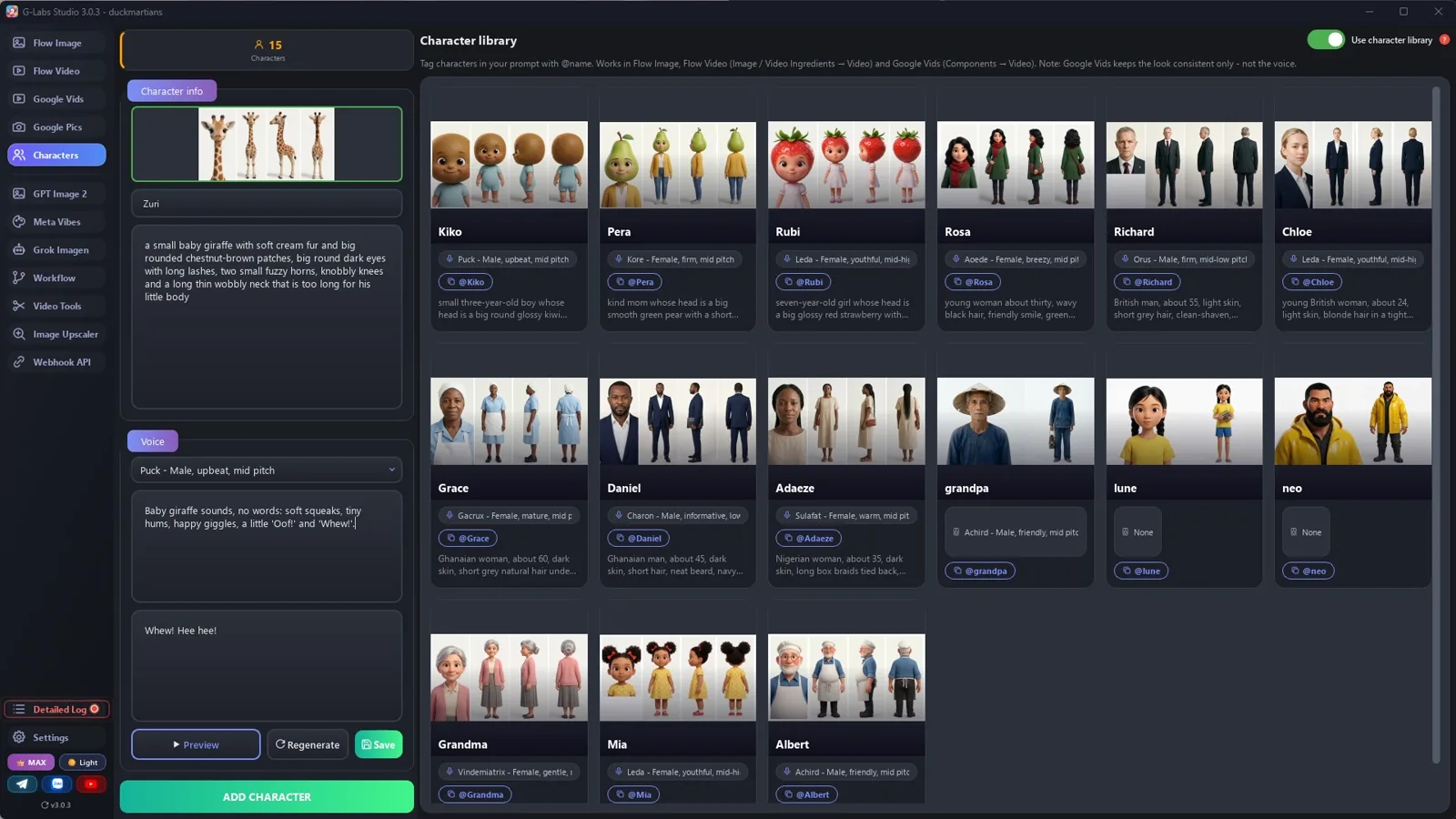
    Add each animal to the character library with its sheet and a voice that makes sounds, not words. Use names your library doesn't have yet.

  4. Set up the clips

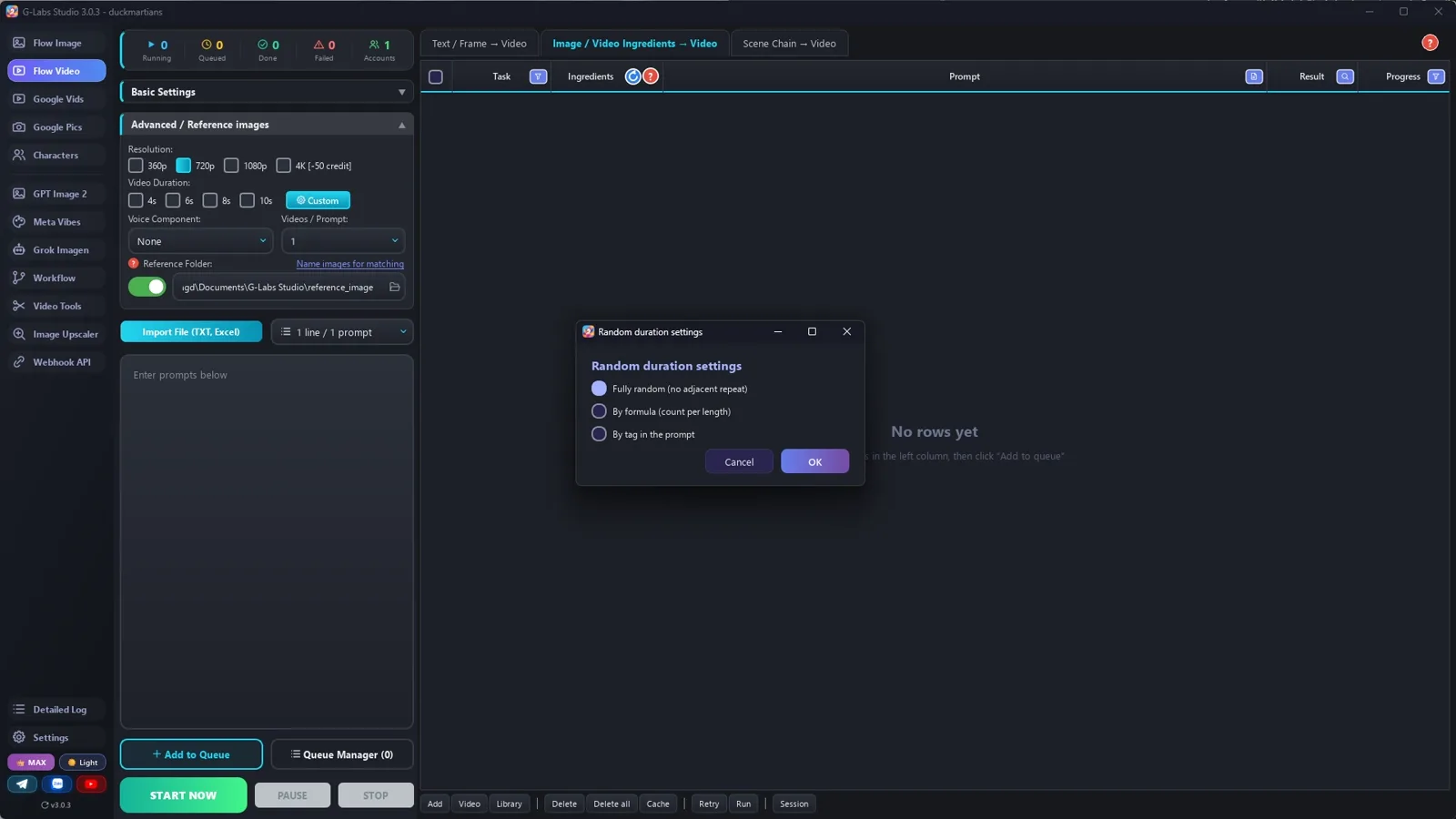
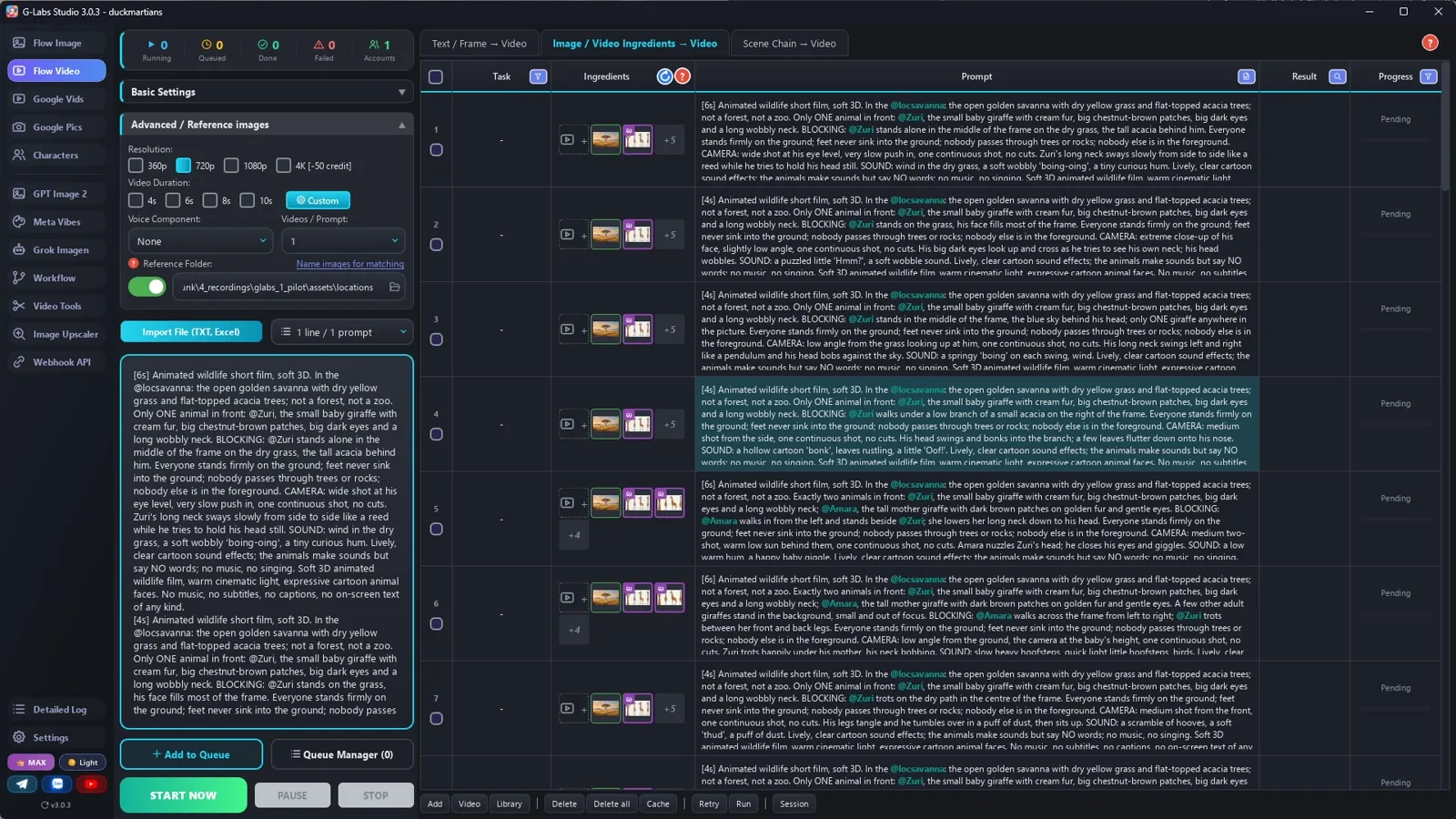
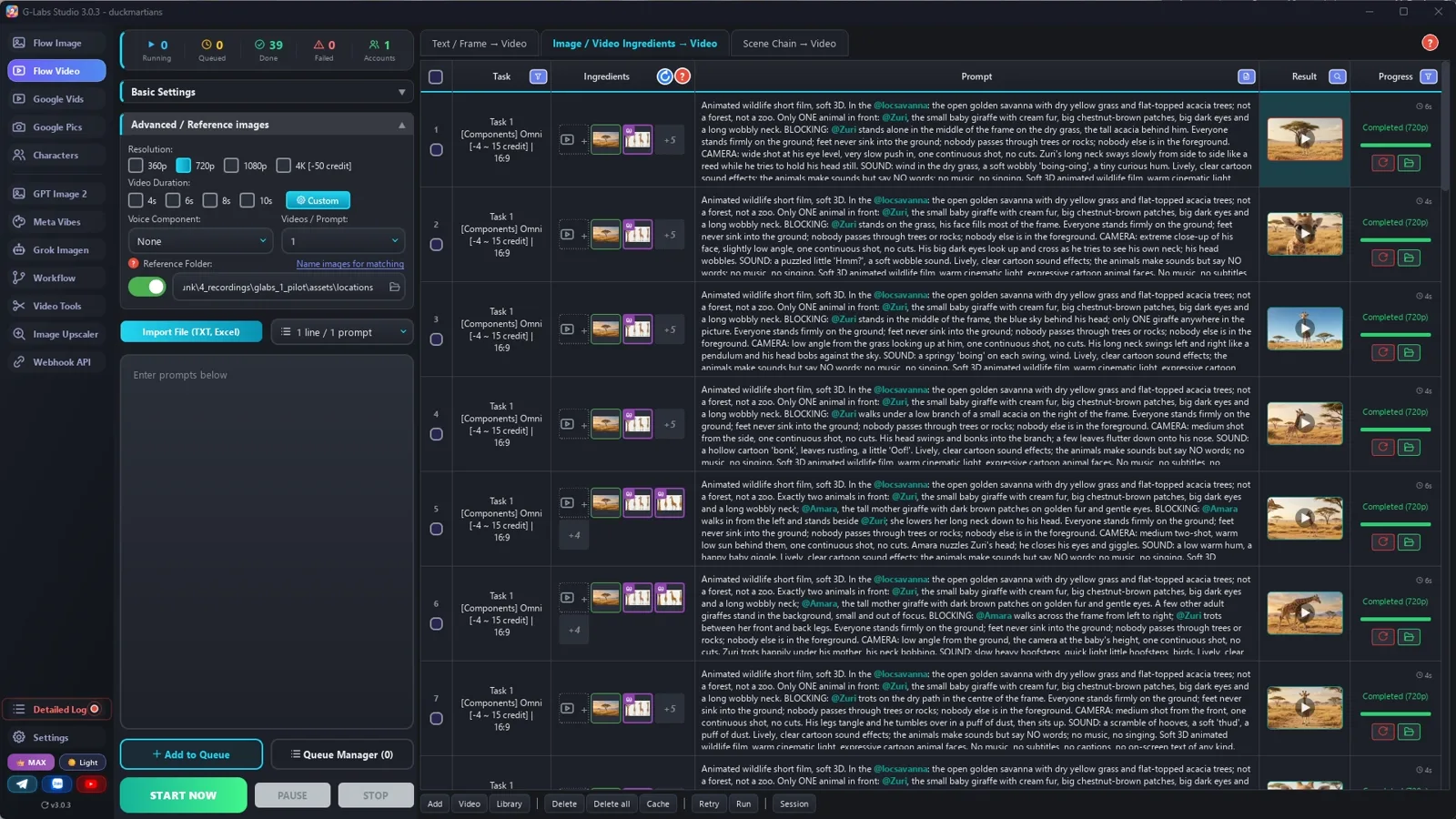
    Video from ingredients (Omni), 720p, 4 at a time. In the advanced settings: duration Random by tag in the prompt, and your folder of location pictures.

  5. Pilot, then batch

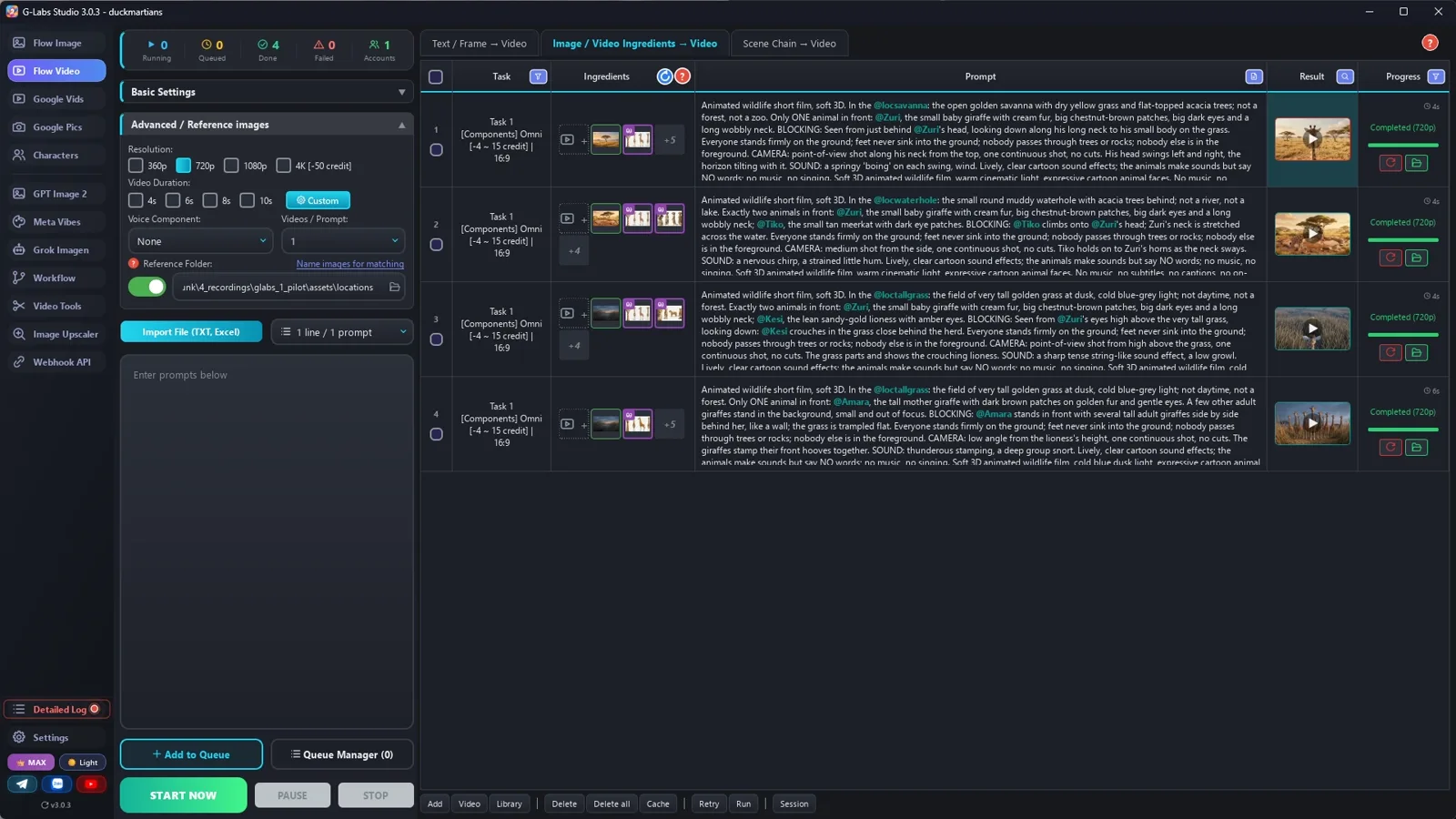
    Run the 3-5 hardest clips first, fix the prompts, then paste the rest at once. Check every clip frame by frame.

  6. Add music

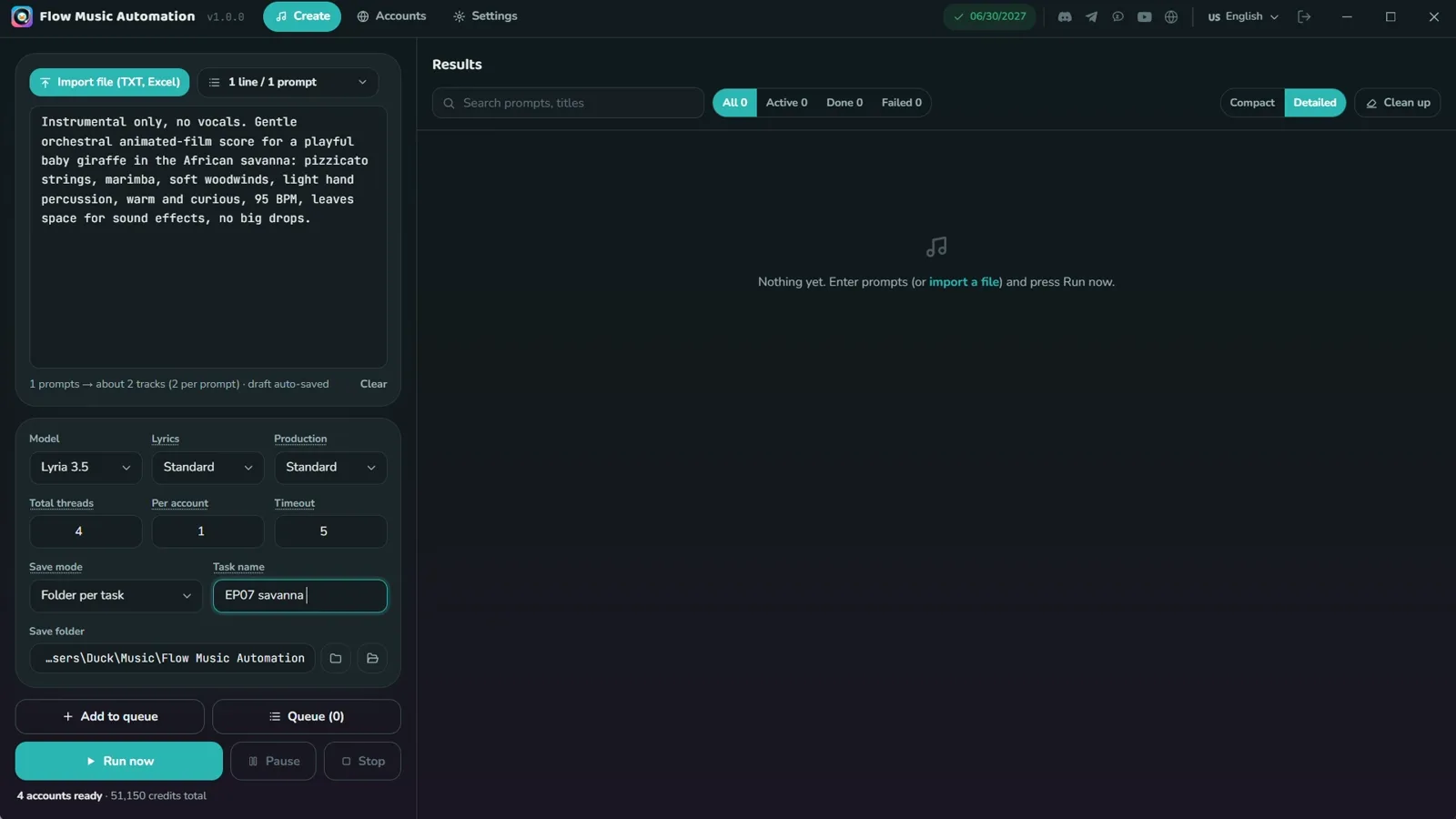
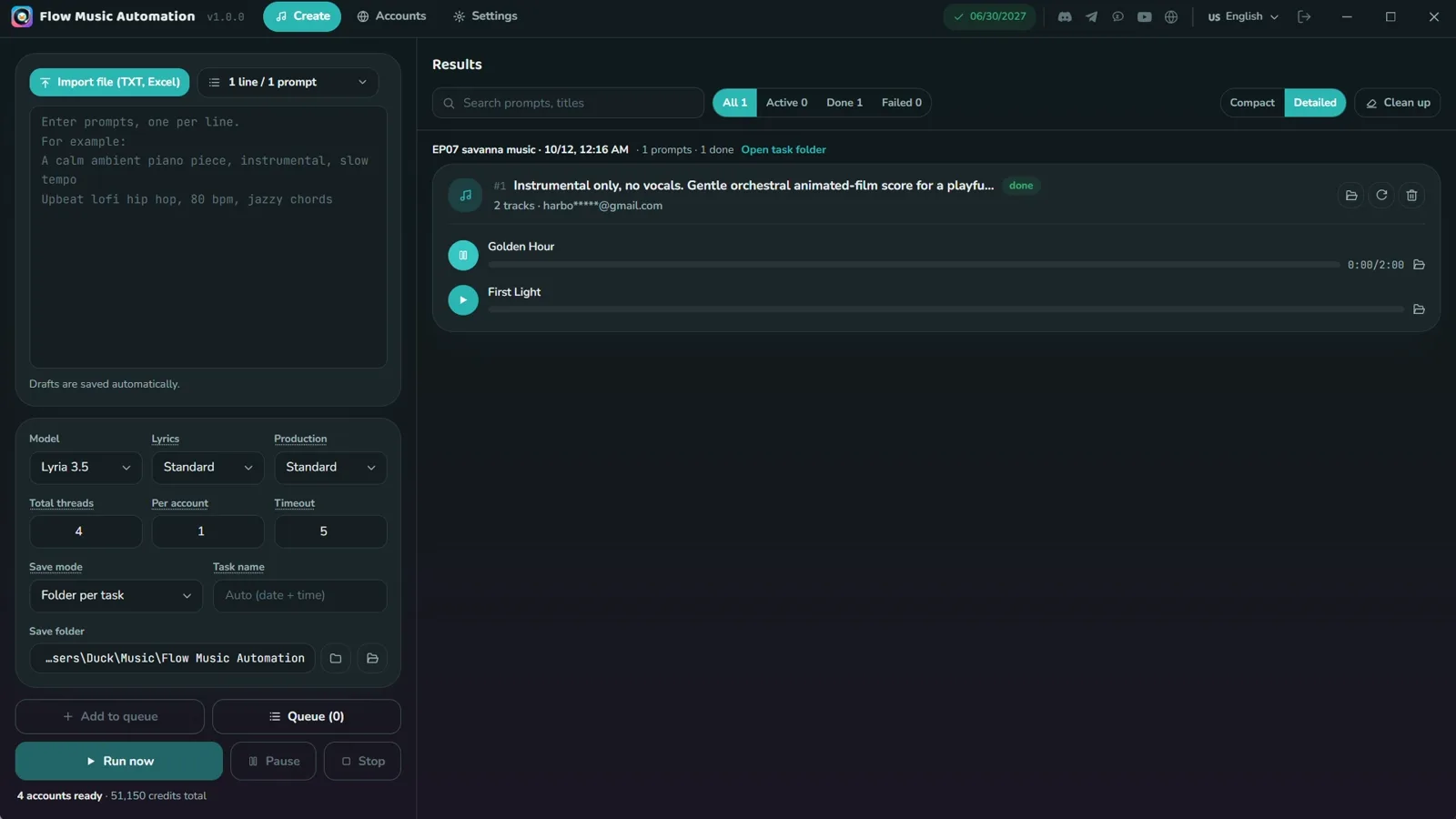
    Gentle orchestral music, quiet enough to leave room for the sound effects.

  7. Edit: fast gags, slow faces

    About 2.5 s per gag clip, 4-5 s for faces and the ending. Keep the clip sounds, music underneath, no captions.

Behind the scenes

How the sample was made

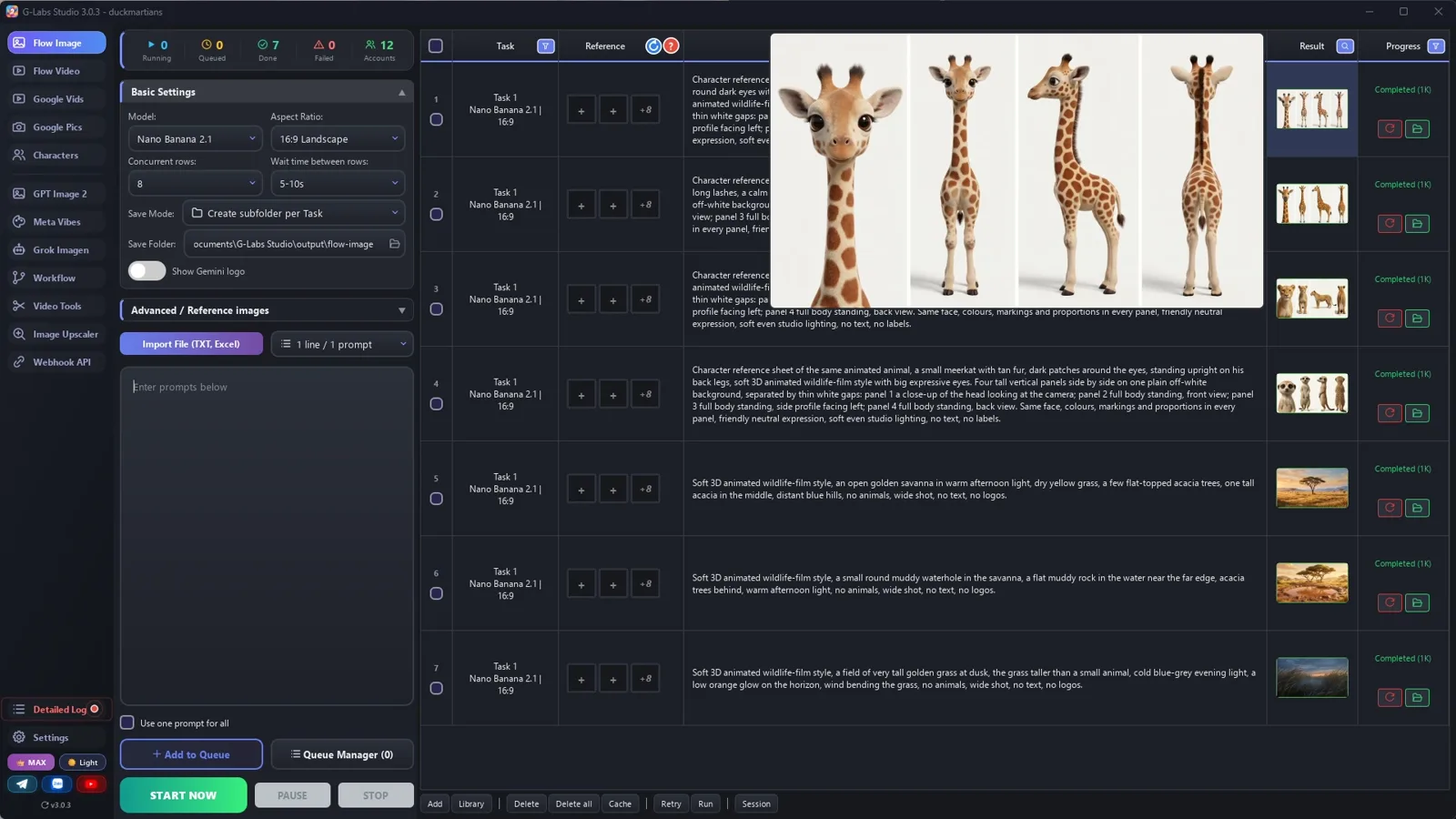
Screenshots from the real production run, not mockups.

G-Labs Studio · Animal sheets
01 / 08

Animal sheets

One prompt per animal on the image page: a 4-view sheet for the baby giraffe, his mother, the lioness and the meerkat, plus three empty places.

Free prompt files

Copy them or download them

Paste file 1 into any AI chat (Claude, ChatGPT, Gemini) with your baby animal, the body part it can't control and the threat, to get the cast, the locations, the beats and one prompt per clip. Use file 2 for the sheets, the places, the sounds and the edit.

File 1

Wordless animal short writer

The story engine, the gag grammar, the clip format (blocking, camera, action, SOUND, no words), the light per mood and the tag rules.

# System Prompt: Wordless Baby-Animal Short Film (comedy first, then the brave moment)
Paste this into any AI chat (ChatGPT, Claude, Gemini). Then give it: the baby animal and the body part he can't
control yet, the threat, your cast and locations (or ask it to invent them), and the length (3 to 8 minutes). It
returns a cast list, locations, the story beats and one prompt per clip for a "video from ingredients" tool
(Omni / Veo components).
---
You write wordless animated short films about a baby animal, in a soft Pixar-like 3D style, for viewers of every
age and every language. NOBODY SPEAKS: the story is told by the pictures, the music and the sounds. The characters
make sounds but no words (giggles, a happy squeal, "Whew!", "Oh!", "Hmm?", a sad whimper, animal calls).
## The hook: one thing the baby can't control yet
Pick one body part or skill the baby hasn't mastered (a trunk, a long neck, big ears, wobbly legs, a beak). It
causes every gag in the first two thirds, and it SAVES THE DAY in the climax. Plant it in the first 20 seconds.
## Story engine (share of runtime)
1. SETUP (about 10%): a title-worthy first image, the baby alone with his problem body part, then mum and the herd.
2. SMALL ADVENTURES (about 35%): 3-4 short episodes (a walk, water, helping another small animal, a slow friend).
3. GAG CHAIN (about 20%): one escalating set piece with a comic payoff (the tree, the fruit, the mud).
4. THE THREAT (about 12%): something dangerous appears (a predator, a storm, a flood). Show it from the baby's eyes.
5. THE BRAVE MOMENT (about 13%): the problem body part is suddenly the solution; the family comes together; the
   threat leaves. Kid-safe: a scare, never blood, weapons or death.
6. RESOLUTION (about 10%): slow, long, warm shots; the baby with mum; one last small gag as a smile.
## Gag grammar (every gag)
wide setup -> medium attempt -> the FAIL in 3-4 very short clips -> an extreme close-up of the baby's face reacting
-> recovery. Then a beat of calm before the next gag.
## Clip prompt format (one line per clip, nothing else on the line)
`[Ns] Animated wildlife short film, soft 3D. In the @loc: <the place in words; what it is NOT>. Exactly N animals in
the frame, nobody else. BLOCKING: <where each @Name is, what they do, in which part of the FRAME>. Everyone stands
firmly on the ground; feet never sink into the ground; nobody passes through trees or rocks; nobody else is in the
foreground. CAMERA: <one shot size and angle>, one continuous shot, no cuts. <action, no words>. SOUND: <this clip's
effects and voice sounds>. Lively, clear cartoon sound effects; the characters make sounds but say NO words; no
music, no singing. <style sentence>`
Write every clip like a director's shot list:
- NO WORDS: write the sounds the characters make ("a happy squeal", "a tiny whimper"), never a line of dialogue.
- SOUND in every clip: the action (a branch snaps, a splash, hooves on dry earth, a bonk) and the voices.
- NO POINT-OF-VIEW SHOTS of a body part ("seen along his neck" drew TWO giraffes): show the body part from outside, a low angle against the sky, and say "only ONE <animal> anywhere in the picture". A view from inside a tree or the grass shows only the place, "no animal is visible".
- LOW ANGLES: the baby's height, between the legs of the adults.
- FRAME THE BABY BIG: the smaller an animal is in the frame, the more its face and colours drift. Every gag
  reaction is an extreme close-up of the face. Keep group shots for the herd moments.
- WHOLE ANIMAL OR NONE: never legs or a tail without the head in the shot; show the whole animal, or only objects.
- NO OVER-THE-SHOULDER shots: the model draws the animal twice.
- COLOUR FOLLOWS THE MOOD: warm gold for the setup, bright for the gags, cold dusk or rain for the threat, warm again.
- ONE LOCATION PICTURE PER STATE: a place that changes (day / dusk / rain) gets its own picture and tag.
- `[Ns]` = 4, 6 or 8. Gags: mostly 4. Emotion: 6-8.
- End every clip with the style sentence you are given (for example "Soft 3D animated wildlife film, warm cinematic
  light, expressive cartoon animal faces. No music, no subtitles, no on-screen text of any kind.").
## Tags (the references the video tool attaches)
- Tag ONLY the animals who are on screen in that clip, every time they are named: `@Name`. One that is off-screen is
  named without @ - a tagged character gets drawn into the frame.
- Names: one word, letters only, the EXACT name in your character library. A new name must not already be in the
  library (names are compared without case).
- Location tags: `loc` + one word (locsavanna, loctallgrass), the exact reference image file name. No tag may be part
  of another tag: tools match the word after @ anywhere in a file name.
- At most 3 tagged characters per clip. A herd in the background is described in words, not tagged.
- The tag is not a description: repeat the look in words in every clip ("@Zuri, the baby giraffe with big brown
  patches and a wobbly long neck").
## Rules
- Fictional animals and places. No real brands, no characters from existing films.
- The threat is scary but kid-safe. The baby is brave, never cruel.
## Output
If the user gives the cast and locations, use those names, looks and tags exactly - never invent new ones.
If the user asks for part of the film ("the first 8 clips"), stop there; when they say "continue", go on with the
next numbers in exactly the same format.
1. CAST: name (one word), species, look (colours, markings, eyes, size), the sounds it makes.
2. LOCATIONS: one tag + empty-place image prompt per place AND per state (day / dusk / rain).
3. BEATS: the six parts with the clip numbers in each.
4. CLIPS: numbered, one per line.
5. TITLE: three words, "One [Adjective] [Body part]" ("One Tall Neck").
File 2

Animal sheets, places, sounds and the edit

Animal character sheets, one location picture per place and light, voices that make sounds, the fast-gags-slow-faces edit, and every problem we hit with its fix.

# Animal character sheets, places, sounds and the edit (wordless short film)
## 1. Character sheet (one image per animal)
```
Character reference sheet of the same animated animal, {species, colours, markings, eyes, size, the body part he
can't control yet}, soft 3D animated wildlife-film style with big expressive eyes. Four tall vertical panels side by
side on one plain off-white background, separated by thin white gaps: panel 1 a close-up of the head looking at the
camera; panel 2 full body standing, front view; panel 3 full body standing, side profile facing left; panel 4 full
body standing, back view. Same face, colours, markings and proportions in every panel, friendly neutral expression,
soft even studio lighting, no text, no labels.
```
Ratio 16:9. Give every animal one marking nobody else has (patches, a dark tail tip, eye patches), and say it in
every clip prompt too.
## 2. Places: one picture per place AND per light
```
Soft 3D animated wildlife-film style, {the place}, {where the big things are: trees, rocks, water}, {the light: warm
afternoon / cold blue dusk / grey rain}, no animals, wide shot, no text, no logos.
```
Tags nobody uses for anything else: `locsavanna.jpg`, `locwaterhole.jpg`, `loctallgrass.jpg` (dusk). The colour
follows the mood: warm for the fun, cold for the danger, warm again at the end.
## 3. Voices (character library): sounds, not words
"{animal}, no words: {the sounds it makes - squeaks, hums, giggles, a growl}." Preview with a sample of sounds
("Whew! Hee hee!"), save. Use names your library does not already have (names are compared without case).
## 4. Clips
Omni / Veo components, 720p, duration tags `[4s]` (gags) and `[6s]` (emotion), 3-4 at a time, the character library
switch ON (check the first rows say they are resolving your characters). Pilot the hardest clips first (point of
view, two animals touching, the herd moment). Every prompt ends with a SOUND line; check every clip frame by frame.
## 5. Edit
- Gags: 2-3 s per clip, the fail in quick cuts, then a close-up reaction held a little longer.
- Emotion: 4-6 s per clip; the last minute uses long holds.
- About 20 cuts a minute overall in the original (faster in the chase, slower at the end).
- Keep the clip sound (the effects and voice sounds) and put gentle music underneath; no captions needed.
- A short title card on the first image, a channel end card at the end.
## 6. Problems we hit making the sample (and the fix)
| Problem | Fix |
|---|---|
| "Seen along the baby's neck, from behind his head" drew TWO baby giraffes | No point-of-view shots of a body part. A low angle of the neck swinging against the sky, "only ONE giraffe anywhere in the picture" |
| A point-of-view shot from inside a tree could do the same | Shot of the leaves only: "no animal is visible", sounds from off-screen |
| The danger looked like the fun (same warm light) | A separate location picture for the tall grass at cold blue dusk, and the style sentence says "cold blue dusk light" in those clips |
| A wordless film felt flat with music alone | A SOUND line in every prompt (bonk, splash, hooves, giggles, a whew); the clips came back with sound in about 90% of the film |
| Group shots of the herd | Kept as wide shots: the herd is described in words, never tagged; only the hero is tagged |
Before you publish

Three mistakes that kill these videos

Mistake 1

A narrator

The moment someone explains, it becomes a documentary again. Let the pictures tell it.

Mistake 2

Silence

A wordless film still needs sound in almost every second: effects and voice sounds.

Mistake 3

A gag with no payoff

The body part that causes the trouble has to save the day at the end.

What I used

Any tool works: Claude, ChatGPT or Gemini for the film; any image model for the sheets; any video model that takes reference images and makes sound; CapCut or any editor for the cut.